




A) Introduction and Material Overview
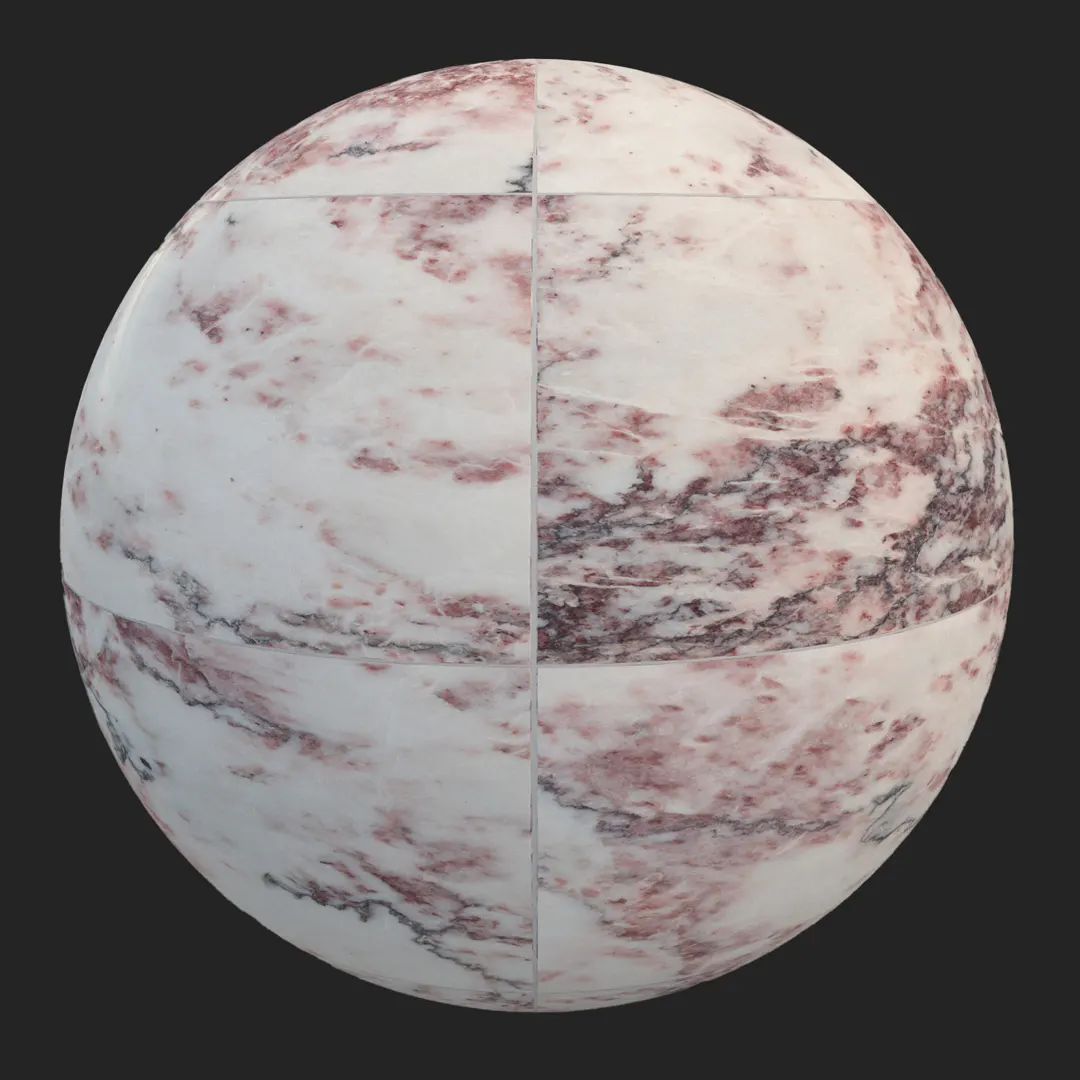
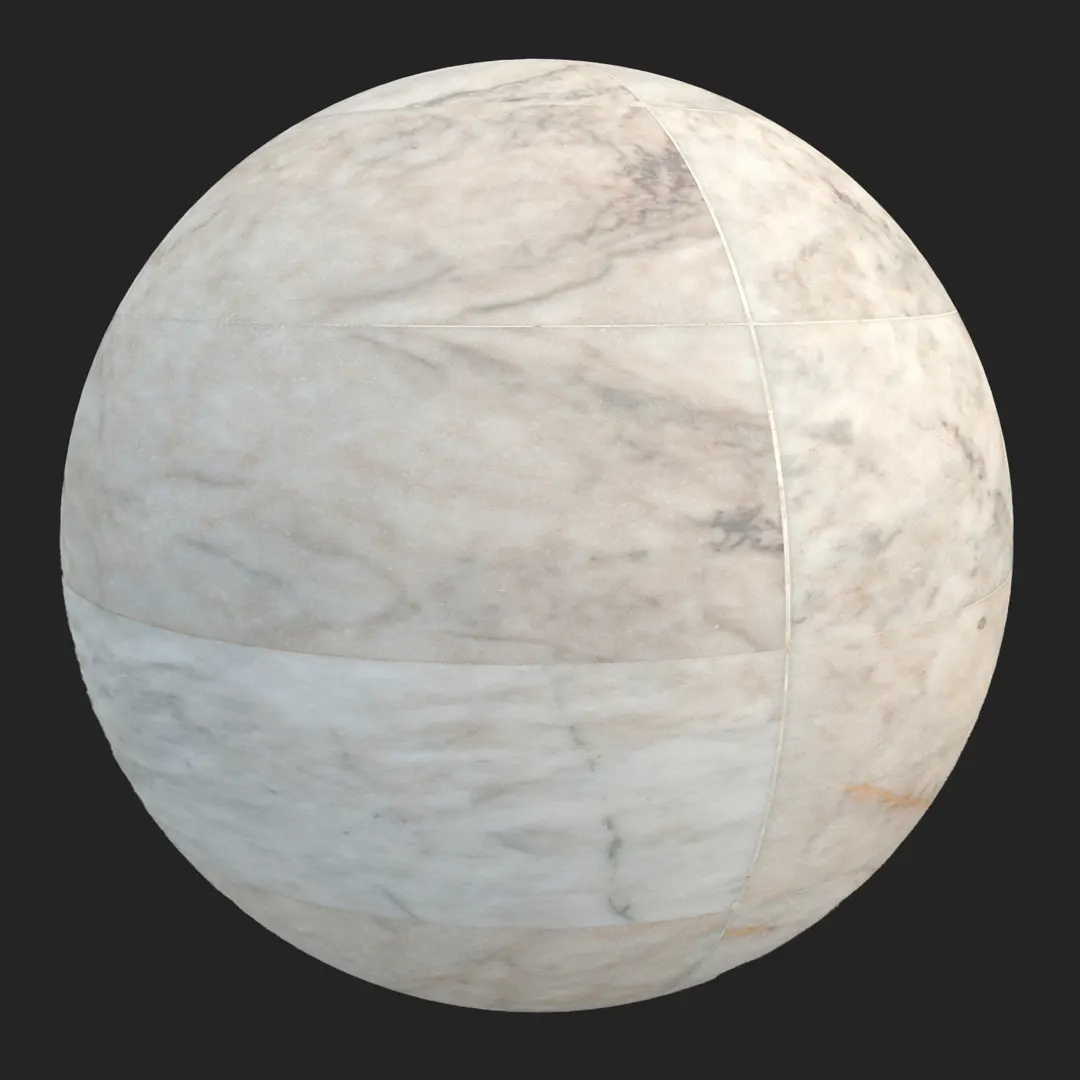
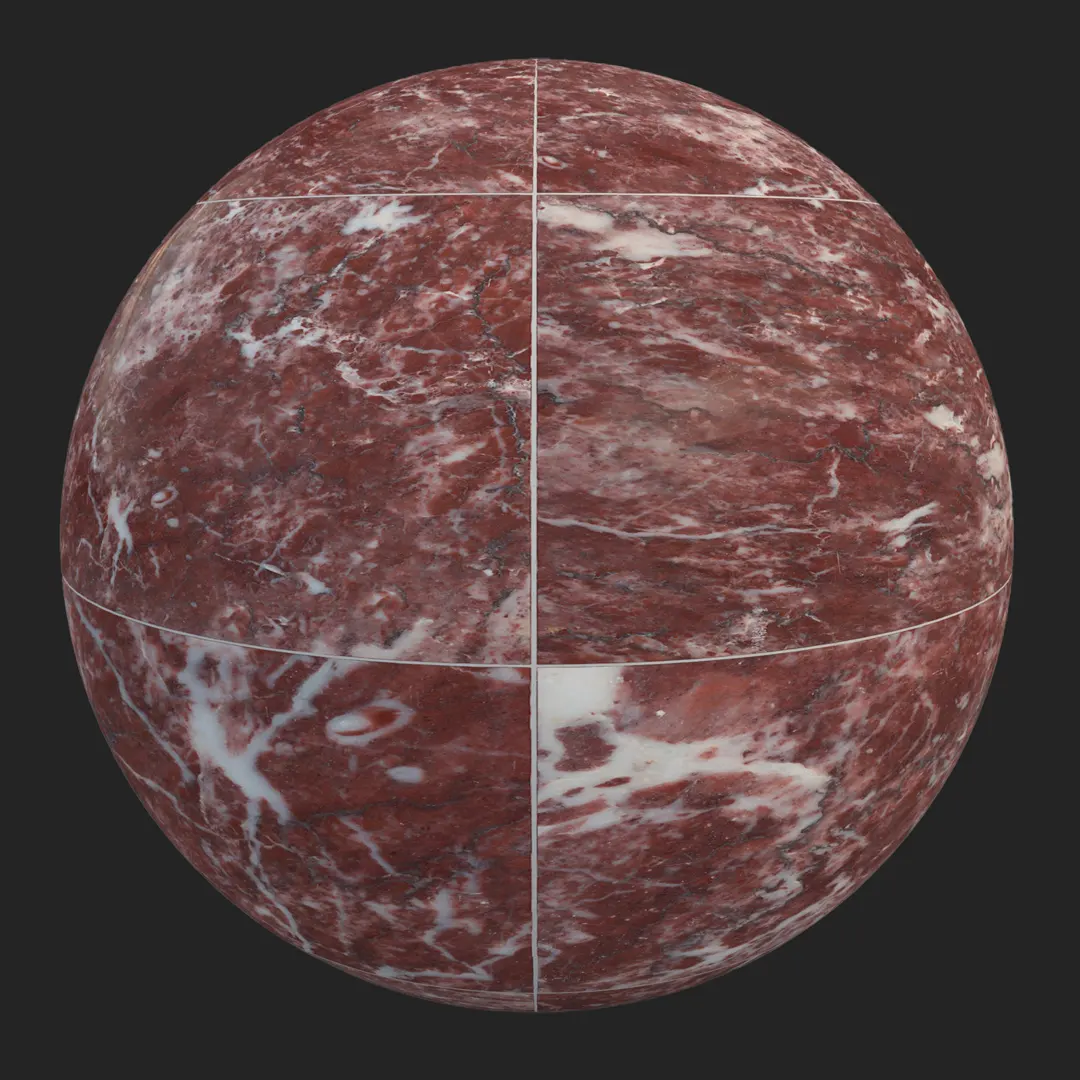
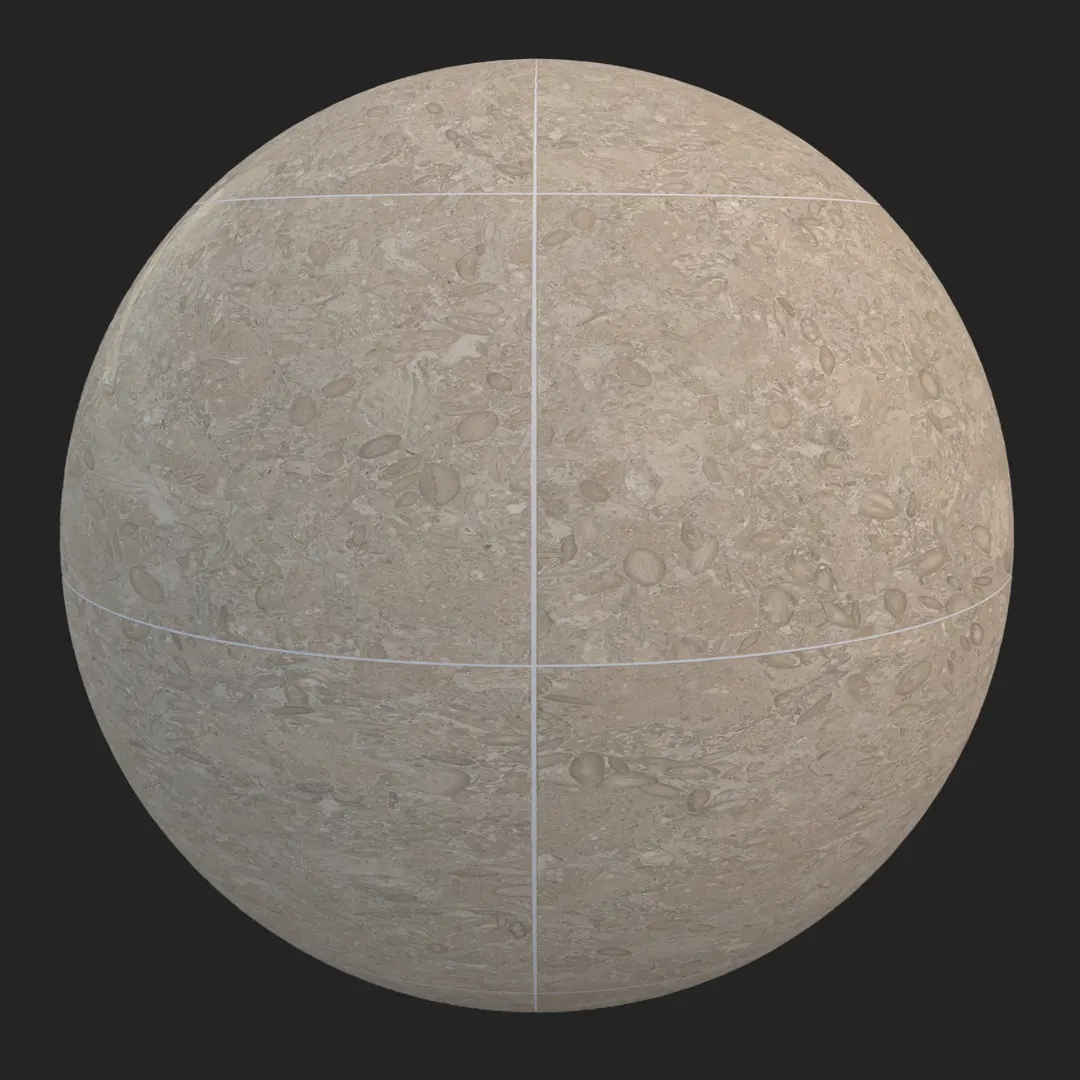
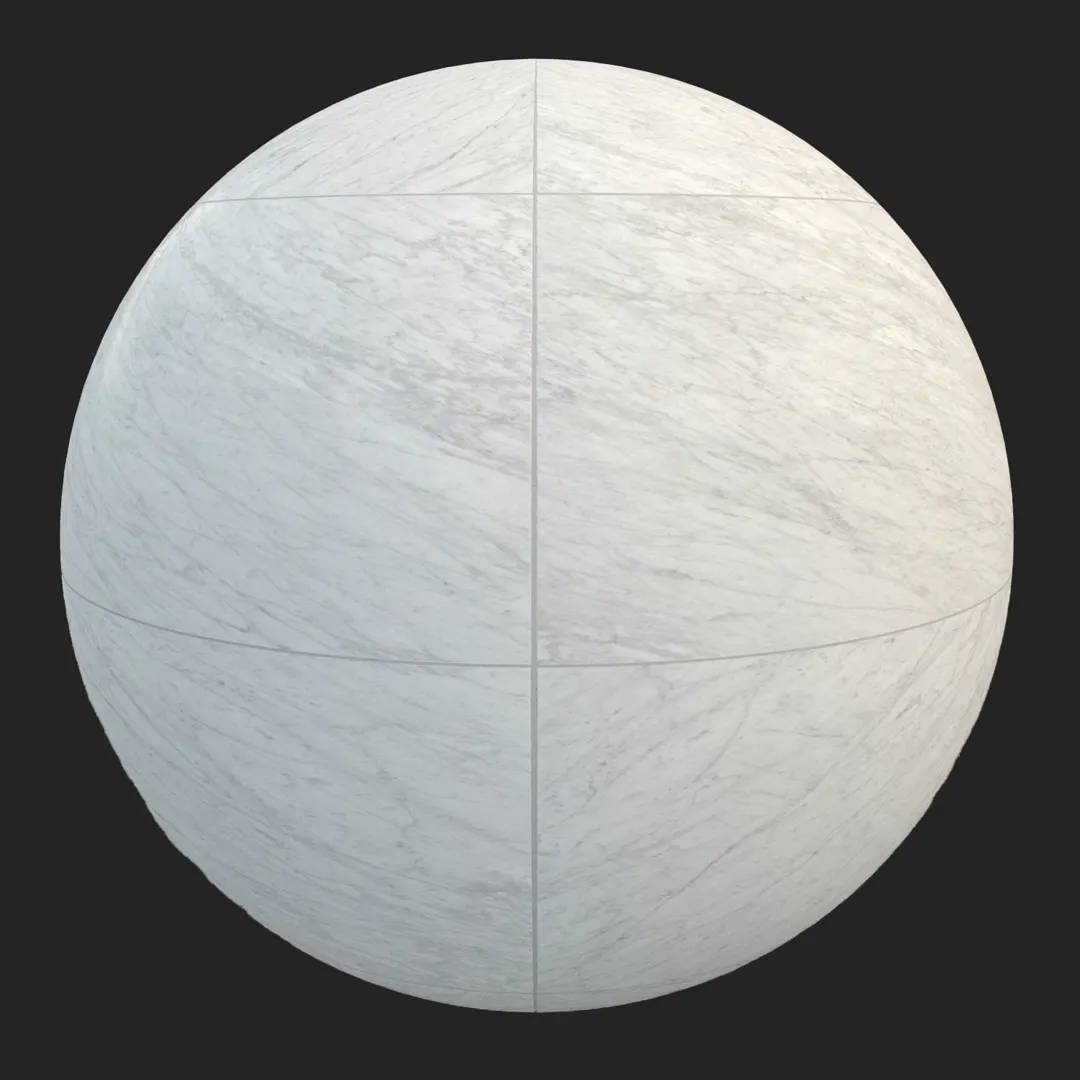
This premium limestone inspired porcelain tile offers a sophisticated, neutral foundation for high-end architectural visualizations. Featuring a refined, matte surface with delicate fossil inclusions and subtle tonal variation, it mimics the character of natural stone while providing the consistency of a rectified porcelain product. Architects and 3D artists will find this limestone look tile particularly effective for creating clean, airy spaces that require a sense of permanence and understated luxury. Its light beige and off-white palette provides a neutral canvas that doesn’t compete with complex lighting setups, making it a reliable workhorse for interior design workflows.
B) Best Uses in Real Projects
In residential design, this material excels in open-plan living areas, spa-style bathrooms, and minimalist kitchen backsplashes where continuous surfaces are desired. The medium-scale pattern is optimized for large floor areas, ensuring a believable scale without distracting repetition. For commercial projects, its durability and sophisticated aesthetic make it an ideal choice for hotel lobbies, high-end retail environments, or corporate reception areas that require a professional, serene atmosphere. Unreal Engine artists can use this for modern architectural interiors or sterile laboratory environments, where the high-resolution texture maps provide enough detail to hold up under close-up camera angles. While well-suited for covered exterior terraces, it should be avoided in high-traffic, industrial-grade utility spaces where heavy-duty concrete or slip-resistant industrial flooring might be specified instead.
C) Design Pairing and Style Fit
This material is perfectly at home in minimalist, Scandinavian, and Japandi interiors. It pairs exceptionally well with natural textures like light oak or walnut cabinetry, providing a soft contrast to wood grains. For modern metal accents, consider matte black fixtures for a high-contrast look or brushed gold for a softer, more luxurious appeal. The tile’s neutral undertones also allow it to sit comfortably alongside raw concrete or plaster walls. Avoid pairing this tile with overly busy, high-contrast decorative patterns, as the beauty of this stone-look porcelain lies in its restrained, elegant simplicity.
D) Rendering and Technical Notes
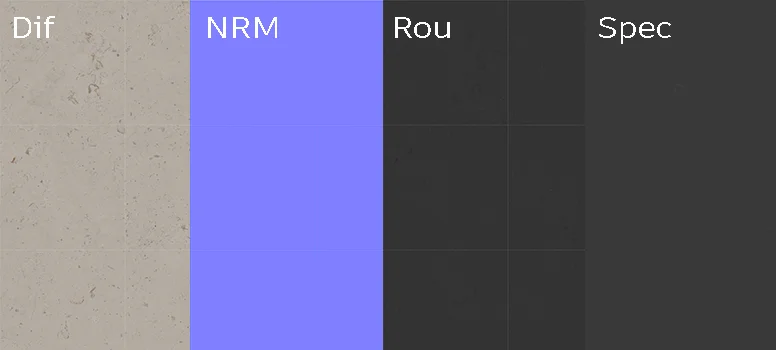
This PBR texture set is engineered for realistic light response. The matte finish features a low-gloss value that captures soft highlights without creating distracting specular blooms. The included normal map captures the fine-grained topographic relief of the stone, which is essential for preserving detail during grazing light angles or close-up macro shots. In Unreal Engine, ensure your project settings utilize the roughness map to break up reflections across the floor surface. Because of the rectified, clean joints, you can easily tile this material across large surfaces without significant concerns regarding unwanted visible seams or tiling patterns.
Save Time with AfterBox
Browse, download and apply materials directly in Unreal Engine, V-Ray and Corona.
E) Dirt, Dust, and Weathering Options
To elevate the realism of your scene, consider adding a subtle layer of environmental grime. For interior shots, a light dust pass in the grout lines can ground the floor, making it look lived-in rather than “brand new.” In exterior settings, introduce minor edge darkening or localized mineral efflorescence along the joints to simulate exposure to the elements. While the material is designed to look pristine, these small additions prevent the “perfect CG” look, which is crucial for achieving photorealism in high-quality archviz. Keep the surface clean for luxury showroom visualizations, but don’t hesitate to add character for narrative-driven interior scenes.




F) Ready Material Workflow
Time is often the most restricted resource in production. To streamline your process, we offer ready-made material configurations for V-Ray for 3ds Max, Corona Renderer, and Unreal Engine. By bypassing the manual setup of individual PBR maps, you can focus on composition and lighting rather than node management. These ready materials are pre-calibrated to respond correctly to common engine lighting models, providing a consistent starting point for any project.

G) Download and AfterBox Workflow
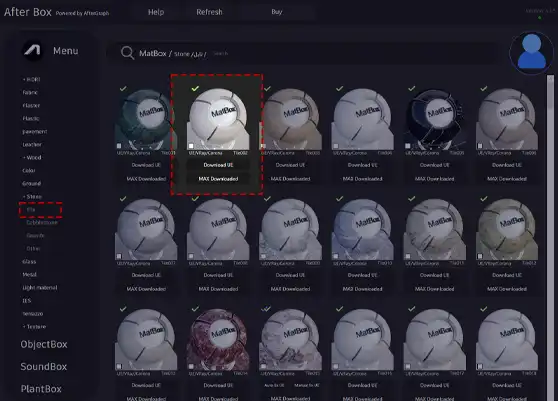
Managing architectural assets is simplified through our AfterBox application. This tool enables a fast drag-and-drop workflow, allowing you to import your material directly into your scene with all textures and shaders pre-linked. This eliminates the repetitive setup phase, letting you spend more time on design development. For more details on integrating these assets into your professional workflow, please visit https://after-box.com/pricing/
Save time on material setup
Instead of downloading this texture, use the optimized ready-made material for VRay , Corona Renderer (3ds Max) and Unreal Engine available in AfterBox.
No manual setup


