
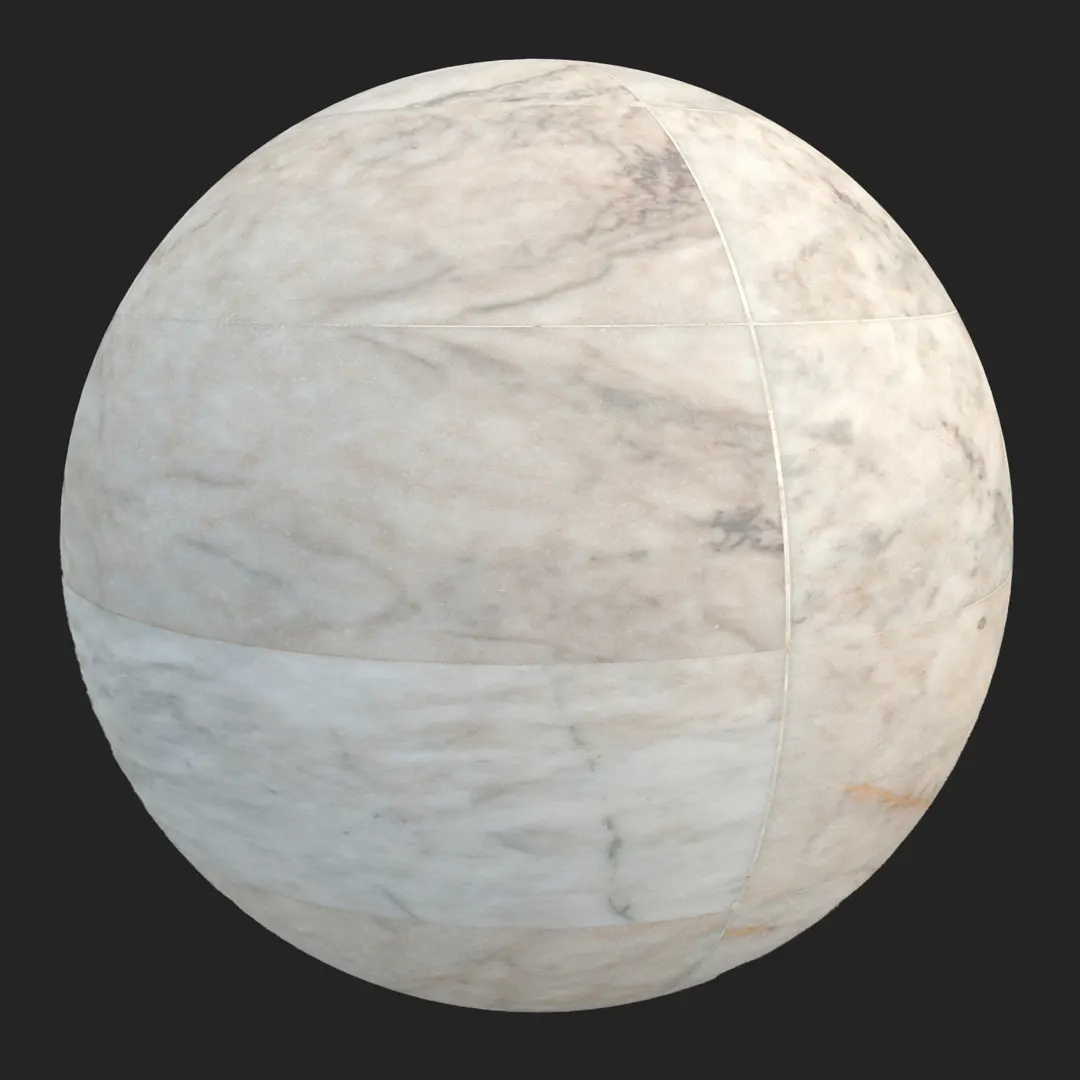


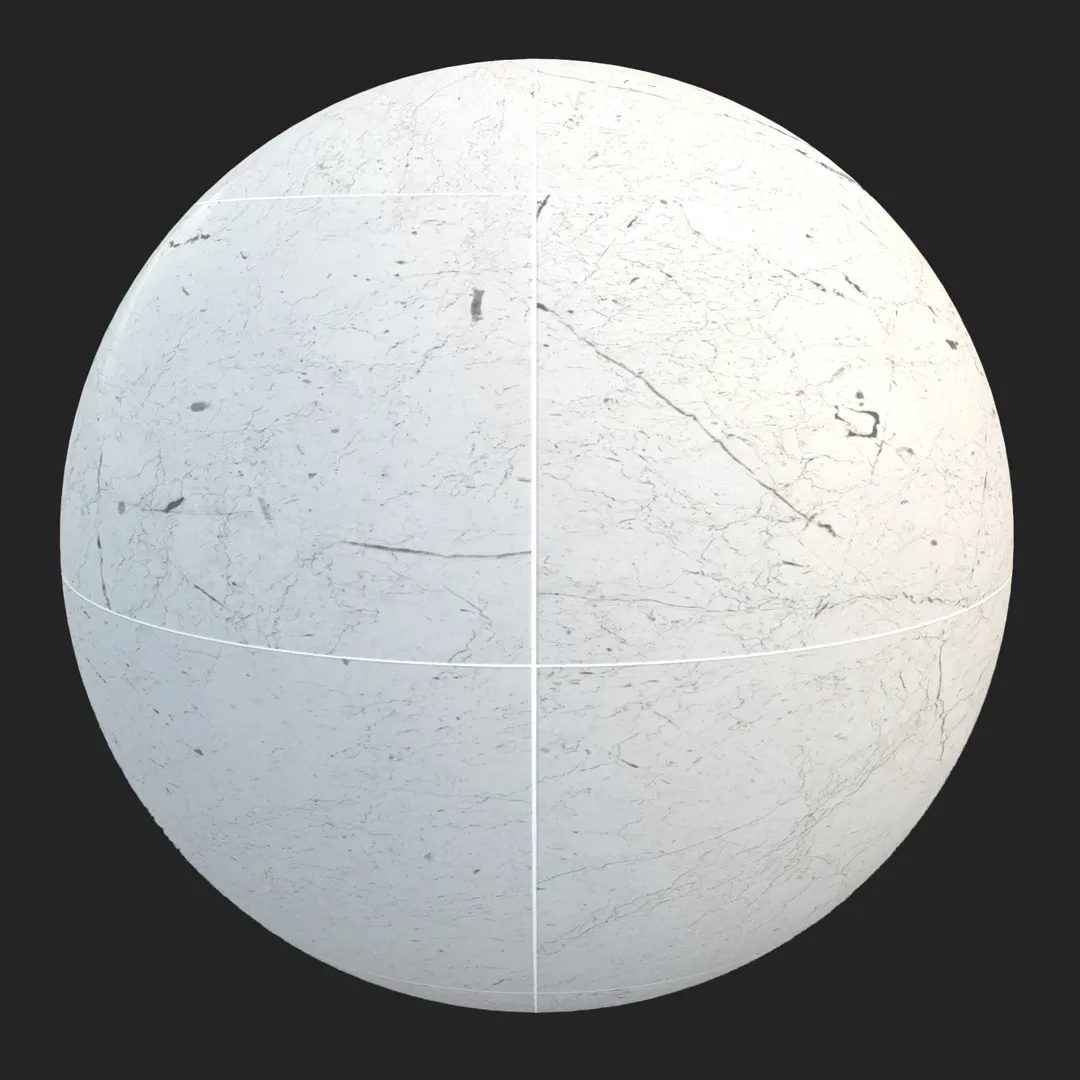
Introduction and Material Overview
By integrating this Crema Marfil marble tile into your workflow, you gain a high-resolution, seamless surface that captures the refined essence of natural stone while maintaining the technical precision required for professional-grade rendering projects.
B) Best Uses in Real Projects
This marble texture excels in luxury interior design, particularly for flooring in expansive living areas or wall cladding in spa-like bathrooms. In hospitality projects, it serves as an ideal material for hotel lobbies and reception desks where a premium, warm atmosphere is essential. For archviz staging, it provides a sense of permanent quality and high-value finishing. In game development, it is particularly useful for classical architecture, museum galleries, or high-end apartment environments where environmental storytelling demands realistic luxury materials. While versatile, it is best suited for interior applications or protected exterior spaces, such as covered porticos, rather than high-traffic, exposed outdoor zones.
C) Design Pairing and Style Fit
The warmth of this marble makes it a natural partner for a variety of design languages, including Mediterranean, transitional, and minimalist luxury styles. It pairs exceptionally well with tactile materials like brushed brass hardware, deep walnut cabinetry, or clean white plaster walls. Its neutral tone acts as a bridge between cold, minimalist palettes and warmer, classical aesthetics. However, be cautious when using this material in overtly industrial or rustic lofts, as its high-polish, sophisticated nature may clash with raw, unfinished architectural elements.
D) Rendering and Technical Notes
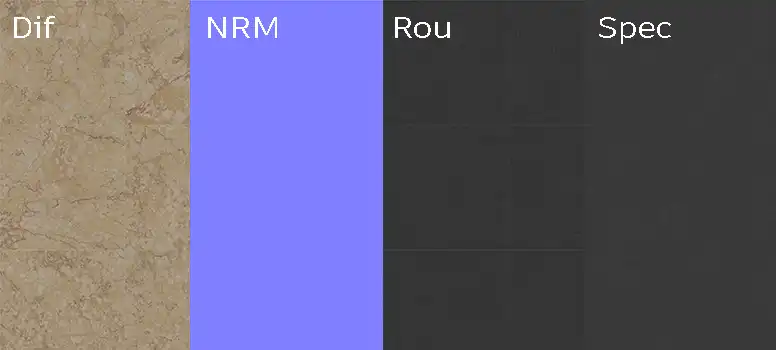
When rendering this Crema Marfil marble, the surface response to light is critical. The polished finish requires an accurate Roughness map to simulate the subtle micro-reflections that define marble. In Unreal Engine, take advantage of the included Specular and Normal maps to create realistic depth in the crystalline structure of the stone.
While the 8K resolution provides significant detail, use the following tips to ensure the best results:
* Use a procedural noise overlay for extreme close-ups to prevent the pattern from looking too uniform.
* Adjust your tiling settings if you notice repetition in large floor areas.
* Utilize the included Normal map to highlight the slight surface undulations between tiles.
For displacement, a subtle map can prevent the grout lines from looking like mere paint on the surface, adding a realistic physical depth to the joint details.
Save Time with AfterBox
Browse, download and apply materials directly in Unreal Engine, V-Ray and Corona.
E) Dirt, Dust, and Weathering Options
While polished marble is traditionally kept pristine in luxury renders, introducing subtle signs of life can drastically improve realism. For an entryway, consider adding minor surface scuffs or slight darkening in the grout lines to suggest foot traffic. In interior visualization, a light dust layer can make the environment feel lived-in rather than “staged.” Only introduce heavy weathering or aggressive staining if your project specifically requires a distressed, historical, or neglected look; otherwise, keeping the finish clean best preserves the material’s intended luxury aesthetic.




F) Ready Material Workflow
Our ready-made materials are optimized for V-Ray for 3ds Max, Corona Renderer, and Unreal Engine, significantly reducing the setup time required to achieve a professional look. By utilizing these pre-configured assets, you avoid the common pitfalls of manual material setup, such as incorrect gamma handling or improper map linking. These materials are built on robust PBR workflows, allowing you to easily adapt them to other render engines by utilizing the provided high-quality base maps.

G) Download and AfterBox Workflow
Managing your asset library should be as efficient as the rendering process itself. This material is available directly through the AfterBox application, which streamlines the integration of textures into your 3ds Max or Unreal Engine scenes. Simply drag and drop the ready material into your software to bypass repetitive material construction. For more information on how to optimize your production workflow and access our full library, visit https://after-box.com/pricing/

Save time on material setup
Instead of downloading this texture, use the optimized ready-made material for VRay , Corona Renderer (3ds Max) and Unreal Engine available in AfterBox.
No manual setup


