


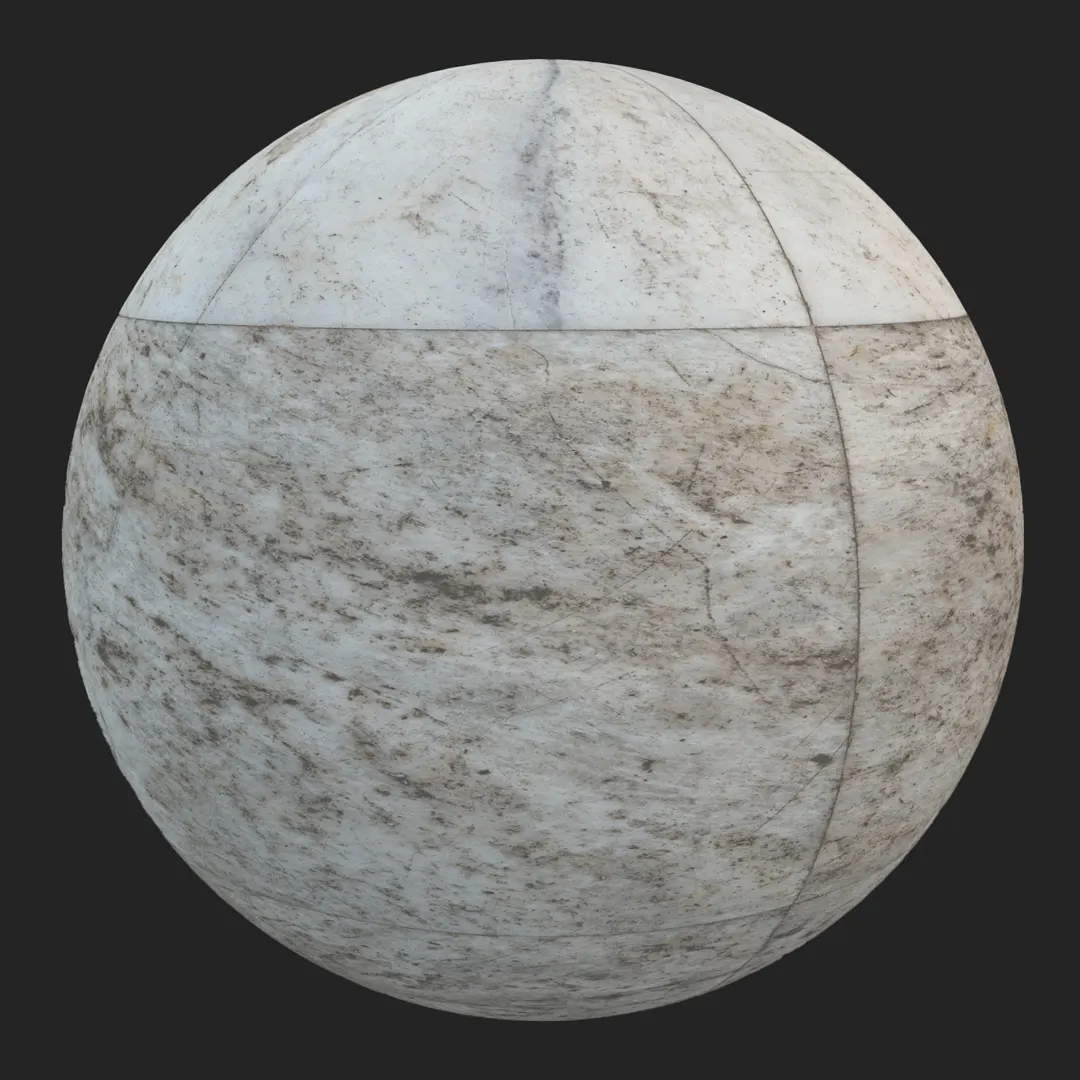
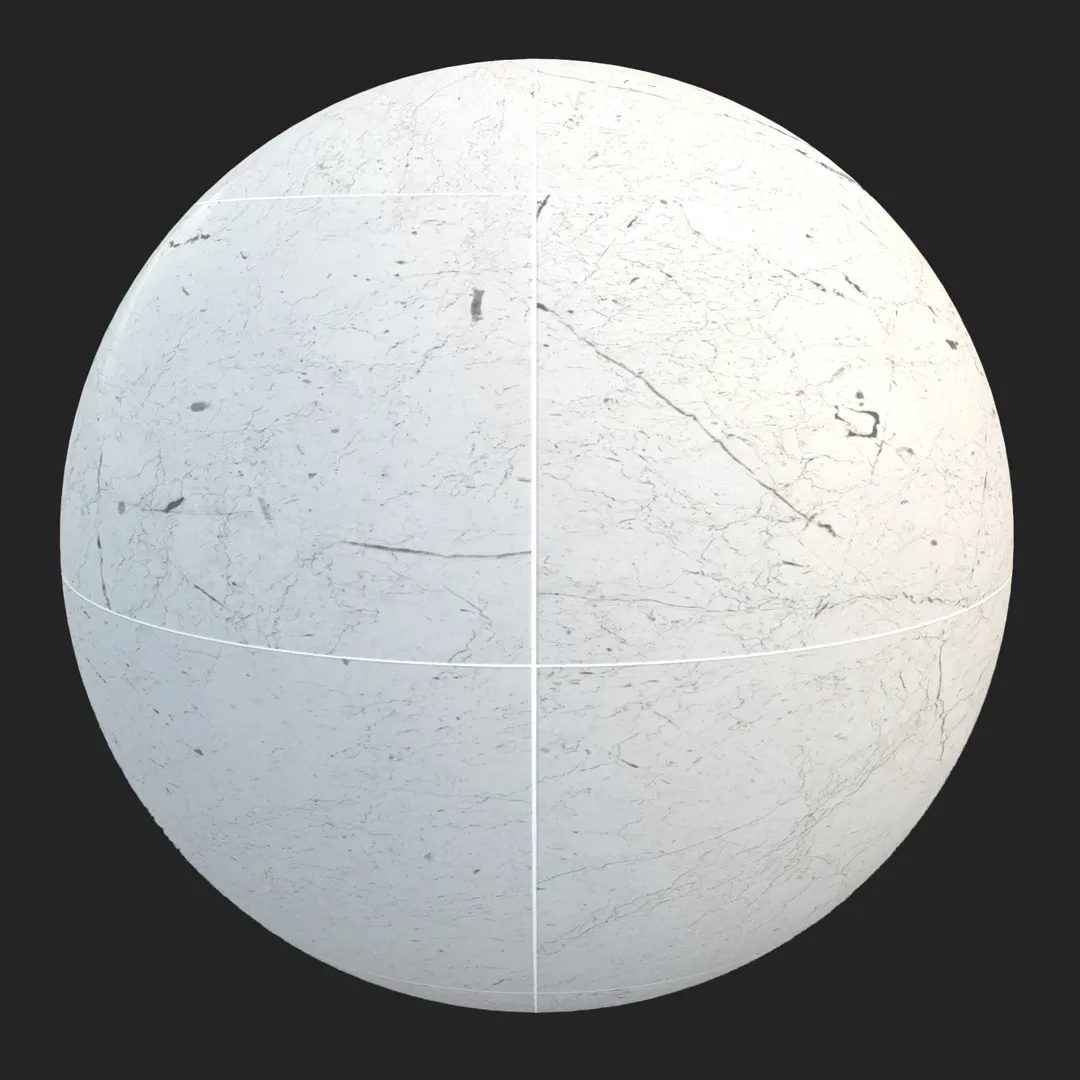
A) Introduction and Material Overview
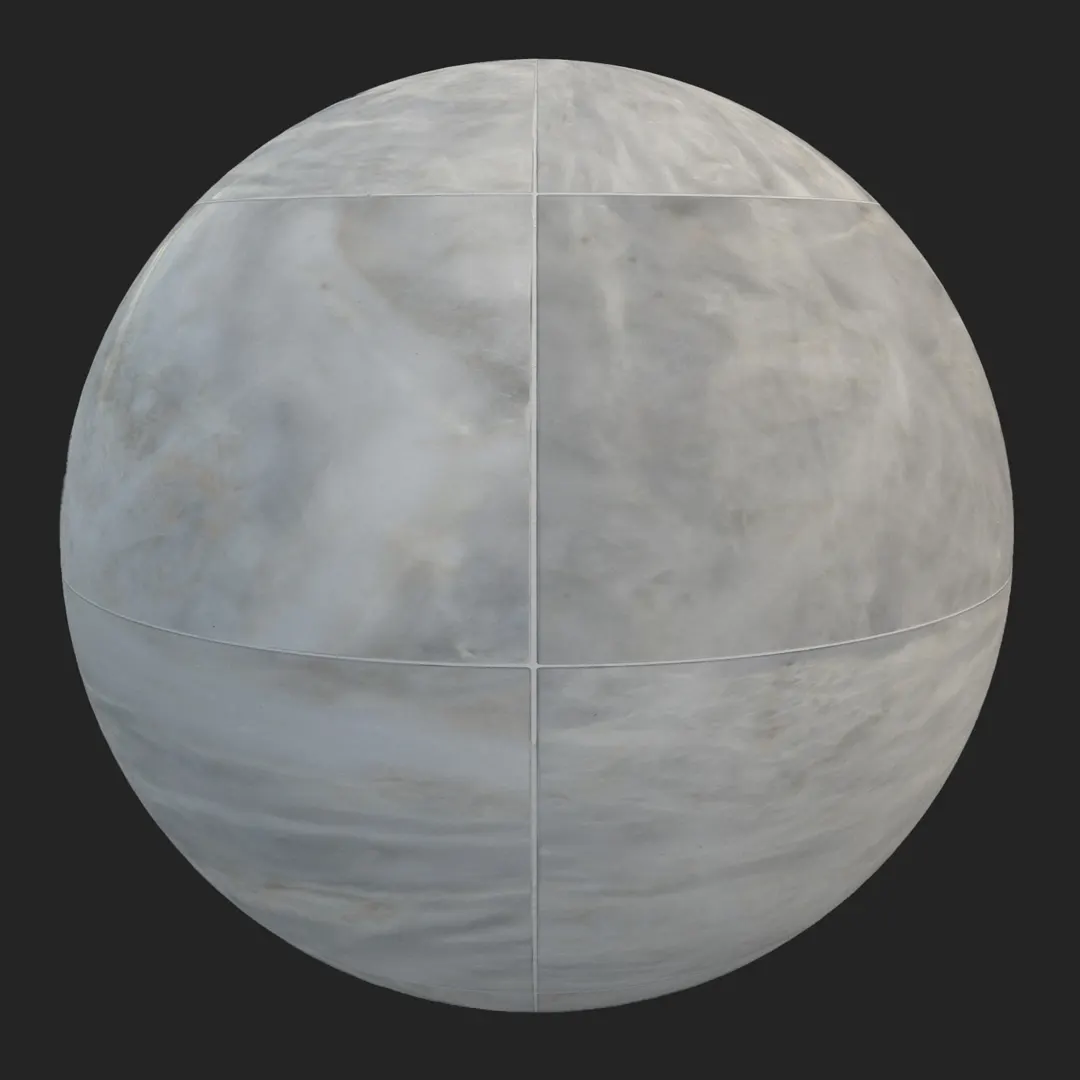
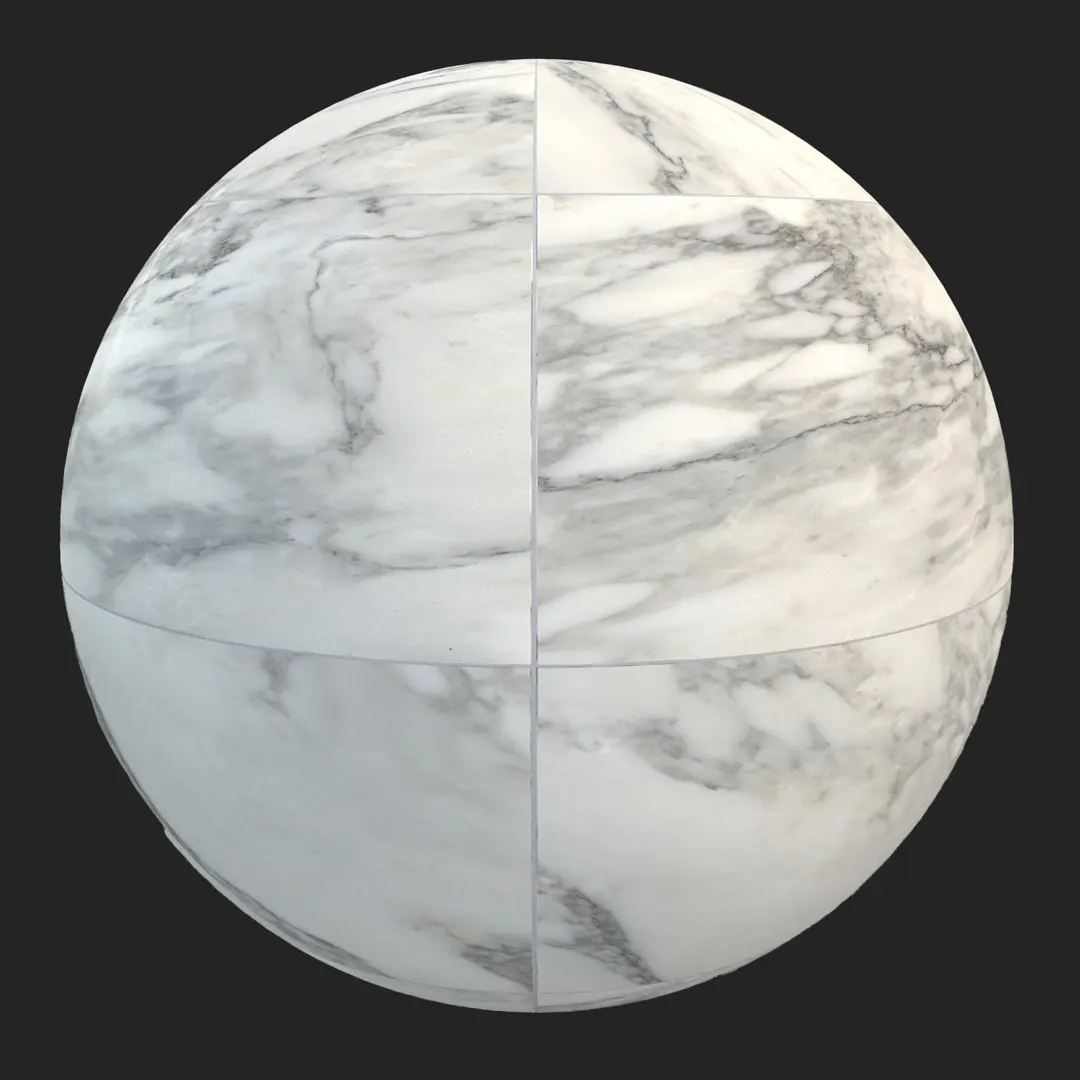
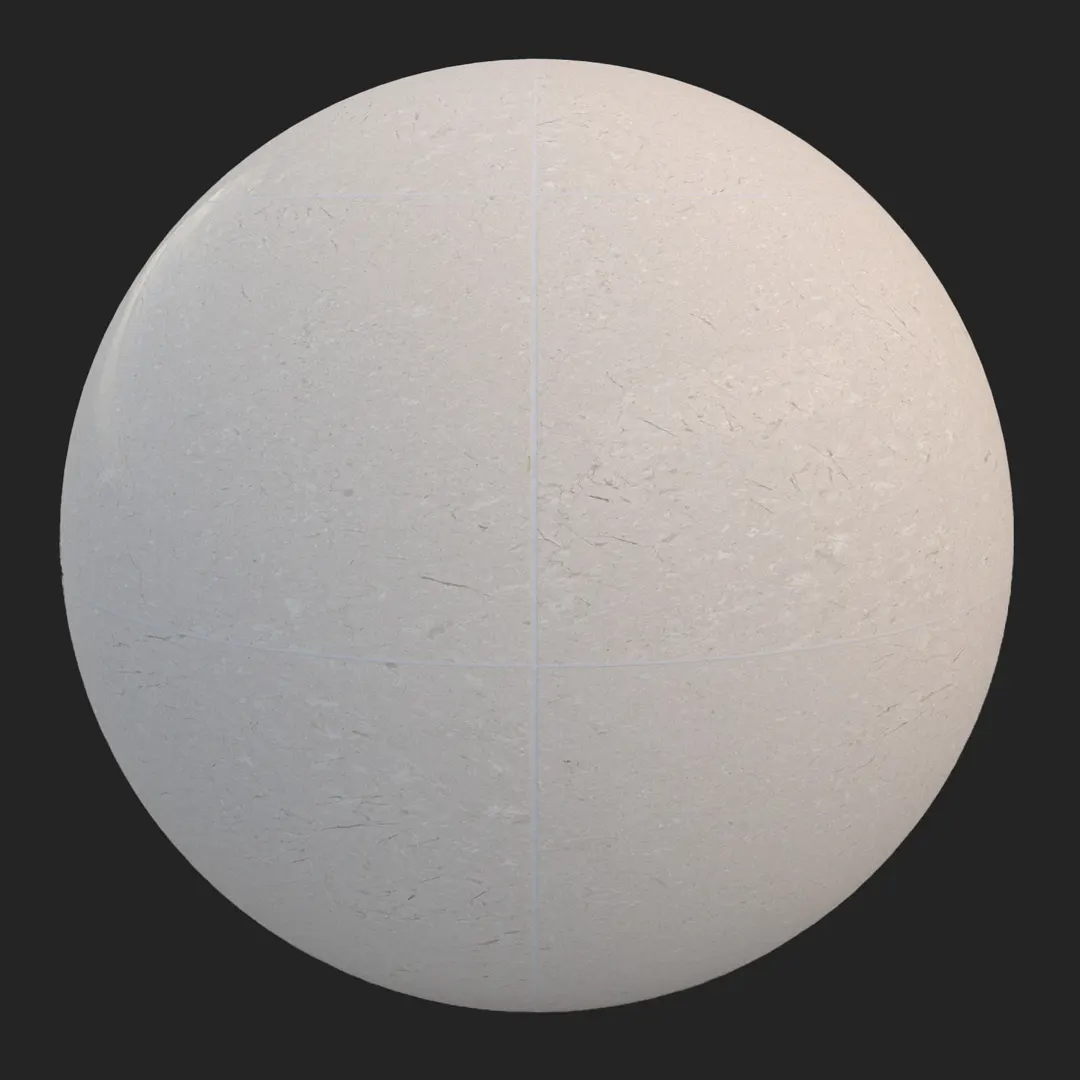
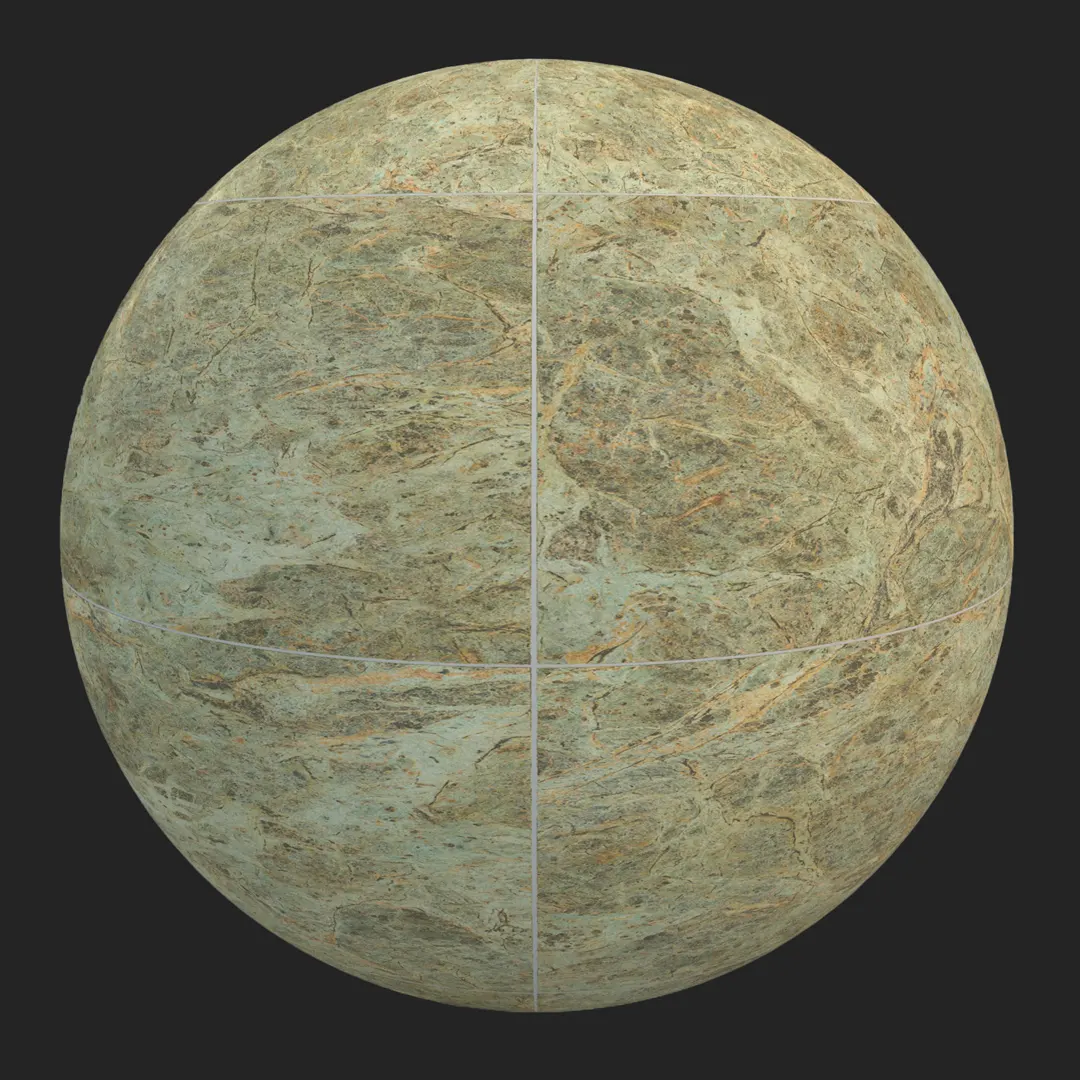
This high-quality black marble tile with white grout offers a sophisticated, high-contrast aesthetic perfect for luxury interior visualization. Featuring a polished, mirror-like finish, the material captures subtle reflections that ground a scene in reality. The natural variation in the marble’s white veining breaks up the strict geometry of the grid, ensuring the surface looks authentic rather than procedurally generated. Whether you are building a high-end bathroom or a corporate lobby, this PBR texture provides the foundational look of premium stone with the convenience of a seamless workflow.
B) Best Uses in Real Projects
In residential design, this material excels as a focal point in master bathrooms, particularly when paired with minimalist vanity units. For luxury kitchen designs, it works exceptionally well as a dark, dramatic backsplash or flooring for an island facade. Commercially, it is a staple for hotel reception areas and high-end retail storefronts where a sense of permanence and opulence is required.
For 3D artists working in game environments, this tile is ideal for creating sleek, modern sci-fi corridors or the interior of a contemporary mansion. Architectural visualizers will find it particularly effective for product staging, as the high-gloss surface naturally enhances the presentation of furniture pieces placed upon it. While suitable for covered exterior entrances, it is best avoided in high-traffic outdoor pavement areas where its polished finish would be prone to rapid scratching and safety-related slipperiness.
C) Design Pairing and Style Fit
This black marble works best within modern, minimalist, and contemporary design frameworks. Because of its cool color temperature and high reflectivity, it pairs beautifully with warm, natural materials to create a balanced contrast. Consider using it alongside:
– Brushed gold or brass fixtures for a high-contrast luxury feel.
– Light-toned oak wood to ground the dark stone with natural warmth.
– Matte white plaster or textured paint to emphasize the wall’s depth.
– Velvet upholstery in neutral greys or deep blues to soften the environment.
While visually stunning, it may feel disjointed in rustic, farmhouse, or industrial warehouse settings, where the pristine nature of the polished stone might clash with intentionally weathered or raw material palettes.
D) Rendering and Technical Notes
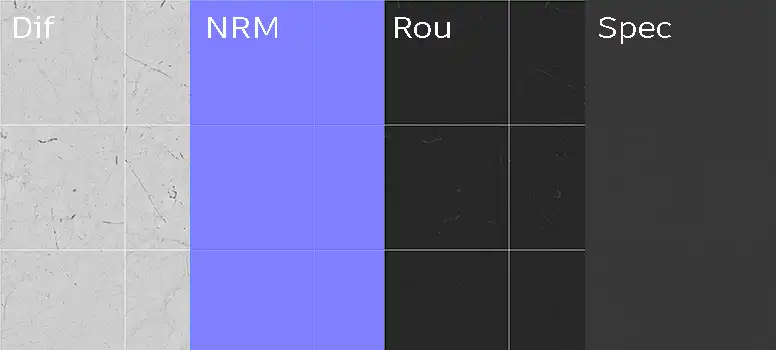
Achieving a high-end look depends heavily on the interaction between the Base Color and the Roughness map. Because this is a high-gloss material, your lighting setup should include bright emissive sources or HDRIs with clear, defined shapes to create sharp, realistic specular highlights.
The Normal map is essential for capturing the subtle height difference between the stone surface and the thin grout lines. For close-up shots, ensure your engine’s texture filtering is set to high; because the map is 8K, you have ample resolution for macro details. In Unreal Engine, remember to adjust your reflection capture actors or Lumen settings to ensure the marble reflects the surrounding scene geometry accurately, as the realism of polished stone is 90% reflection and 10% surface color.
Save Time with AfterBox
Browse, download and apply materials directly in Unreal Engine, V-Ray and Corona.
E) Dirt, Dust, and Weathering Options
A pristine, clean surface is often the goal, but adding a subtle layer of imperfection can elevate a render from “digital” to “photographic.” For interior floor applications, adding a faint noise layer or a map of fine dust accumulation can break up the perfect reflection, making the scene feel lived-in. In high-end retail or museum environments, light water spotting or minor fingerprint smudges—barely visible at a distance—can add a sense of scale and human presence. Avoid heavy weathering unless you are creating a derelict, abandoned environment, as this particular tile’s character is defined by its luxury and maintenance.




F) Ready Material Workflow
To streamline your production, we provide ready-to-use material files that bypass the manual setup of individual PBR maps. These files are optimized for Unreal Engine, V-Ray for 3ds Max, and Corona Renderer for 3ds Max. By using these presets, you eliminate the trial-and-error phase of balancing reflection and roughness, allowing you to focus on scene composition and lighting. These setups are calibrated for standard physical properties, ensuring they respond correctly to global illumination and real-world light intensity.

G) Download and AfterBox Workflow
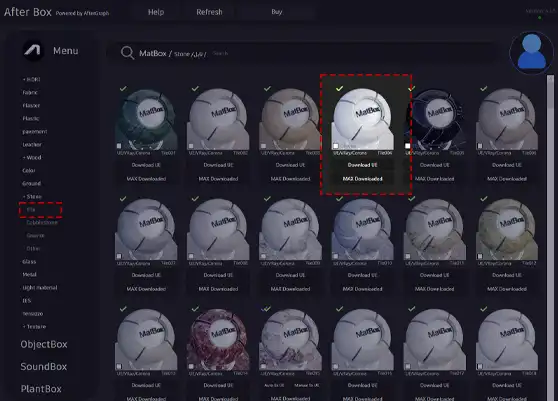
You can access this material and many others through the AfterBox application. This tool allows for a simple drag-and-drop workflow directly into your 3D software, bypassing the need to hunt through folder structures. It is designed specifically to keep your project library organized and accessible, significantly speeding up the prototyping phase of your work. For more details on accessing our full library of professional materials, visit https://after-box.com/pricing/ for subscription options.

Save time on material setup
Instead of downloading this texture, use the optimized ready-made material for VRay , Corona Renderer (3ds Max) and Unreal Engine available in AfterBox.
No manual setup


