

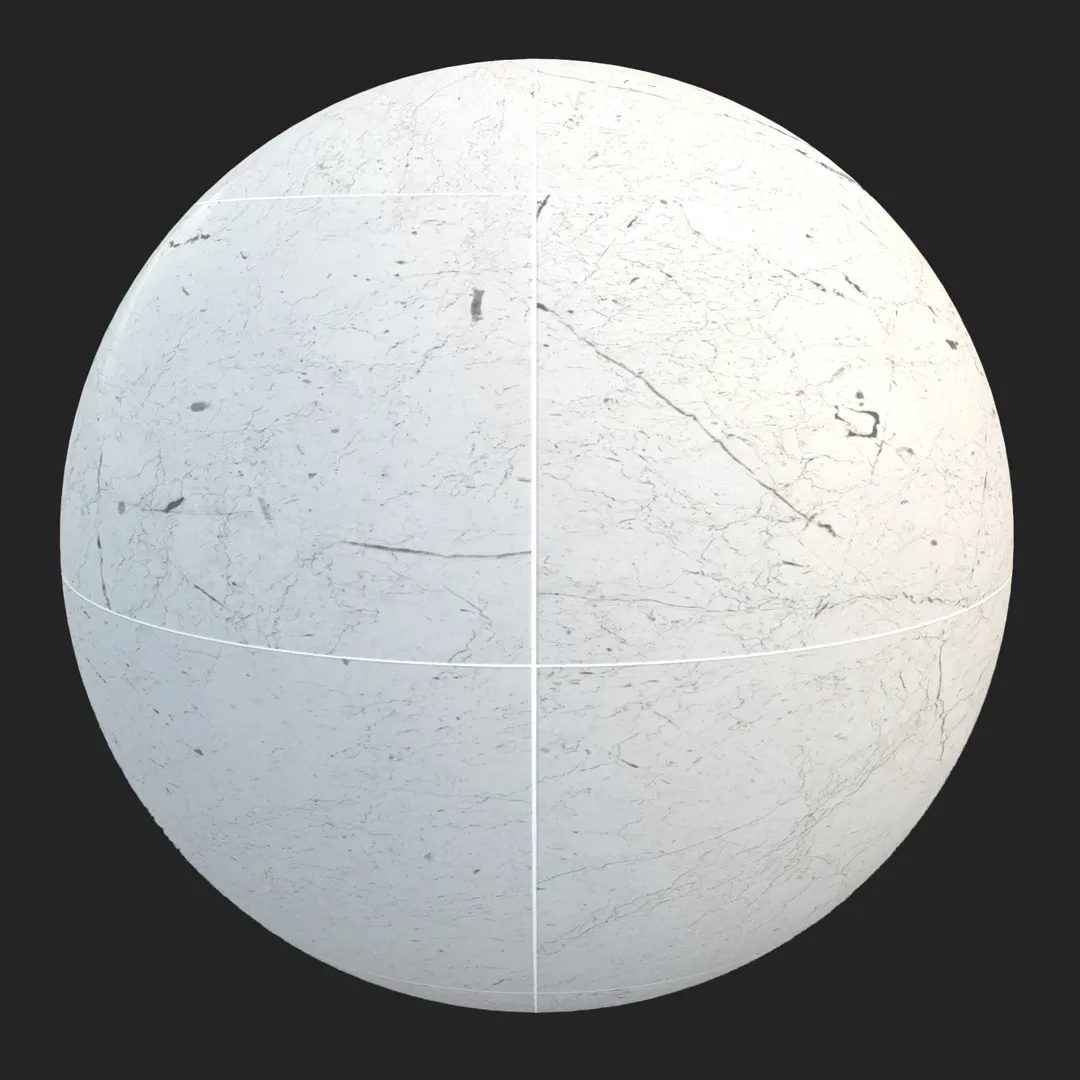

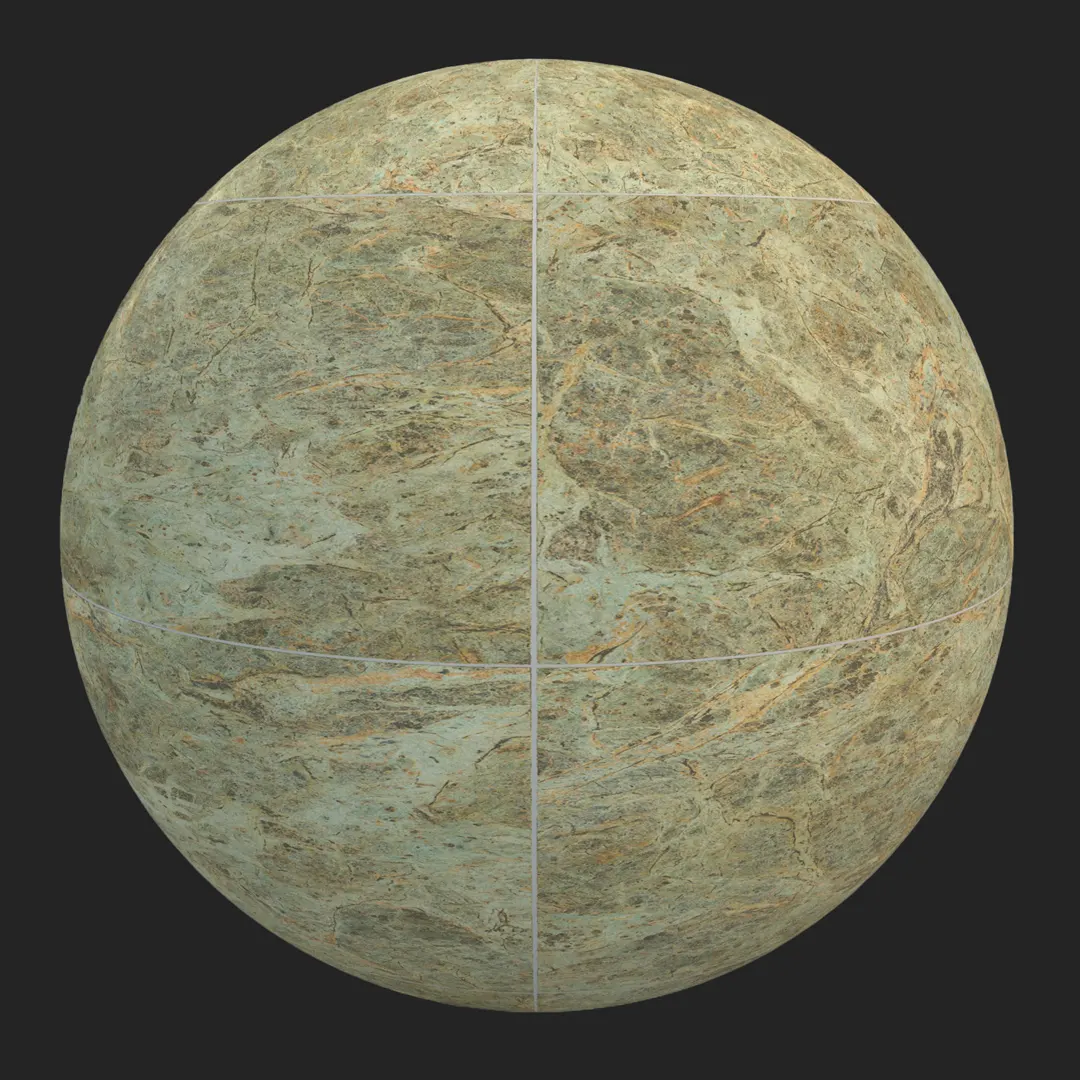
A) Introduction and Material Overview
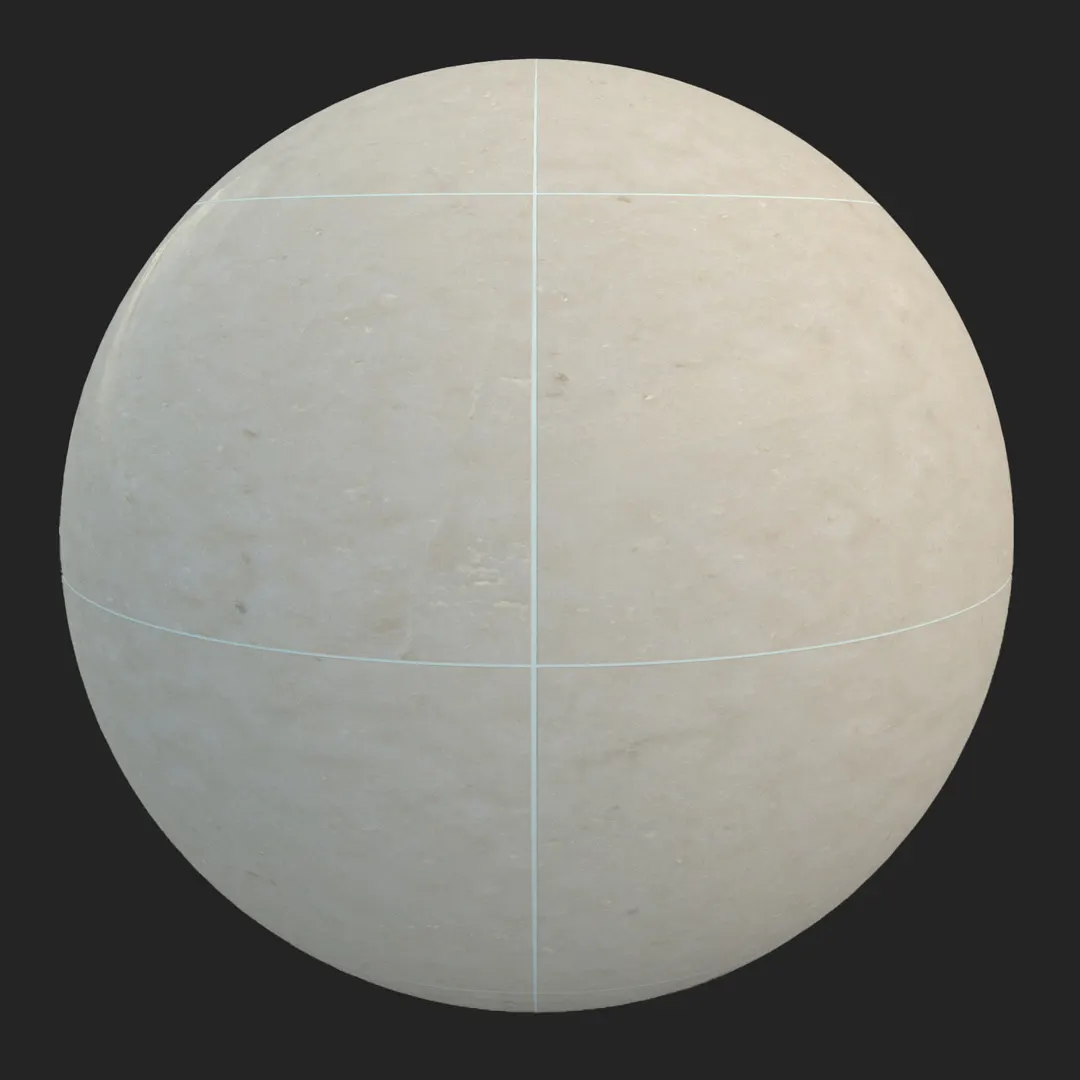
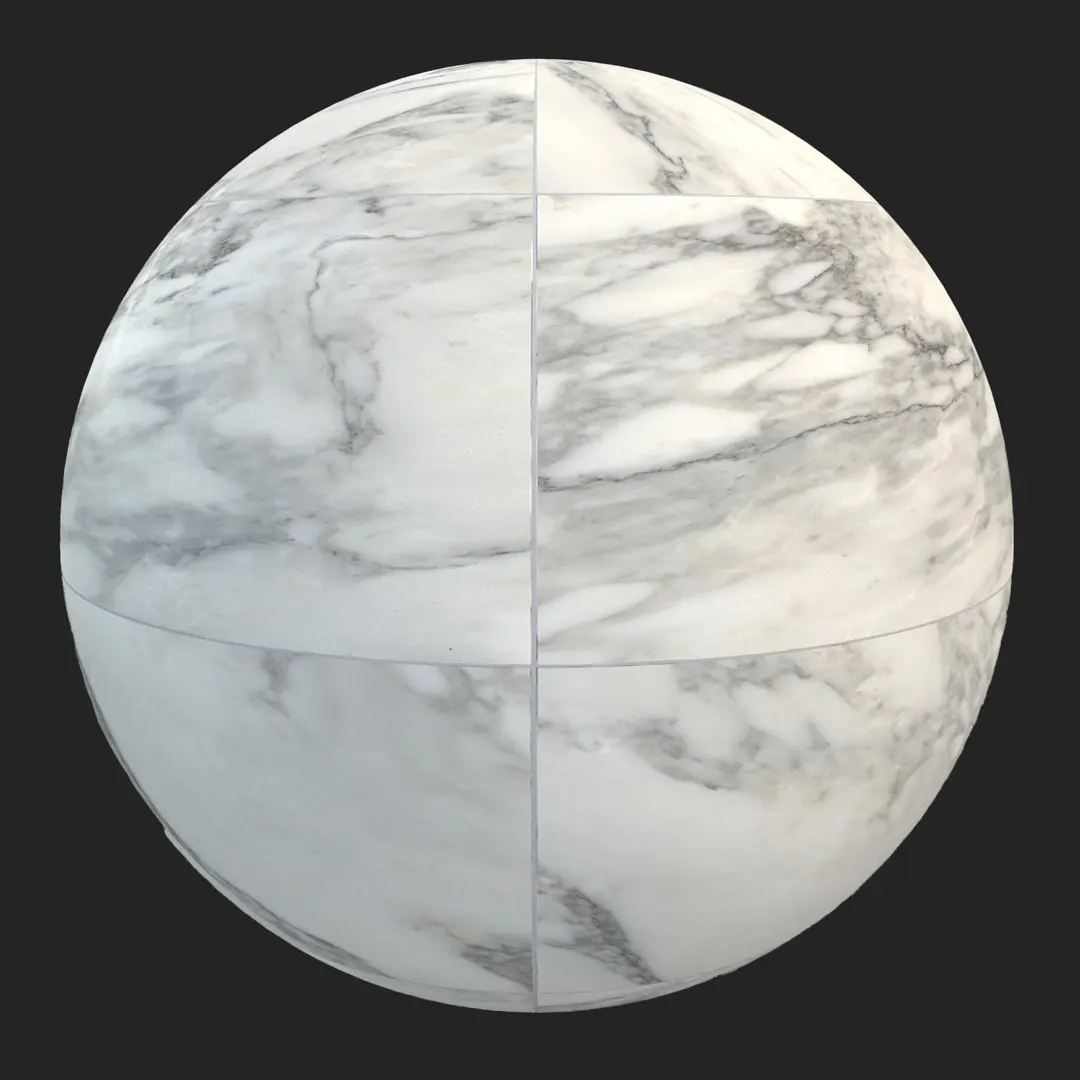
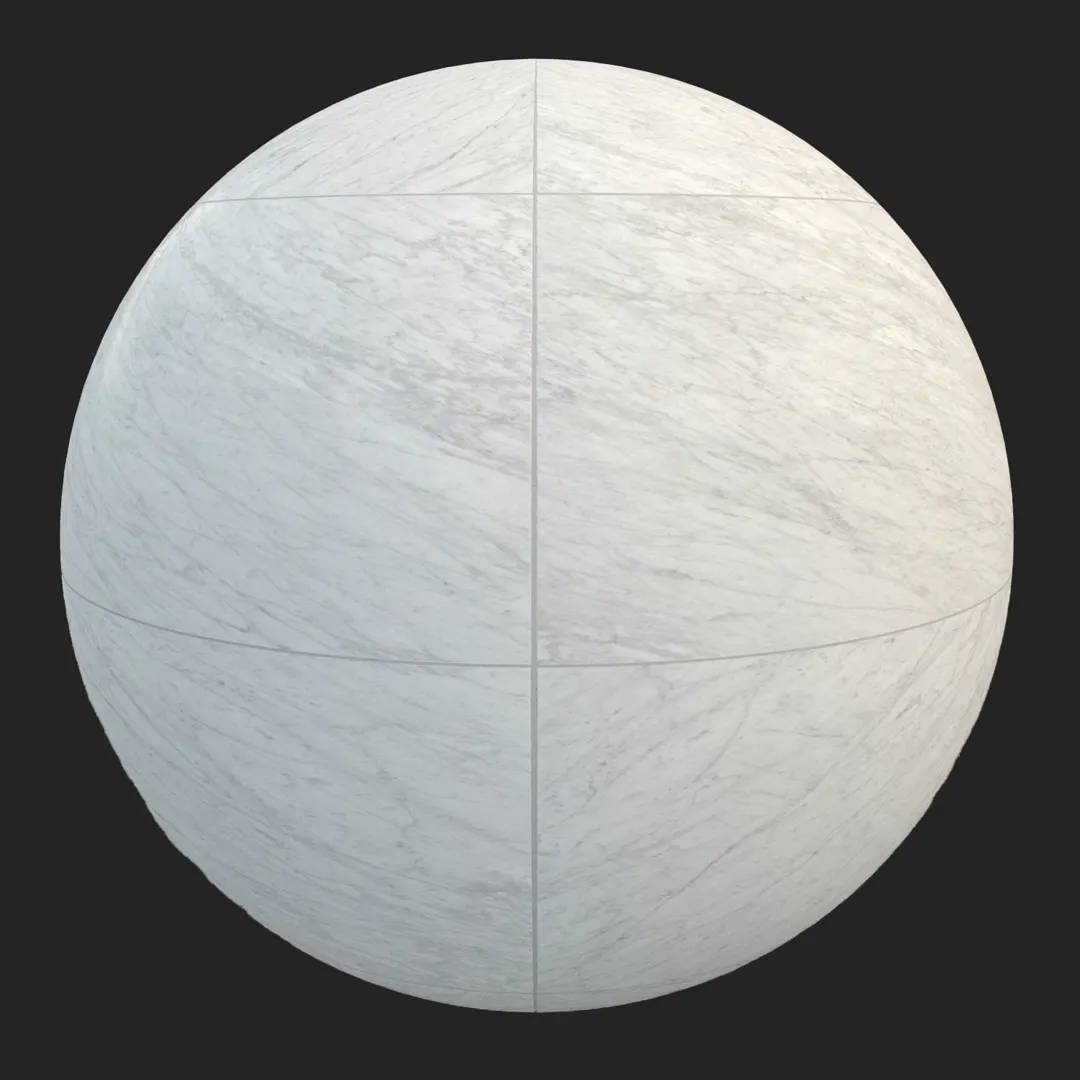
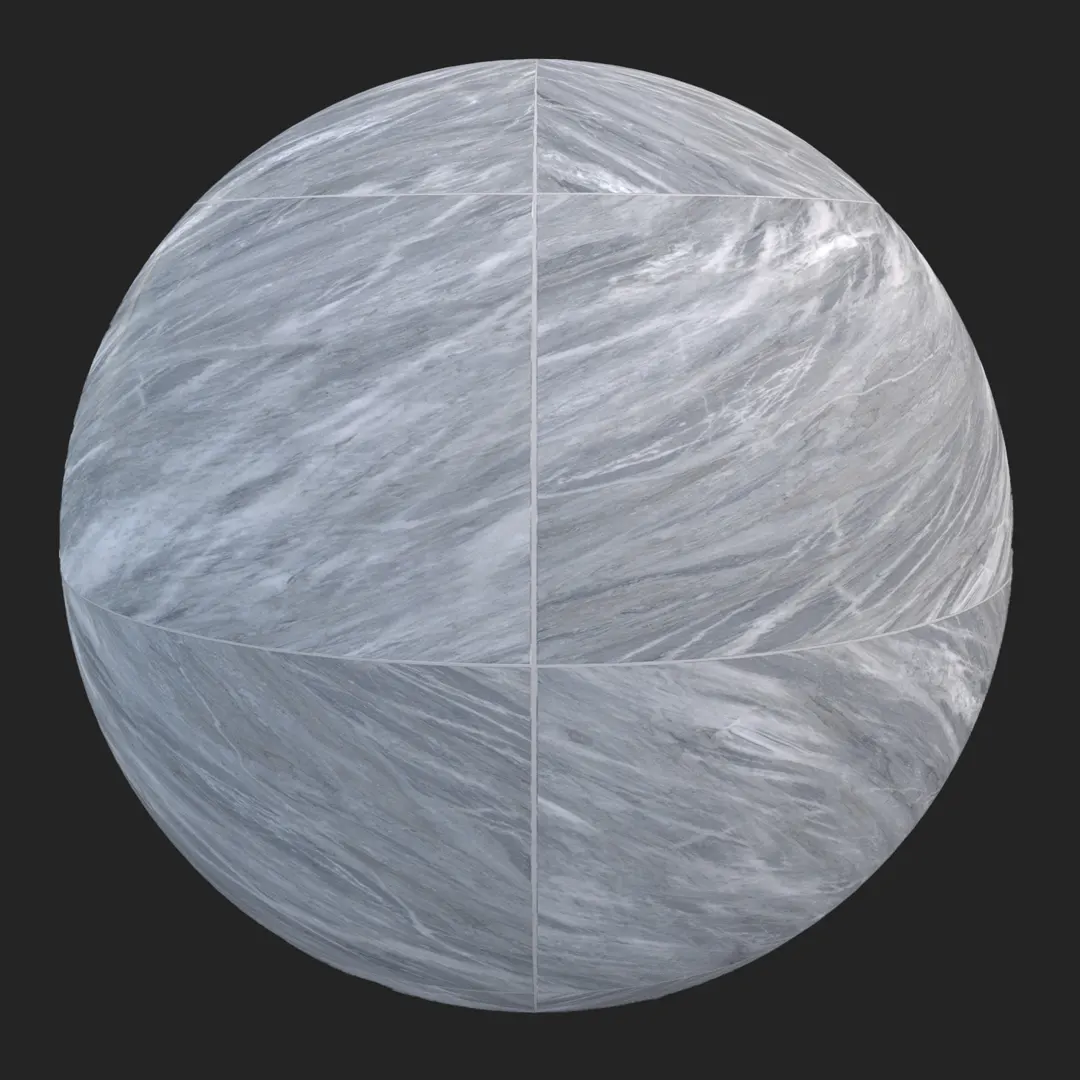
This high-resolution green marble stone tile offers a sophisticated, large-format aesthetic defined by complex mineral veining and a refined satin finish. Its color palette ranges from muted sage and olive greens to warm ochre and cream accents, making it a versatile choice for high-end interior projects. Whether you are aiming for a classic luxury look or a contemporary minimalist aesthetic, this green marble tile provides the organic detail necessary for photorealistic architectural visualization. Its natural lithic variations create a sense of depth and authenticity that elevates the overall quality of any scene.
B) Best Uses in Real Projects
The expansive nature of this stone slab makes it an excellent choice for large floor plates in luxury office lobbies or hotel reception areas. In residential design, it excels as a high-end kitchen island cladding or as a sophisticated feature wall in living rooms and primary bathrooms. For exterior work, this material is well-suited for covered entryways where its polished, satin-like quality remains protected from harsh weathering. In the context of game environment art, it serves as an ideal base for opulent palace floors or museum interiors, where the goal is to establish a sense of historical wealth and architectural permanence.
C) Design Pairing and Style Fit
This material thrives in modern luxury and contemporary design styles, though it also complements mid-century modern interiors where natural stone is a hallmark. It pairs exceptionally well with warm walnut wood tones, which neutralize the coolness of the green, and matte black or brushed brass hardware for a refined contrast. While it is a standout choice for high-end applications, it may feel incongruous in strictly industrial or rustic cottage settings where raw, unrefined materials are preferred over the polished elegance of marble.
D) Rendering and Technical Notes
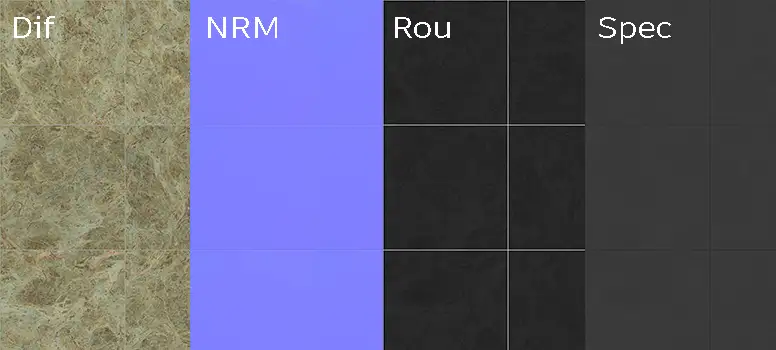
When setting up this material, the satin finish requires careful calibration of the roughness map to differentiate the stone’s surface from the thin, light-toned grout lines. The base color and normal maps capture the subtle mineral porosity effectively, but using a displacement map in V-Ray or Corona will help break up the flatness of the tiling on large surfaces. In Unreal Engine, ensure the specular map is correctly assigned to manage the way light hits the crystalline structures. Note that because of the distinct, organic veining, you should avoid tiling the material over massive areas without adding breaks or architectural transitions to prevent obvious repeating patterns.
Save Time with AfterBox
Browse, download and apply materials directly in Unreal Engine, V-Ray and Corona.
E) Dirt, Dust, and Weathering Options
While the pristine look is perfect for clean, high-end architectural renders, adding subtle layers of wear can ground the material in reality. For interior floor applications, a slight modulation in the grout color can suggest mild traffic wear. In exterior or game environment scenarios, adding a dusting of fine debris or slight scuffing along the edges of the tiles helps prevent the material from looking too digital. Avoid heavy weathering unless you are creating a derelict or aged environment, as the character of high-end marble is best maintained with minimal surface interference.




F) Ready Material Workflow
Our ready-to-use materials are pre-configured for V-Ray for 3ds Max, Corona Renderer for 3ds Max, and Unreal Engine, significantly cutting down on production time. By providing optimized PBR map setups, we remove the guesswork involved in mapping roughness and reflection values. These ready materials allow artists to focus on lighting and composition rather than node-based troubleshooting, ensuring a high-fidelity result right out of the box.

G) Download and AfterBox Workflow
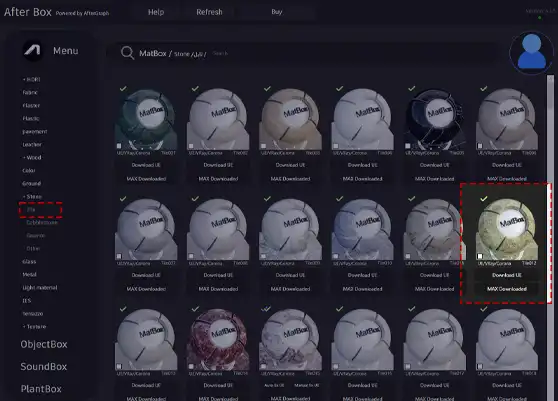
To streamline your production, we provide this material through our AfterBox application. Simply drag and drop the material directly into your scene for an instant, accurate setup. This workflow is designed to reduce repetitive technical tasks and help you maintain consistency across projects. Explore our options and integration tools at https://after-box.com/pricing/ to see how you can speed up your visualization pipeline.

Save time on material setup
Instead of downloading this texture, use the optimized ready-made material for VRay , Corona Renderer (3ds Max) and Unreal Engine available in AfterBox.
No manual setup


