


A) Introduction and Material Overview
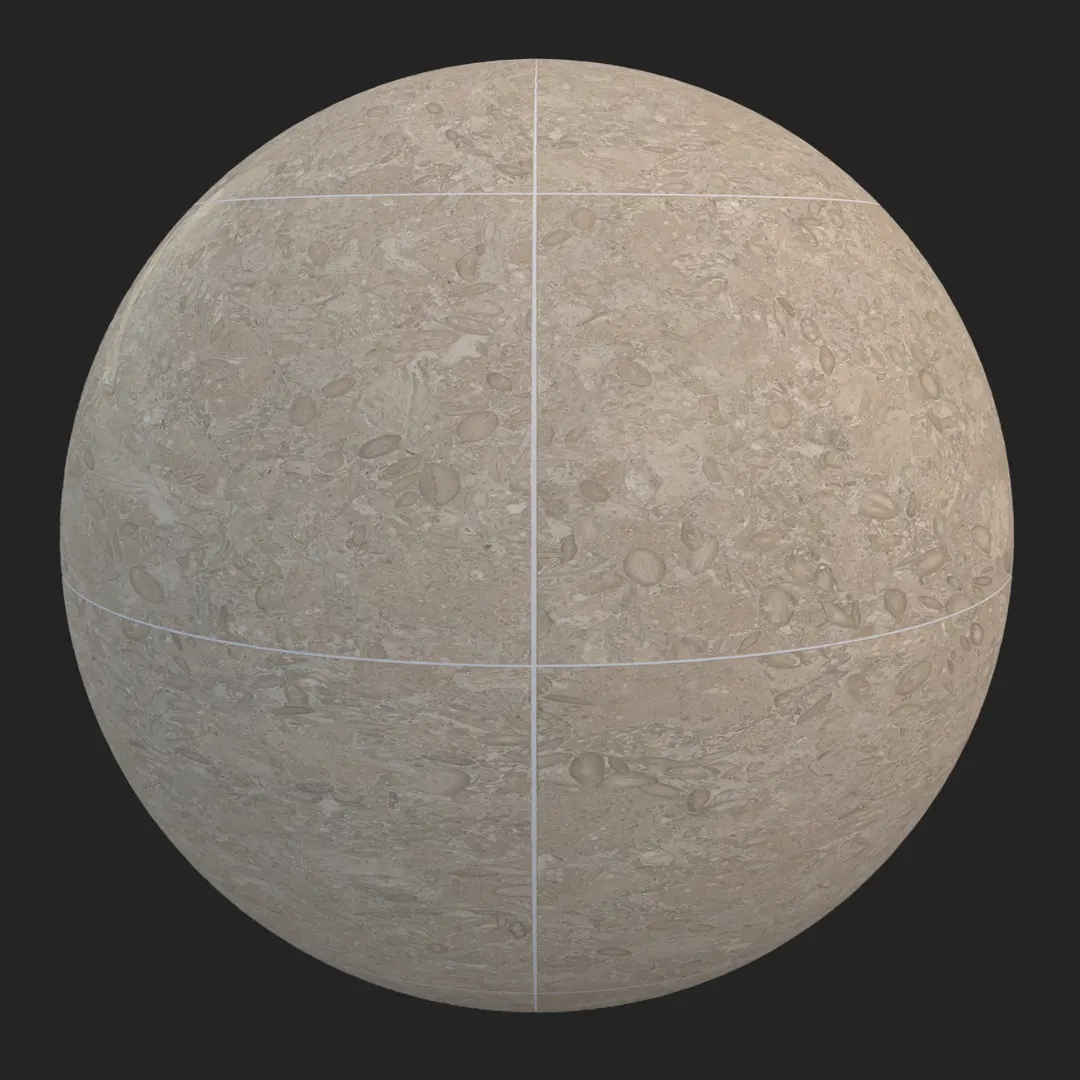
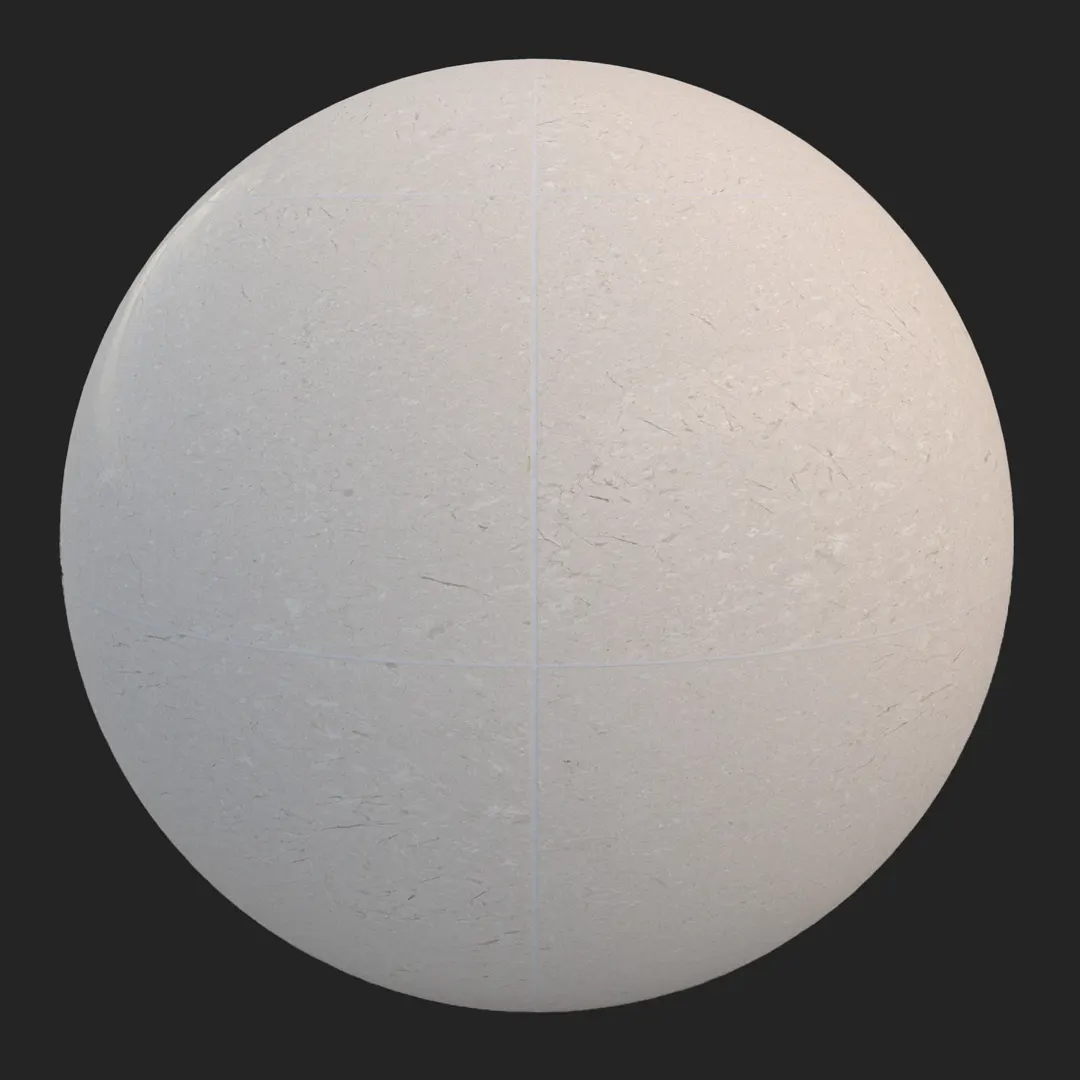
This fossiliferous beige limestone tile offers a grounded, organic aesthetic for high-end architectural visualization. Featuring a warm, light taupe base punctuated by intricate natural inclusions and fossils, the texture balances soft color variation with a clean, modular grid structure. Whether you are aiming for a Mediterranean villa or a minimalist commercial lobby, this seamless beige limestone tile texture provides the high-frequency surface detail necessary to ground your renders in realism. The matte finish and subtle micro-relief make it an ideal choice for floors or wall cladding where a natural, tactile quality is required.
B) Best Uses in Real Projects
This limestone is highly versatile due to its neutral color palette and balanced grain. In residential interiors, it excels as a seamless flooring solution for open-plan living rooms or as a sophisticated, textured backdrop for bathroom walls. For commercial projects, it fits naturally into hotel reception areas or high-end retail spaces where a calm, permanent feel is desired.
Outside of traditional archviz, this material is a strong candidate for game environments, particularly when building historical Mediterranean architecture or museum interiors that require authentic geological variation. Because the pattern is modular and clean, it integrates easily into architectural layouts without looking overly busy or distracting from the hero assets in your scene.
C) Design Pairing and Style Fit
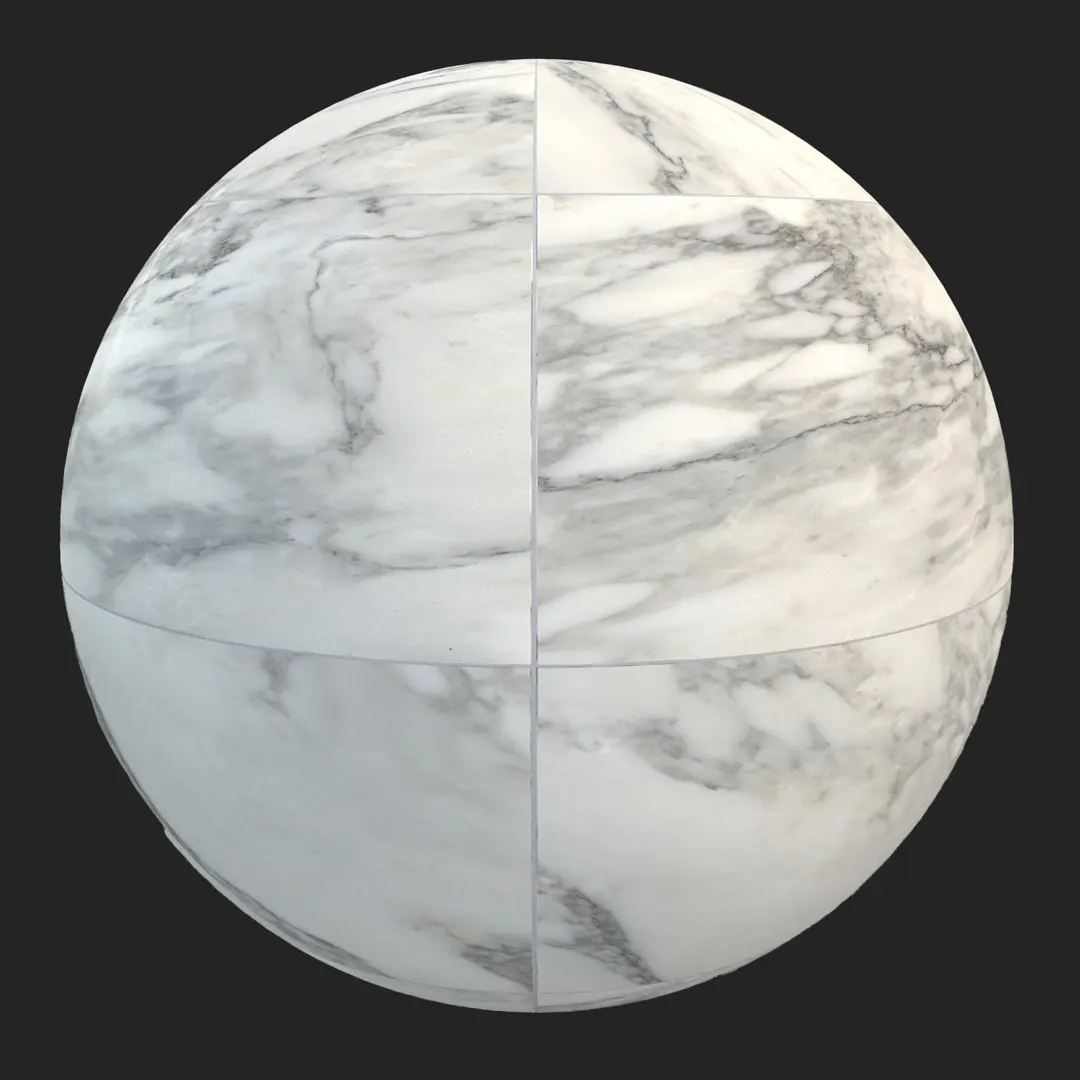
The material thrives in transitional, minimalist, and luxury modern design styles. Because of its warm cream and light taupe undertones, it creates an elegant contrast when paired with dark, stained oak cabinetry or black steel architectural features. It also complements white marble surfaces, offering a less reflective and more grounded alternative to polished stone.
One caution: this tile is less suited for “ultra-slick” contemporary environments—such as high-gloss, hyper-modern spaces—where the inherent grain and organic fossil patterns might feel too traditional. For the best result, ensure the surrounding lighting accentuates the matte finish rather than attempting to introduce an artificial high-gloss reflection map.
D) Rendering and Technical Notes
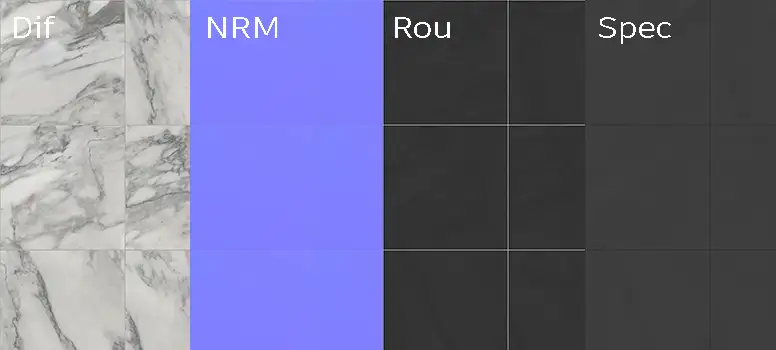
The surface responds predictably to both global illumination and direct lighting. In V-Ray and Corona, the included roughness map handles light scattering effectively, preventing the stone from looking like flat plastic. In Unreal Engine, the texture maintains its integrity even at close range, thanks to the 4K resolution and sharp normal map.
Because the grid pattern is consistent, UV alignment is straightforward. However, to avoid repetitive fossil placement in large open areas, I recommend incorporating a subtle randomization node in your shader graph to shift the UVs slightly or blend between two tiling variations. This is particularly important for close-up shots where the eye can easily track repeating patterns in the fossil inclusions.
Save Time with AfterBox
Browse, download and apply materials directly in Unreal Engine, V-Ray and Corona.
E) Dirt, Dust, and Weathering Options
While the tile is clean by default, architectural realism is often found in the imperfections. For exterior patio scenes, I recommend applying a thin layer of fine dust or light efflorescence within the recessed grout lines using a simple mask. This prevents the “perfect” look that often betrays a digital render. For interior scenes, keeping the stone clean is usually preferred, though subtle, localized wear near high-traffic entry points adds a layer of believability that resonates with clients and viewers alike.




F) Ready Material Workflow
We have prepared this asset as a ready-made material for Unreal Engine, V-Ray for 3ds Max, and Corona Renderer for 3ds Max. By using the provided material files, you bypass the need for manual shader setup, allowing you to focus on scene composition and lighting. These setups are optimized for PBR workflows, ensuring that the interaction between the diffuse, specular, and normal channels is accurate to the real-world material properties.

G) Download and AfterBox Workflow
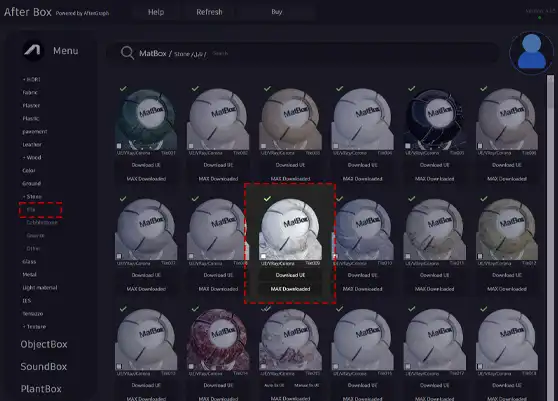
Integrating this material into your pipeline is handled through our lightweight AfterBox application. Simply drag and drop the ready material directly into your scene for an instant, high-quality result. This workflow is designed to eliminate the tedium of manually linking maps and tweaking material parameters for every asset. For more information on how to optimize your workflow with these tools, visit https://after-box.com/pricing/ to learn more about our library structure.

Save time on material setup
Instead of downloading this texture, use the optimized ready-made material for VRay , Corona Renderer (3ds Max) and Unreal Engine available in AfterBox.
No manual setup


