



A) Introduction and Material Overview
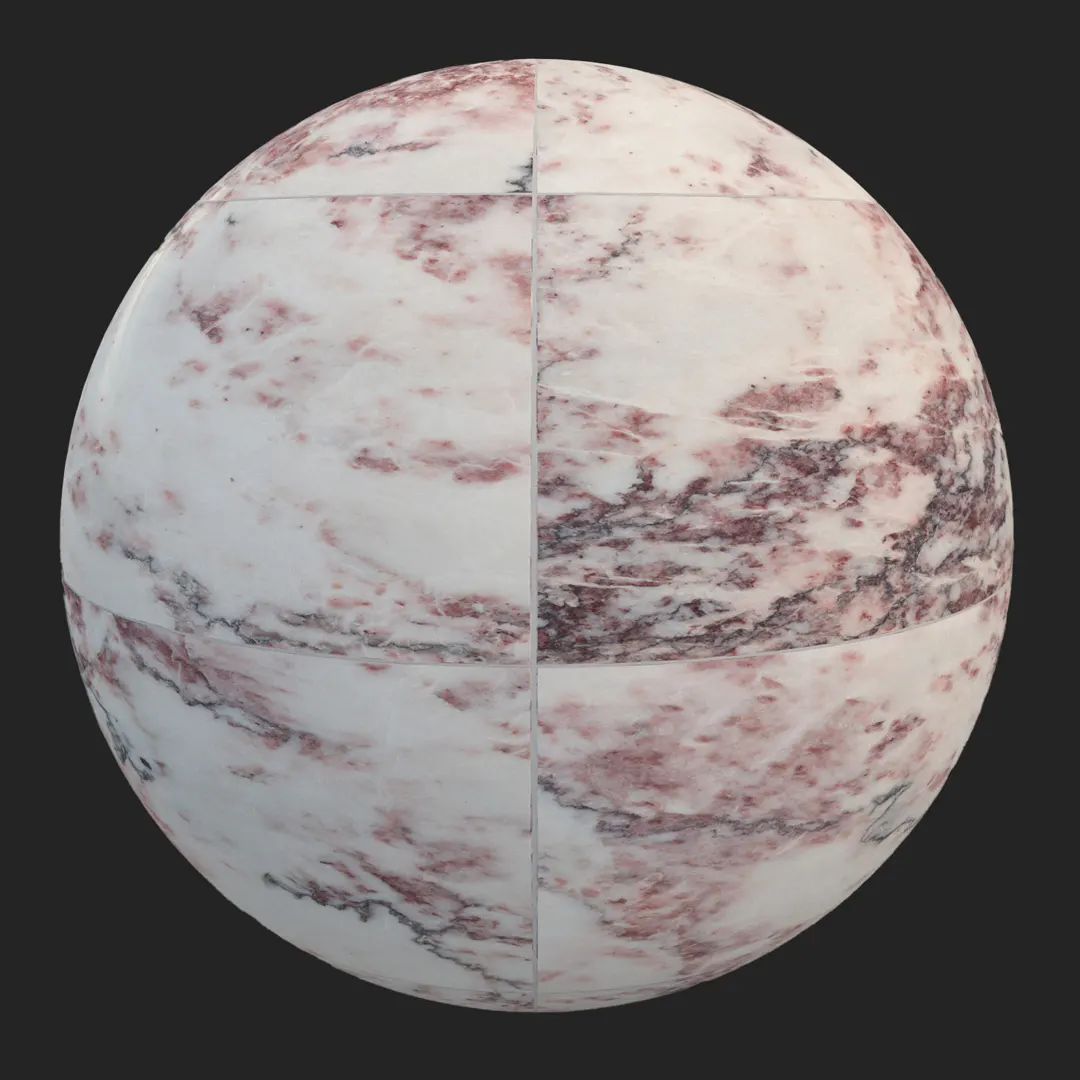
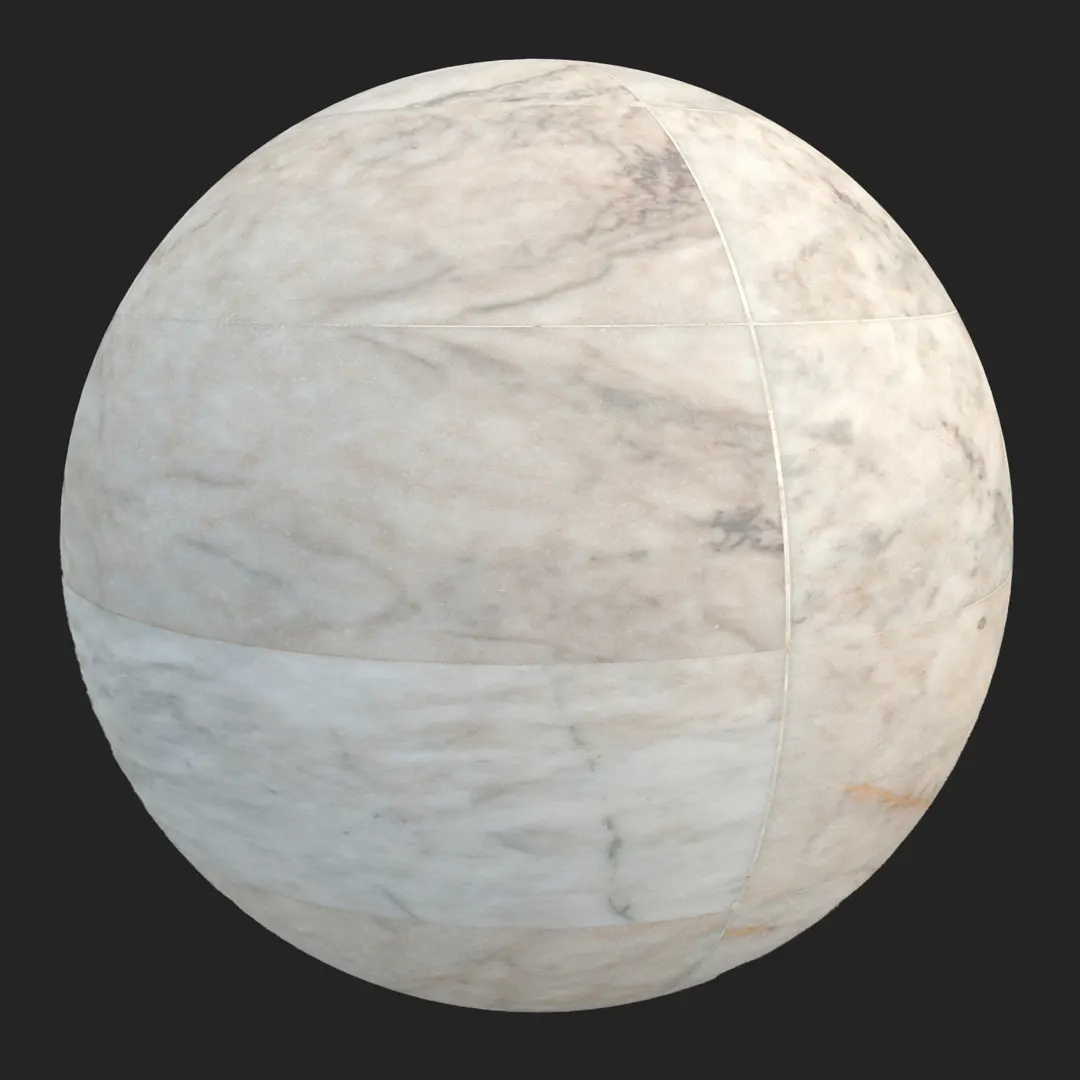
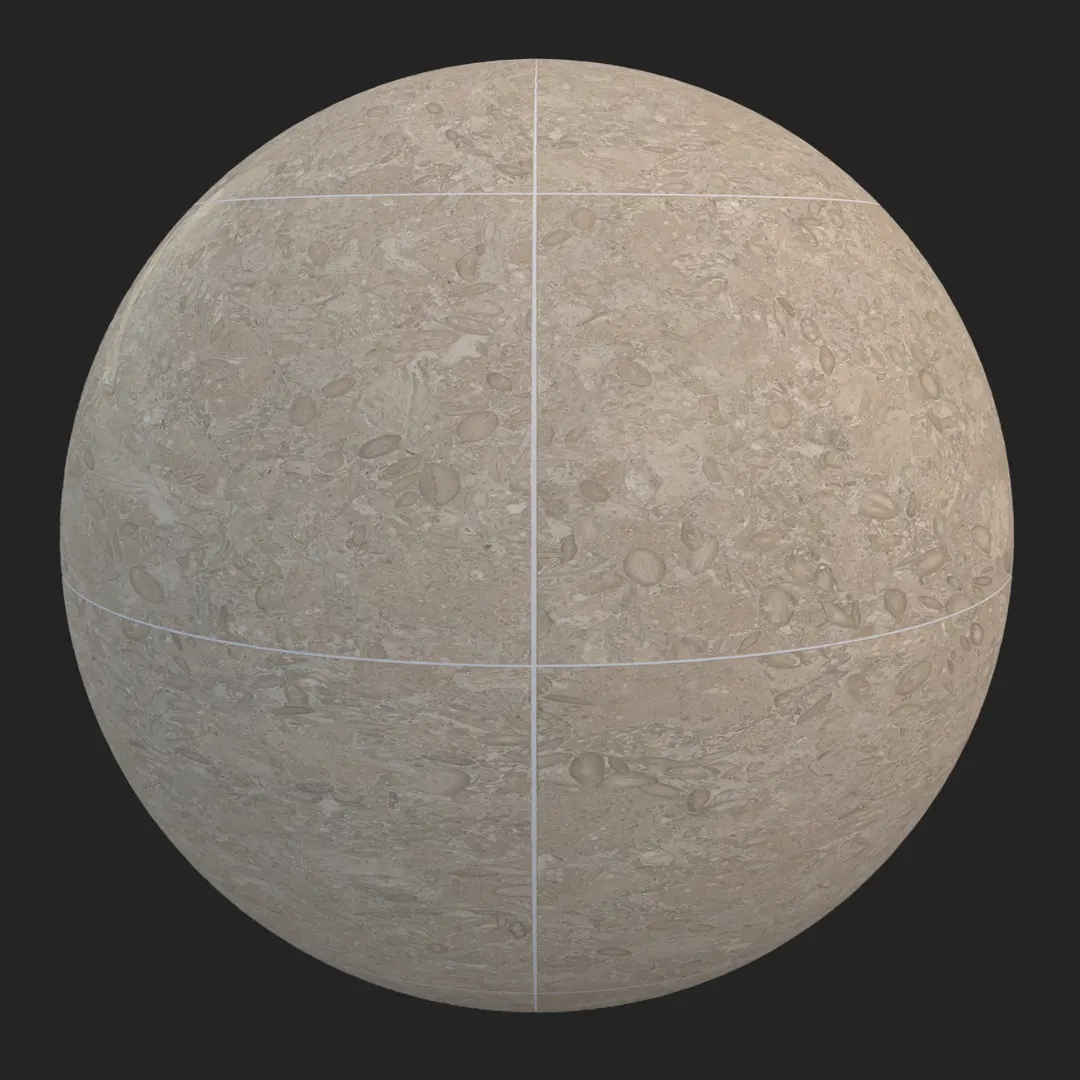
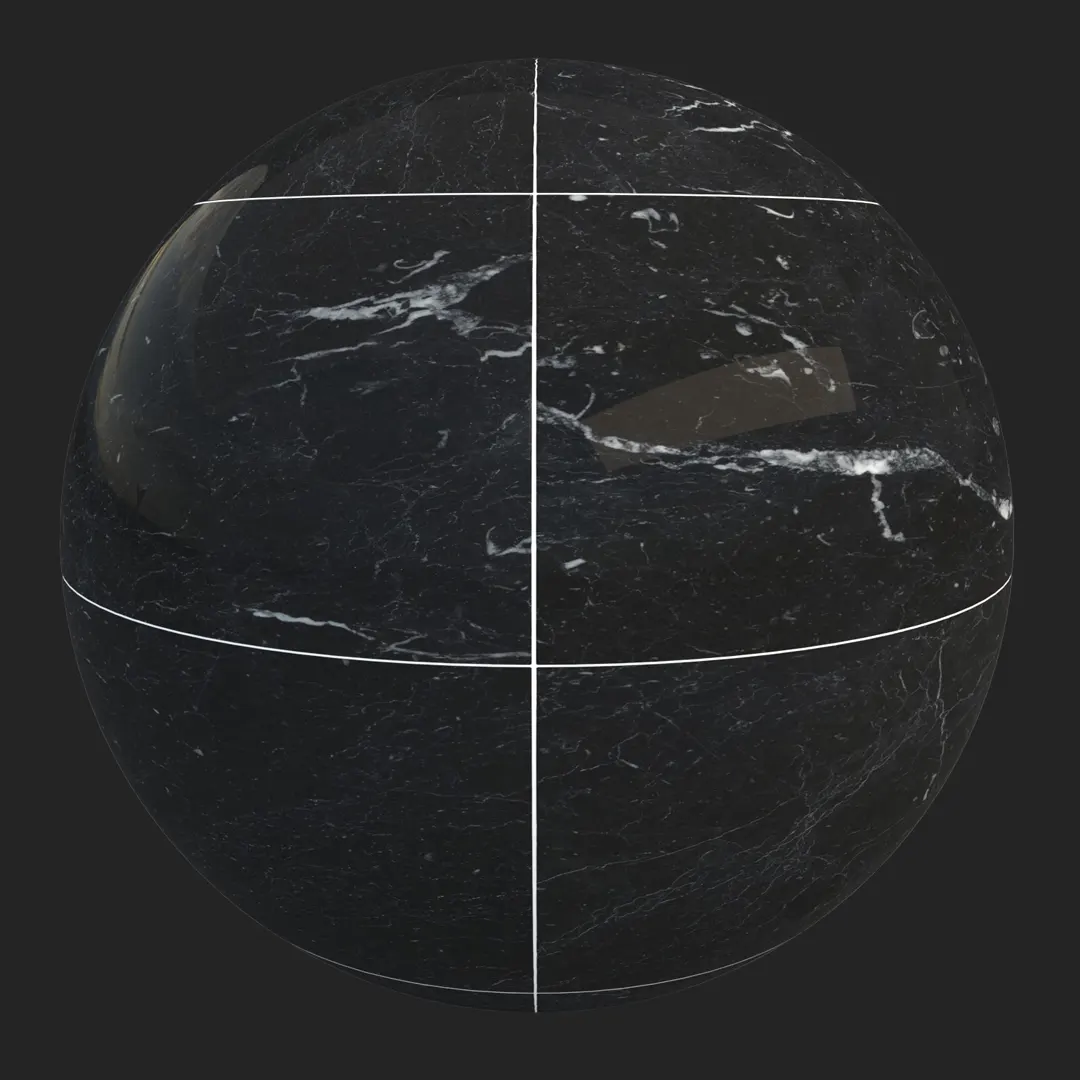
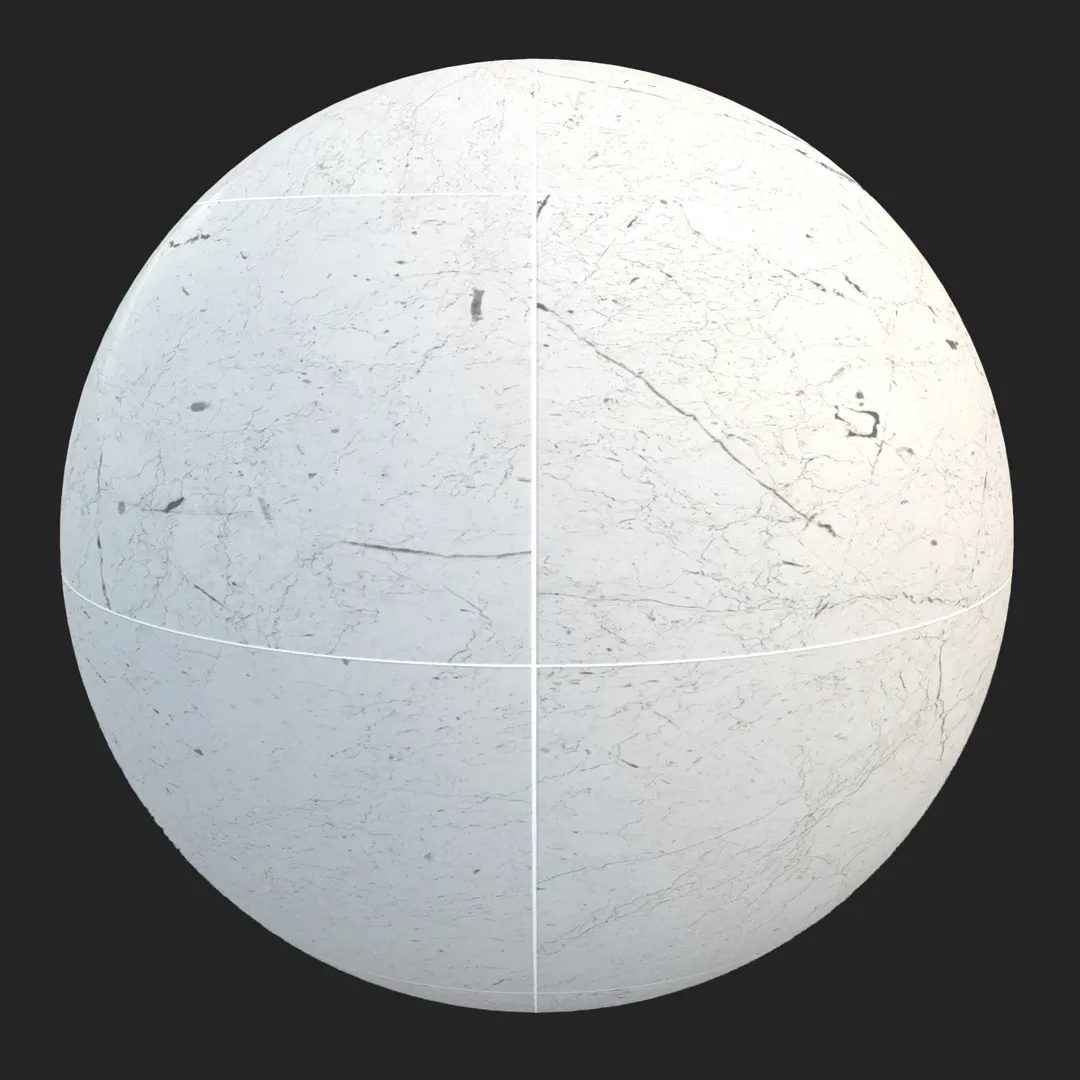
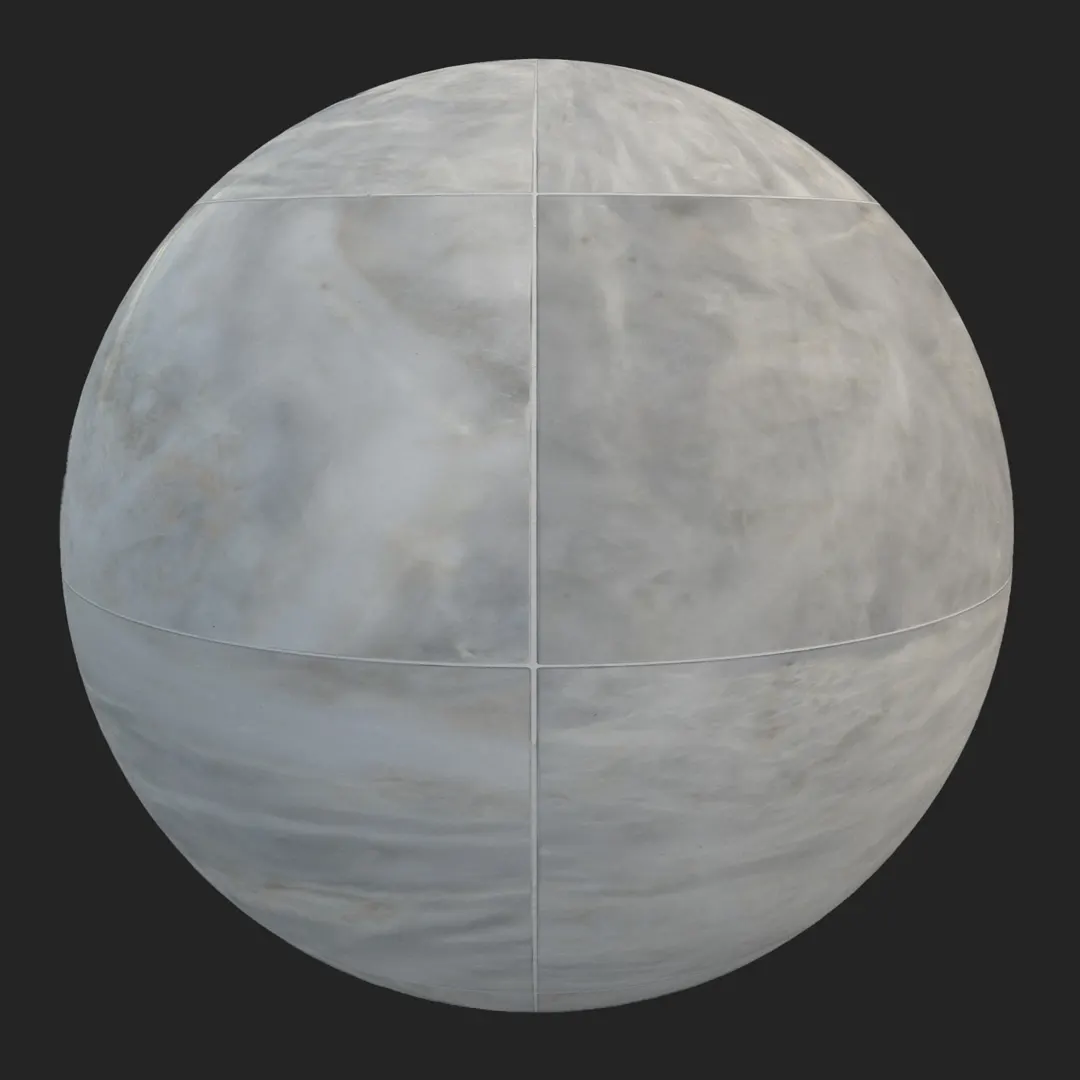
The Light Gray Polished Marble Tile is a versatile surface asset designed for high-end architectural visualization. Featuring a sophisticated, cool-toned palette of off-white and light gray, this material offers a clean, large-format aesthetic defined by subtle, cloud-like veining. The rectified edges and precise, thin grout lines provide a contemporary look that feels both grounded and expansive. Architects and 3D artists will find this PBR texture particularly effective for achieving a high-quality finish in luxury interior projects where uniform, non-porous surfaces are required to reflect natural light and enhance the sense of space.
B) Best Uses in Real Projects
This marble tile excels in environments demanding a minimalist or luxury finish. In residential architecture, it serves as an ideal foundation for modern kitchen backsplashes, sleek bathroom flooring, or elegant entryway transitions. For commercial applications, the material is well-suited for high-traffic, prestigious spaces like hotel lobbies, luxury retail boutiques, or corporate office boardrooms. Game environment artists can leverage this texture to build clean, sci-fi modular interiors or high-end apartment complexes where a consistent, high-fidelity surface is necessary. While perfect for indoor settings, it also performs well in semi-exposed exterior spaces, such as covered hotel patios or grand entrance porticos.
C) Design Pairing and Style Fit
This material thrives in Scandinavian, minimalist, and contemporary design schemes. Its cool temperature provides a crisp contrast when paired with warmer organic textures such as dark oak wood cabinetry or brass hardware. For a monochromatic look, consider pairing it with matte black metal accents or crisp white plaster walls.
– Use alongside walnut wood, brushed bronze, or matte black fixtures to ground the light gray tones.
Avoid placing this tile in rustic, industrial, or highly weathered environments where the polished finish would appear out of place. It is best used in “clean” design contexts rather than spaces requiring grit or heavy texture.
D) Rendering and Technical Notes
In a production render, the polished finish requires precise management of the specular and roughness maps to achieve authentic light interaction. The surface is smooth and non-porous, meaning it will show sharp, clear reflections of light sources. While the map is 4K and highly detailed for close-up shots, you may find that the overall aesthetic is very uniform; to push realism further, consider applying a subtle noise mask to your glossiness channel to break up perfect reflections. In Unreal Engine, take advantage of the included normal map to define the subtle grout lines, ensuring they remain crisp under screen-space or ray-traced reflections.

Save Time with AfterBox
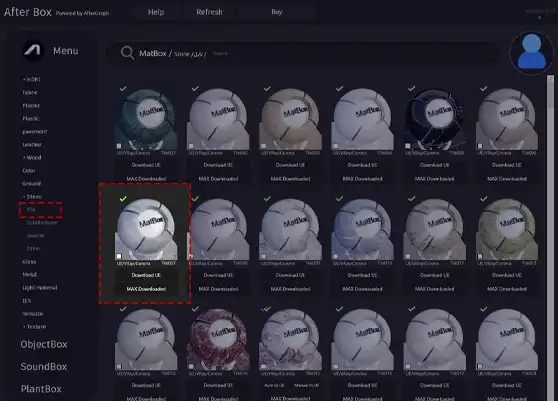
Browse, download and apply materials directly in Unreal Engine, V-Ray and Corona.
E) Dirt, Dust, and Weathering Options
While the material is supplied with a clean, showroom-ready appearance, architectural renders often benefit from minor, intentional imperfections. In residential bathroom or lobby scenes, adding a very faint “dust” layer or light scuffing maps near corners or high-traffic paths can significantly increase the perceived realism. For exterior or semi-outdoor entrances, introducing subtle water-streaking or dirt accumulation within the grout lines can ground the asset in reality. If you are aiming for a pristine, hyper-modern look, keep the surface clear, but don’t hesitate to layer a slight grunge map to prevent the material from looking too digital.




F) Ready Material Workflow
Our ready-made materials are optimized for immediate use in Unreal Engine, V-Ray for 3ds Max, and Corona Renderer for 3ds Max. These setups are pre-configured to handle the physical properties of the marble, saving you the time usually spent adjusting individual reflection and normal parameters. By using these ready-to-render files, you ensure that the material’s interaction with global illumination and secondary light bounces remains consistent with industry standards, allowing you to focus on scene composition and lighting design.

G) Download and AfterBox Workflow
To streamline your production pipeline, this material is fully integrated into the AfterBox application. Simply drag and drop the assets directly into your 3ds Max or Unreal Engine project, bypassing tedious manual file imports. This workflow is designed to accelerate your rendering cycle, particularly for complex interior shots where hundreds of unique assets are in play. For more details on accessing our library and optimizing your pipeline, visit https://after-box.com/pricing/
Save time on material setup
Instead of downloading this texture, use the optimized ready-made material for VRay , Corona Renderer (3ds Max) and Unreal Engine available in AfterBox.
No manual setup


