

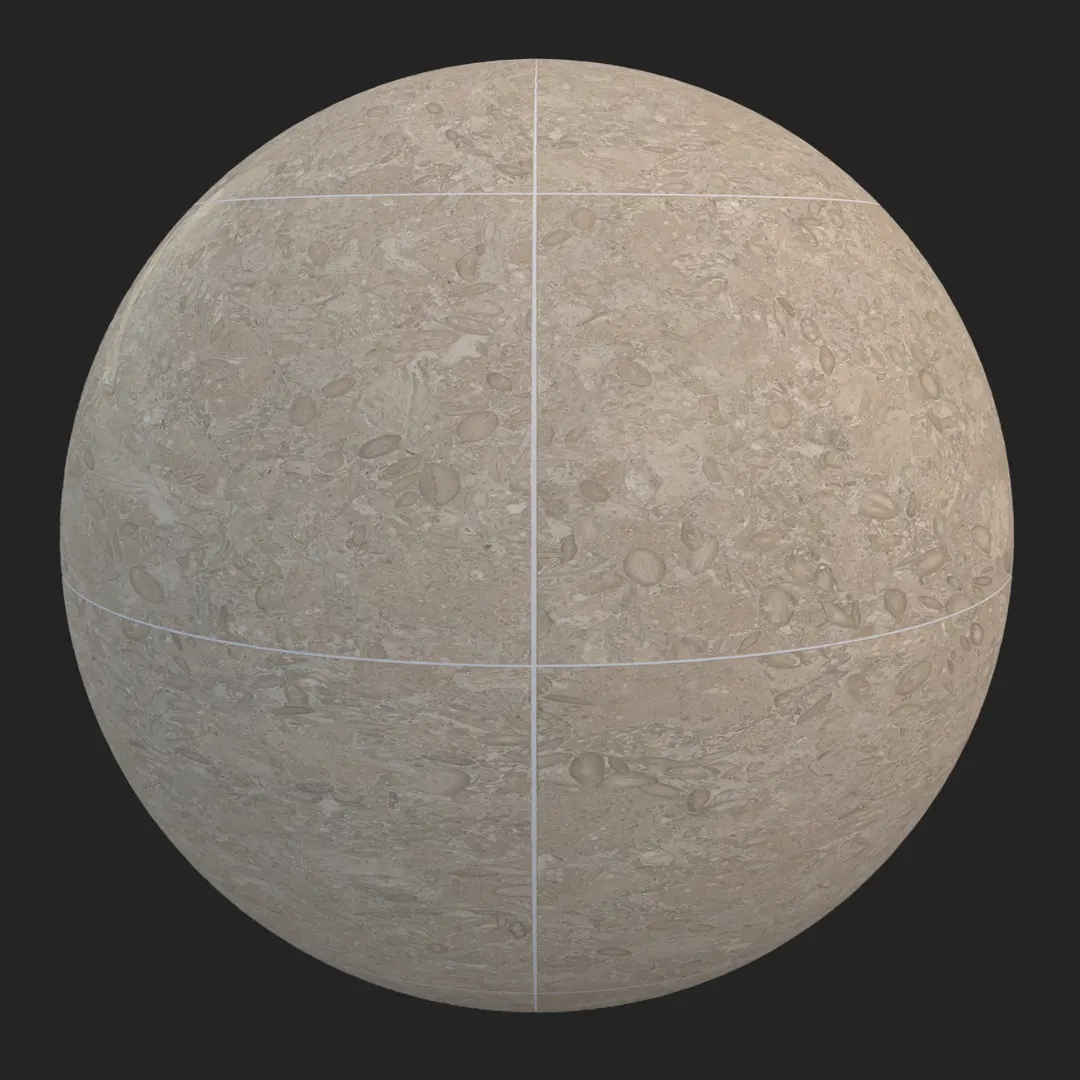
High-Quality Carrara Marble Tile Overview
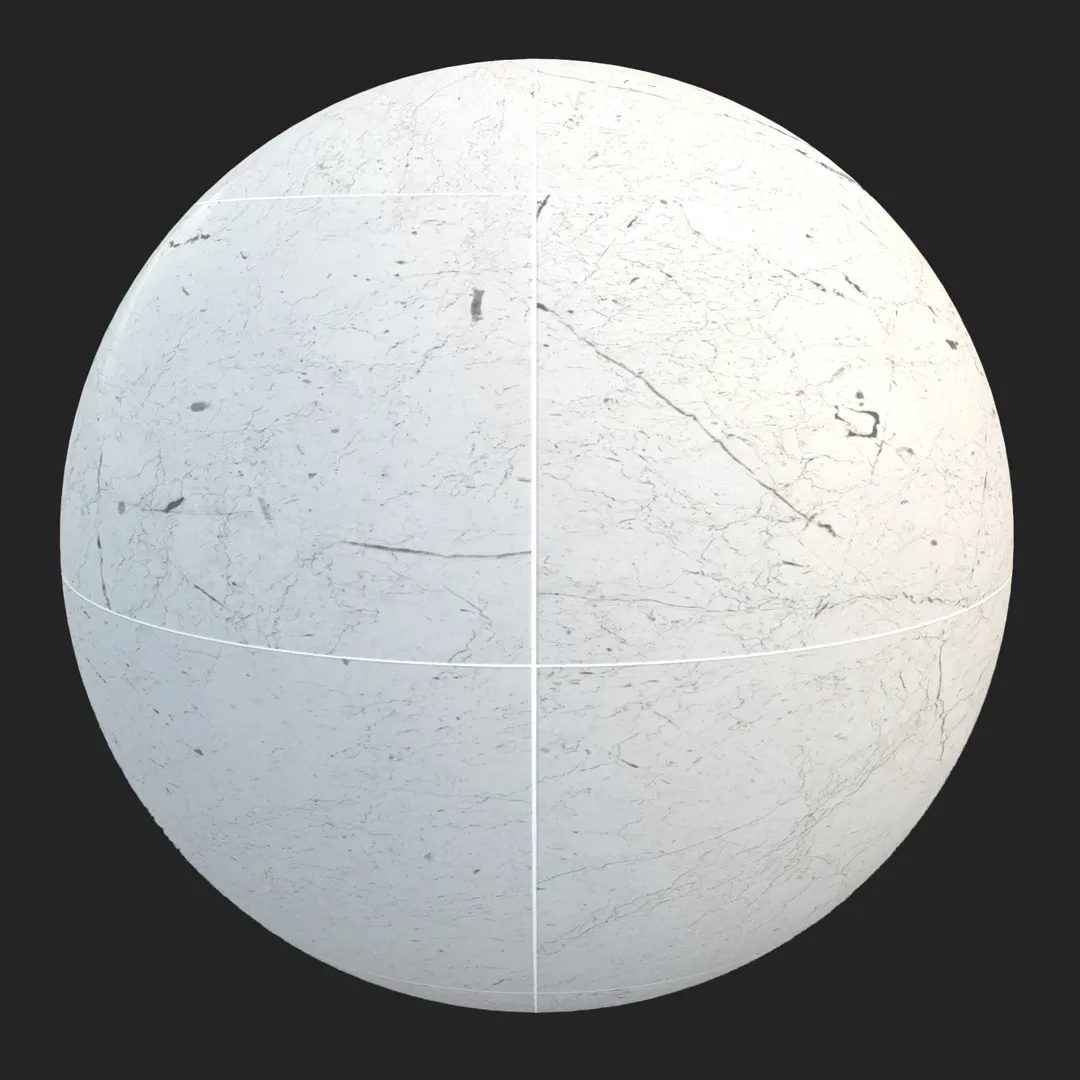
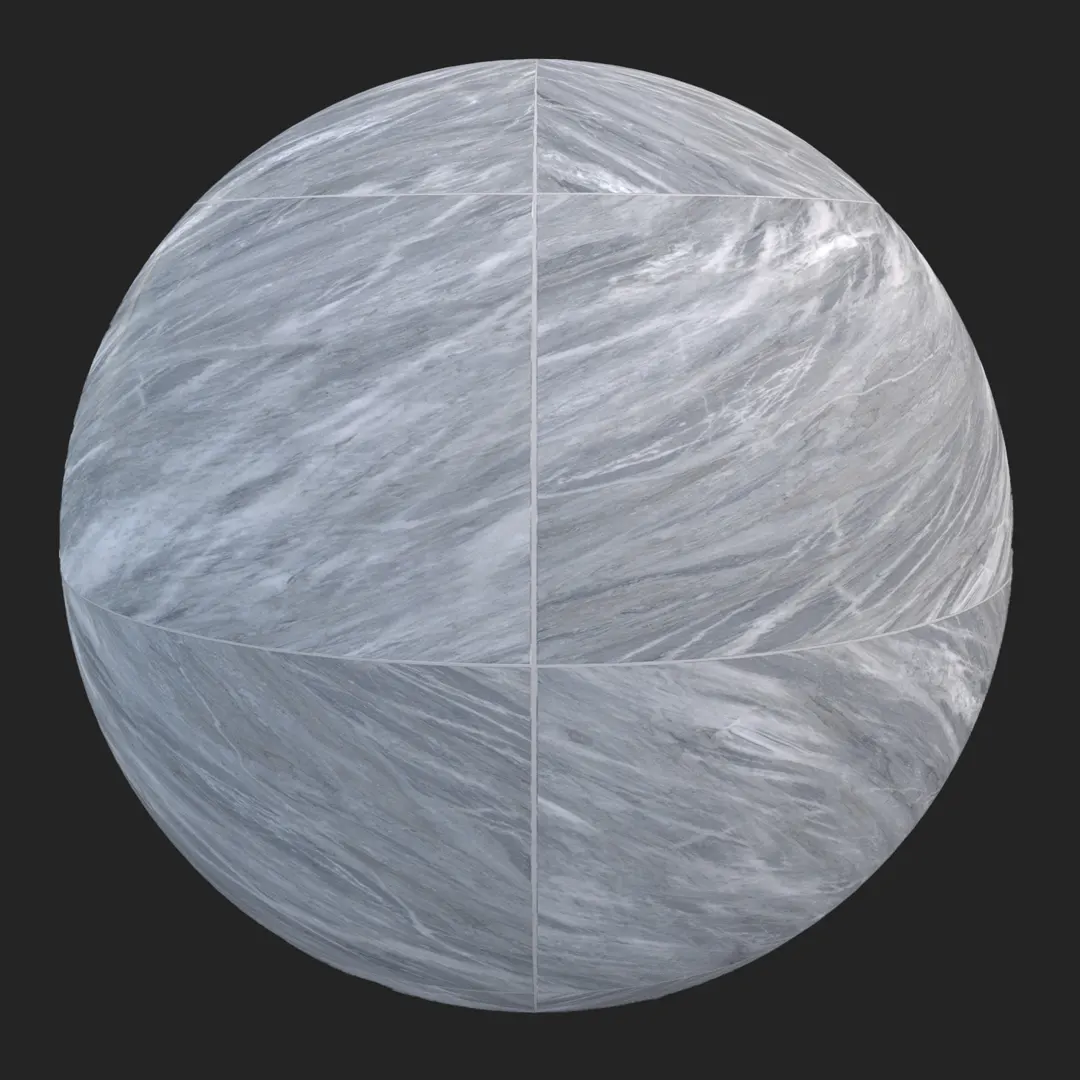
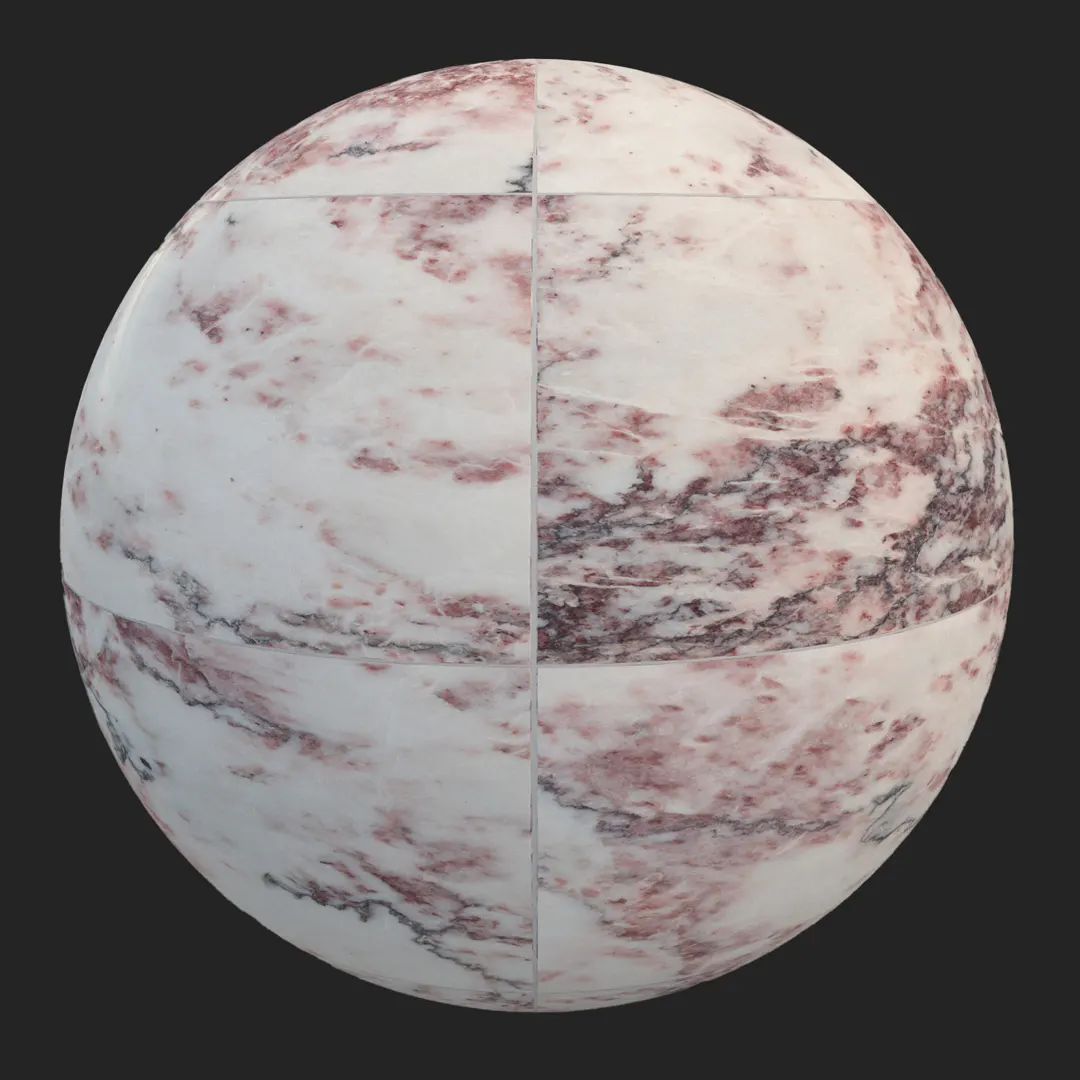
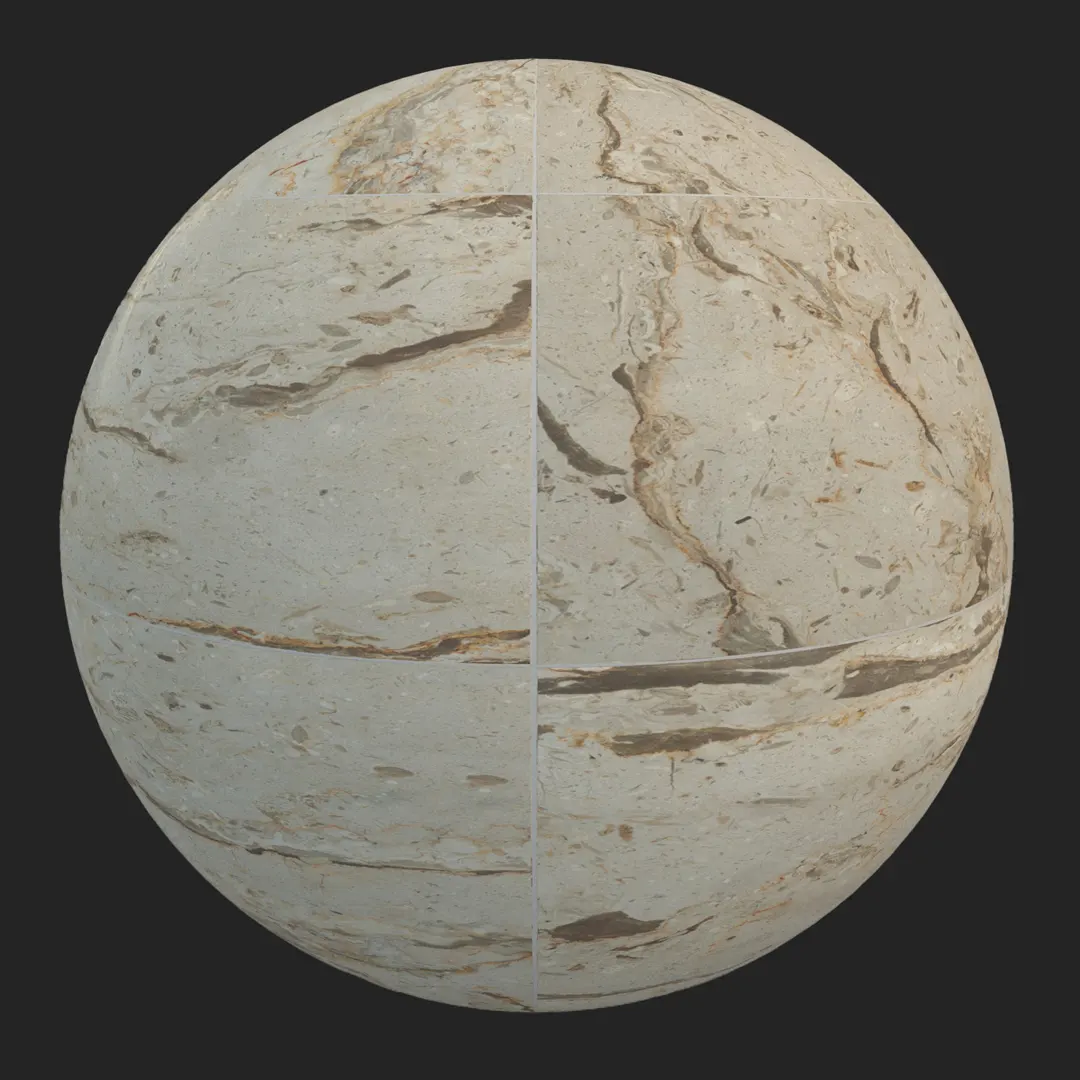
The Carrara marble tile remains a staple in high-end design due to its timeless aesthetic and versatility. This premium PBR material features a classic white base punctuated by soft, cool-toned grey veining. It is specifically designed to provide a realistic, seamless surface for sophisticated architectural visualization. Whether you are aiming for the clean lines of a modern minimalist project or the intricate details of a neoclassical space, this seamless carrara marble tile texture delivers the authentic optical response required for professional-grade rendering.
By balancing organic vein patterns with consistent color temperature, this material avoids the common “tiling” artifacts that often plague stone textures. For 3D artists and interior designers, this means you can cover large floor plates or extensive wall cladding without the repetitive visual noise that breaks immersion in a final render.
Best Uses in Real Projects
This material is a versatile choice for both residential and commercial sectors. In high-end residential interiors, it excels in master bathrooms, entry foyers, and as a sophisticated kitchen backsplash. The polished finish reflects soft ambient light, which helps brighten smaller rooms or cramped corridors.
For commercial projects, it serves as an excellent foundation for luxury hotel lobbies, corporate office restrooms, and high-end retail spaces where a sense of permanence and quality is essential. In game environments, it is particularly effective for scenes requiring a touch of affluence, such as a modern penthouse, a contemporary museum wing, or a high-end corporate headquarters. While highly versatile, keep in mind that its polished, refined nature makes it less suitable for rugged exterior walkways or heavy industrial settings where a more worn, anti-slip surface would be expected.
Design Pairing and Style Fit
This marble works beautifully across a range of design styles, including neoclassical, transitional, and sharp modern interiors. Because the veining is cool-toned, it harmonizes effortlessly with monochromatic palettes or contrasting materials.
To achieve a balanced composition, consider pairing this stone with:
– Brushed brass or gold hardware for a touch of warmth.
– Dark walnut or matte black metal accents for a sophisticated contrast.
– Light, natural oak to ground the space with organic texture.
While it is a neutral base, avoid using it in environments that demand an “industrial grunge” aesthetic unless you plan to significantly layer it with heavy dust or damage maps. It is a material that naturally signals luxury and cleanliness.
Rendering and Technical Notes
When working with this marble in V-Ray, Corona, or Unreal Engine, the key to realism lies in the interaction between the Roughness map and your light sources. The polished finish requires a subtle highlight bloom. If you are rendering a close-up shot, ensure that your displacement or normal maps are active, as the defined grout lines and the slight recession between tiles provide the necessary depth to keep the surface from looking like a flat sticker.
In Unreal Engine, utilize the provided PBR maps to maintain accurate specular response. Because this is a high-resolution 4K asset, it holds up exceptionally well under macro photography or camera angles that focus on stone details. Note that the tiling is optimized for large-scale application, but if you are covering an massive ballroom, consider adding a secondary macro-variation layer to break up the texture even further.

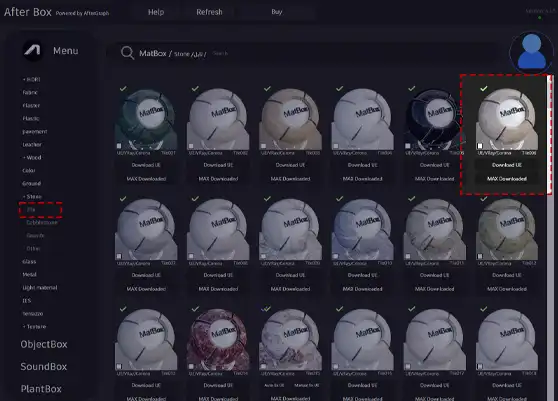
Save Time with AfterBox
Browse, download and apply materials directly in Unreal Engine, V-Ray and Corona.
Dirt, Dust, and Weathering Options
Even the most pristine luxury surfaces benefit from a touch of imperfection. In an interior architectural render, adding a subtle dust pass or fine surface scratches can significantly enhance realism, particularly under strong directional lighting where surface wear becomes visible.
For exterior applications, such as a covered feature wall, consider introducing slightly darker, localized staining within the grout lines to simulate the passage of time. However, for most interior archviz, keeping the marble “clean” is often preferred to maintain the client’s vision of a high-end, newly renovated space. Use the roughness channel to control these variations without sacrificing the underlying marble luster.




Ready Material Workflow
To accelerate your production timeline, this asset comes with pre-configured materials for Unreal Engine, V-Ray for 3ds Max, and Corona Renderer for 3ds Max. These ready-made setups eliminate the need for manual shader graph construction, allowing you to focus on scene composition rather than texture channel routing. Because the assets are fully PBR compliant, the maps can be easily ported to other engines like Octane or Redshift by simply plugging the Base Color, Roughness, and Normal maps into their respective slots.

Download and AfterBox Workflow
Integrating this texture into your workflow is designed to be as frictionless as possible. Through the AfterBox application, you can manage and drag your materials directly into your 3D software’s viewport or material editor. This system eliminates the repetitive setup cycle, allowing you to experiment with different stone variations in real-time. For more details on accessing our library and optimizing your render pipeline, visit https://after-box.com/pricing/ for full information.

Save time on material setup
Instead of downloading this texture, use the optimized ready-made material for VRay , Corona Renderer (3ds Max) and Unreal Engine available in AfterBox.
No manual setup


