


Introduction and Material Overview
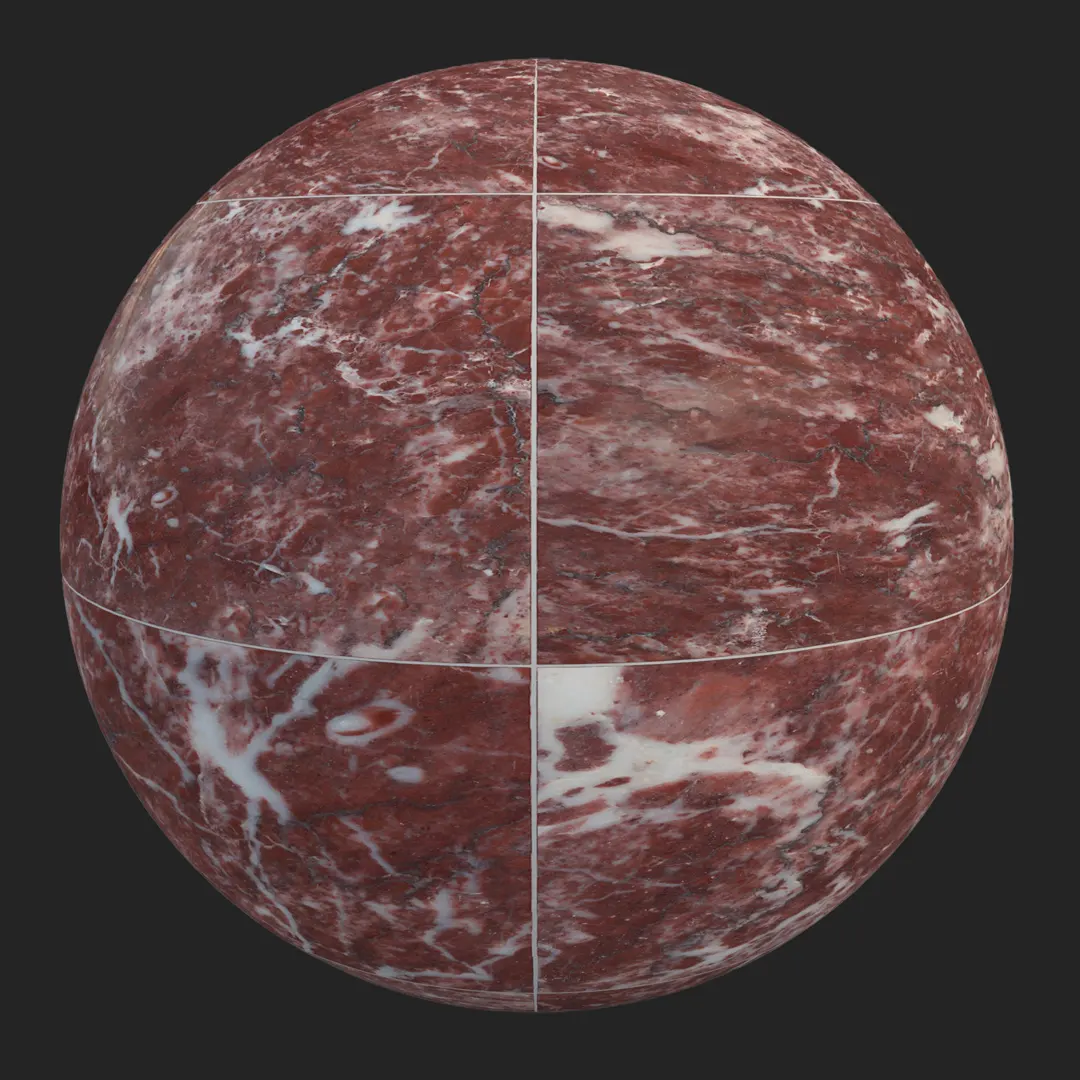
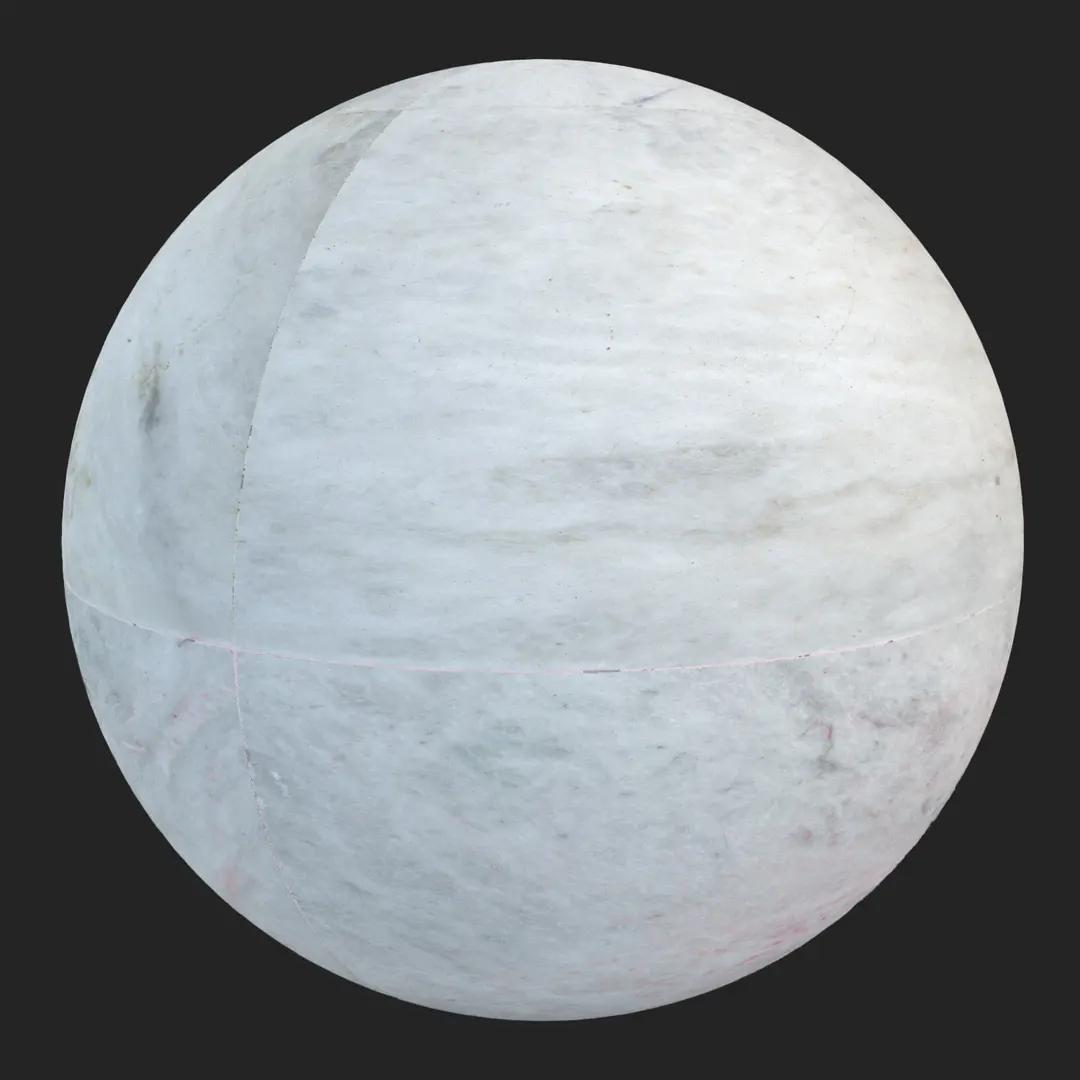
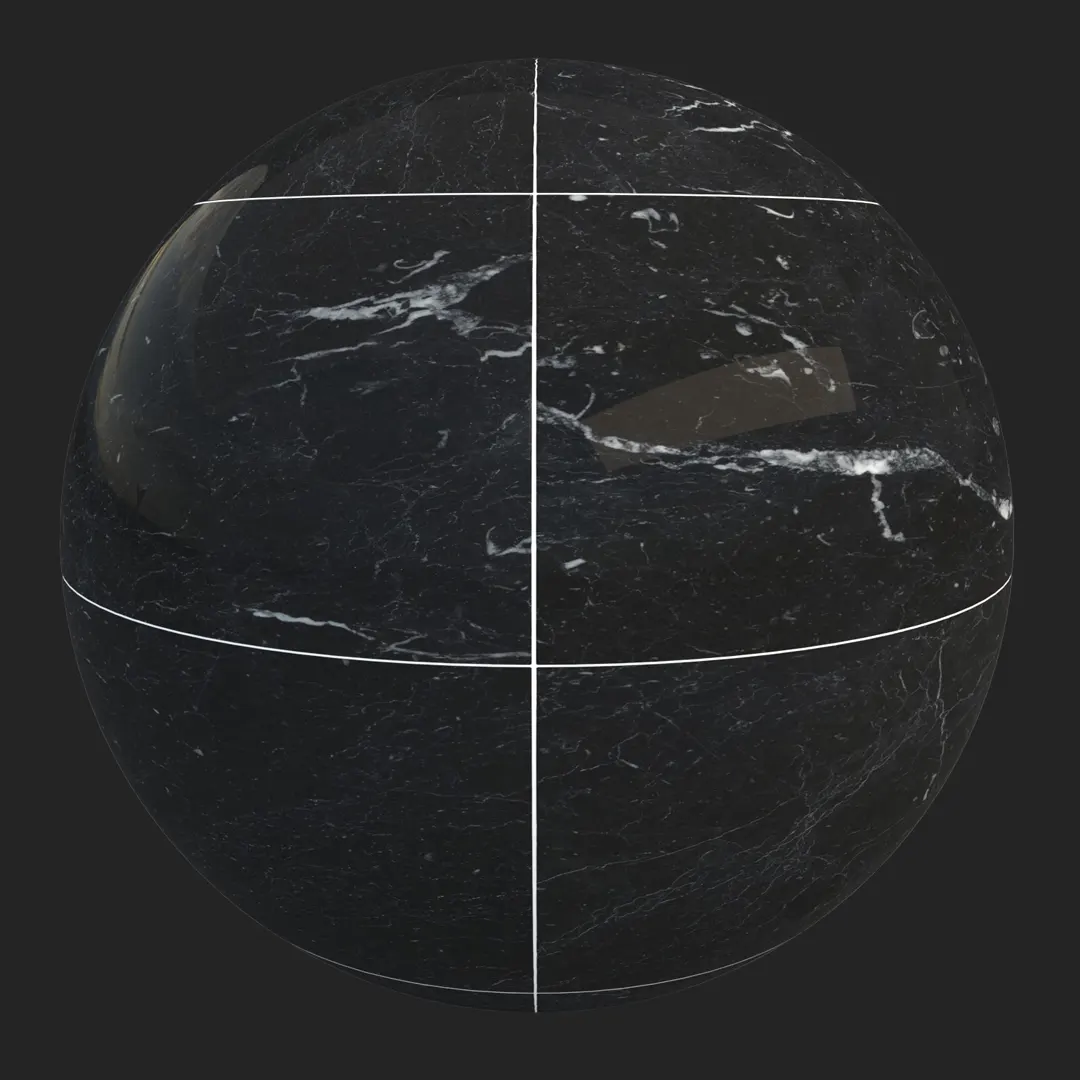
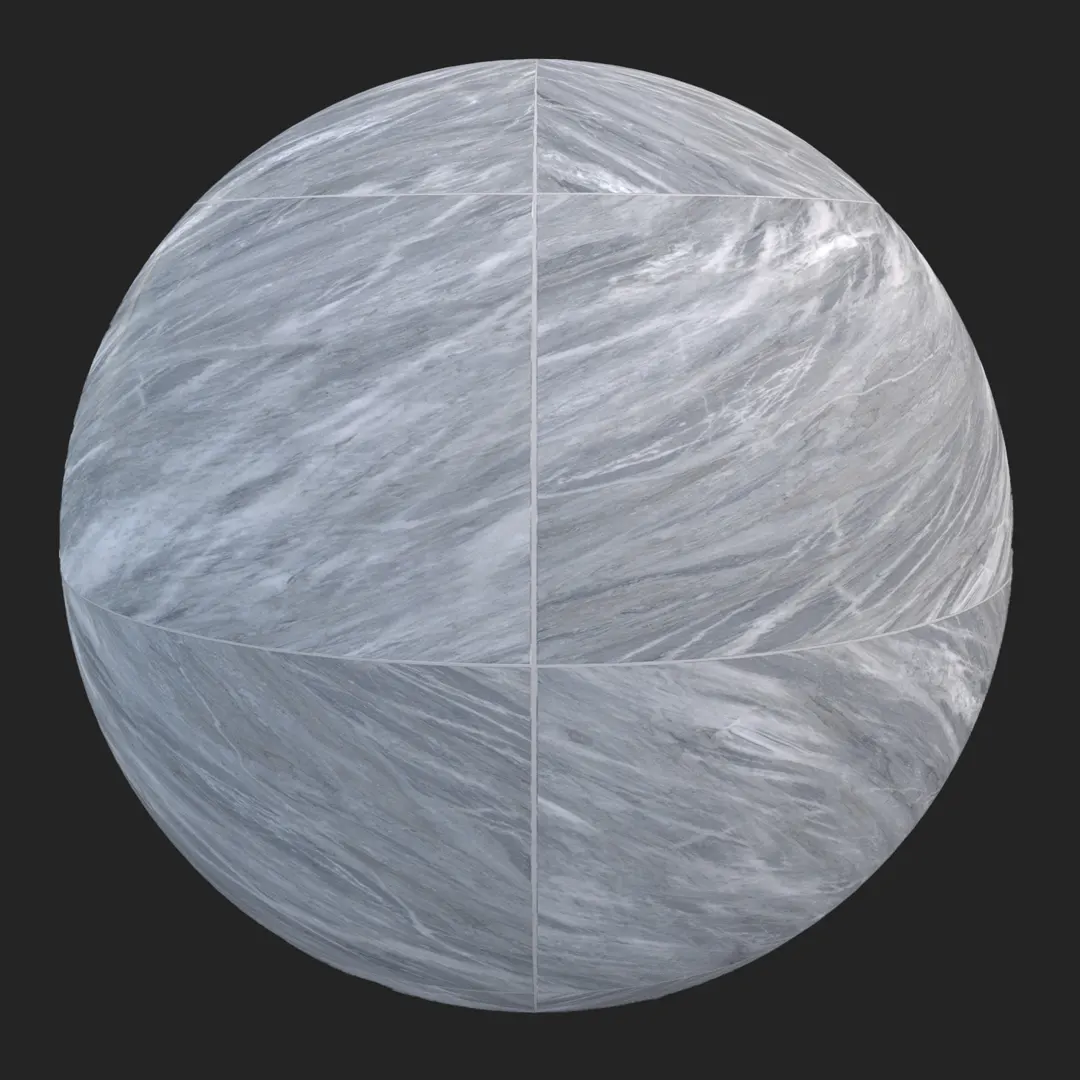
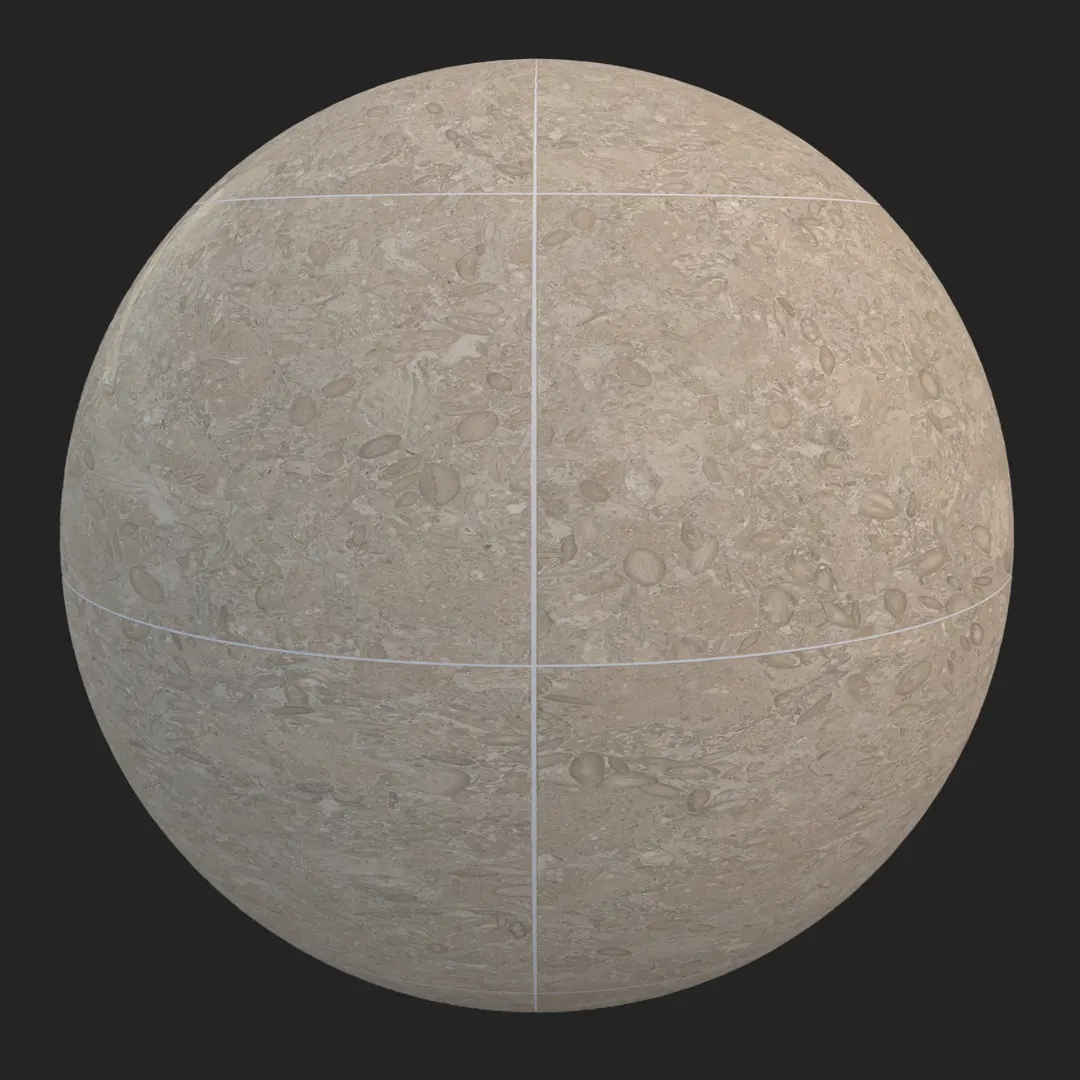
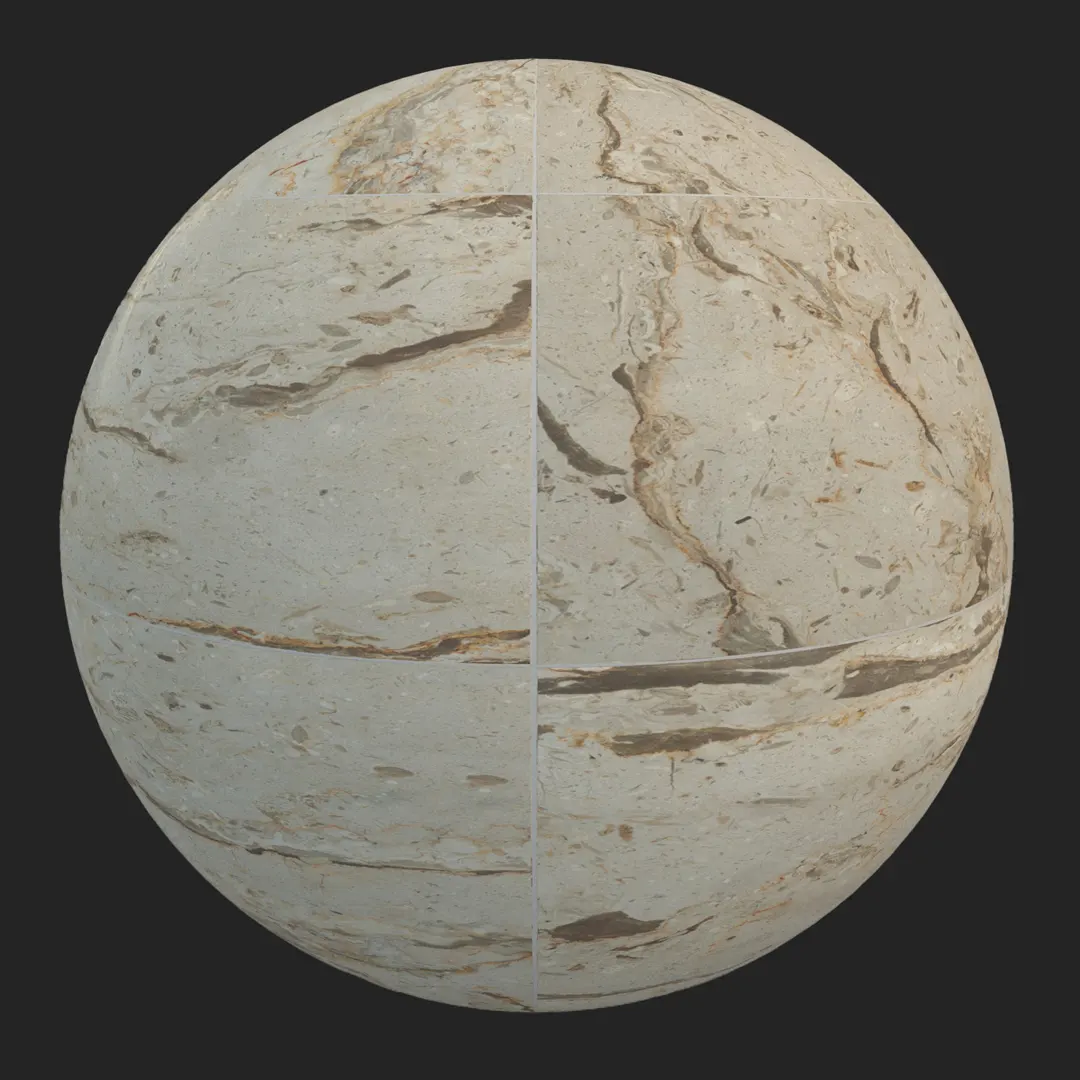
This premium beige veined marble tile offers a sophisticated, large-format aesthetic designed for high-end architectural visualization. Featuring a refined honed surface, the material showcases natural organic patterns with deep brown veining and subtle mineral inclusions. It serves as a foundational element for designers looking to introduce a warm, timeless aesthetic into their projects. Because this is a high-resolution 4K PBR asset, it maintains incredible clarity even in close-up macro shots, making it an ideal choice for luxury interior design renders.

Best Uses in Real Projects
The versatility of this marble allows it to anchor various environments. In luxury residential projects, it excels as a seamless bathroom floor or a statement kitchen backsplash. Commercially, it works exceptionally well for high-end hotel lobby flooring or boutique retail wall cladding where a sense of permanence is required. For game environment artists, this tile provides a perfect base for modern luxury mansions or sterile museum interiors.
While it is predominantly an interior asset, it can be used in covered exterior patios or protected feature walls to bring an indoor-outdoor flow to a space. Its clean grout lines and structured grid pattern make it particularly effective for architectural visualizations that focus on precision and high-end finishes.
Design Pairing and Style Fit
This marble tile thrives in contemporary, minimalist luxury, and transitional design schemes. The warm cream and tan base pairs beautifully with natural materials like dark walnut wood or white plaster. To add contrast, consider pairing it with brushed brass fixtures or matte black metal accents, which pull out the depth in the organic brown veining.
A note of caution: while this material is elegant, its bold veining might overwhelm small, cluttered spaces. In highly rustic or farmhouse styles, the “modern” finish of this specific marble may clash with the desired ruggedness, so use it sparingly in those contexts.
Rendering and Technical Notes
This material features a honed finish, meaning it should exhibit a soft, satin-like reflection rather than a mirror-like polish. In engines like V-Ray or Corona, ensure your roughness map is correctly plugged to maintain that subtle, natural light dispersion. For Unreal Engine users, the PBR maps are calibrated to provide accurate behavior under various lighting setups, whether you are using static baked light or dynamic lumen workflows.
The 4K resolution provides significant depth, but be mindful of tiling. Because the veining is highly organic, large floors might show repetition if you do not implement some level of UV rotation or color variation using your engine’s material function or a simple mask.

Save Time with AfterBox
Browse, download and apply materials directly in Unreal Engine, V-Ray and Corona.
Dirt, Dust, and Weathering Options
To move beyond a “showroom” look, consider applying minor procedural dirt. In interior settings, adding a slight darkening to the grout lines can ground the marble and make the grid feel more integrated. For exterior or “lived-in” commercial visualizations, subtle lime buildup or slight edge wear can prevent the stone from looking too sterile. In most high-end architectural renders, however, keeping the surface clean and sharp is usually preferred to emphasize the luxury quality of the stone.




Ready Material Workflow
Working with ready-made materials for Unreal Engine, V-Ray for 3ds Max, and Corona Renderer significantly cuts down your production time. Rather than manually plugging individual maps and adjusting shaders for every instance, these prepared assets provide a baseline that respects the intended material physical properties. This consistency is vital for maintaining a high standard across complex scenes with multiple surface types.

Download and AfterBox Workflow
Our material library is fully compatible with the AfterBox application, a lightweight tool designed to streamline your asset management. By using AfterBox, you can drag and drop these materials directly into your scene, bypassing tedious setup. For team-based workflows or large projects where efficiency is key, this integration ensures that your material library remains organized and accessible. To learn more about how to integrate these assets into your pipeline, visit https://after-box.com/pricing/
Save time on material setup
Instead of downloading this texture, use the optimized ready-made material for VRay , Corona Renderer (3ds Max) and Unreal Engine available in AfterBox.
No manual setup


