
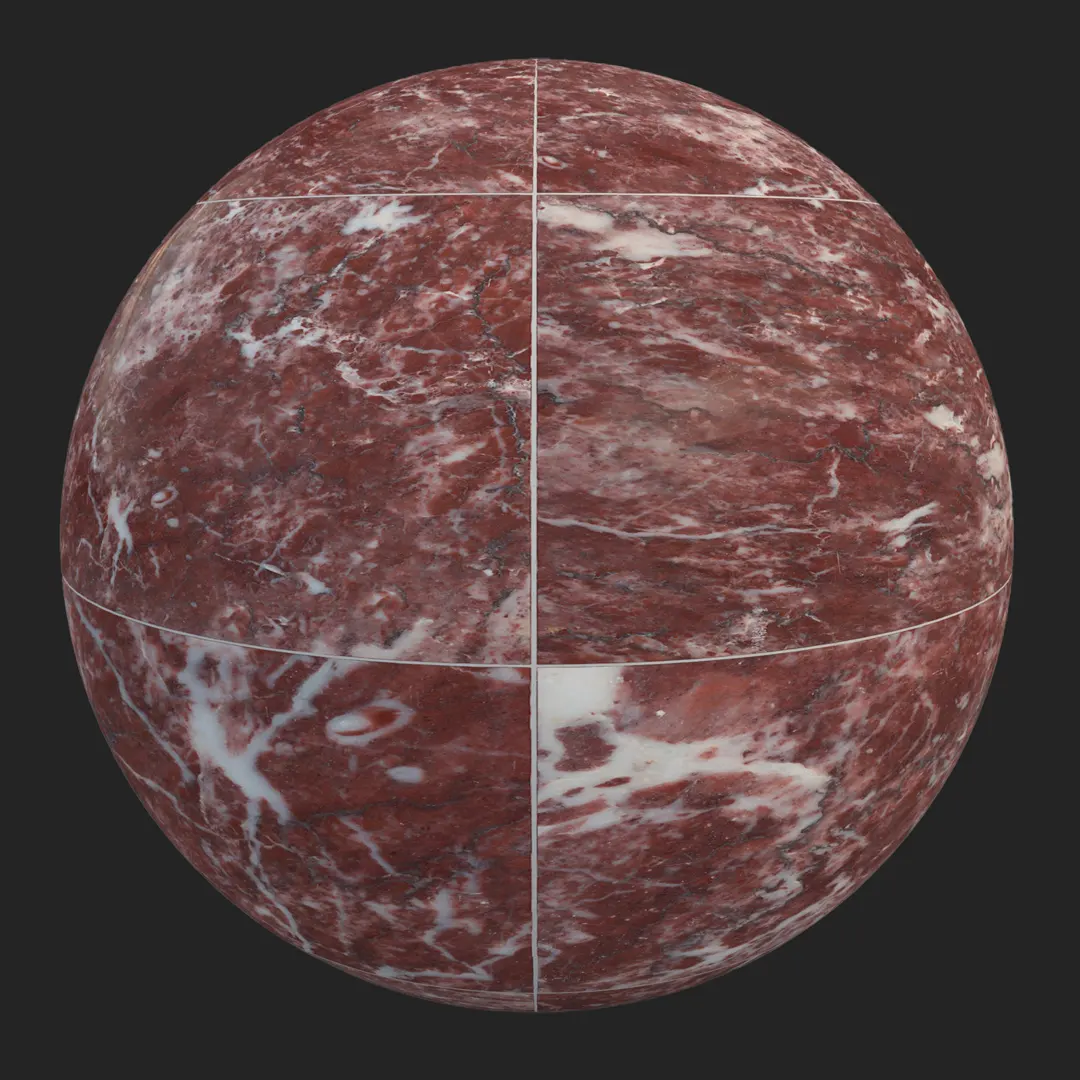
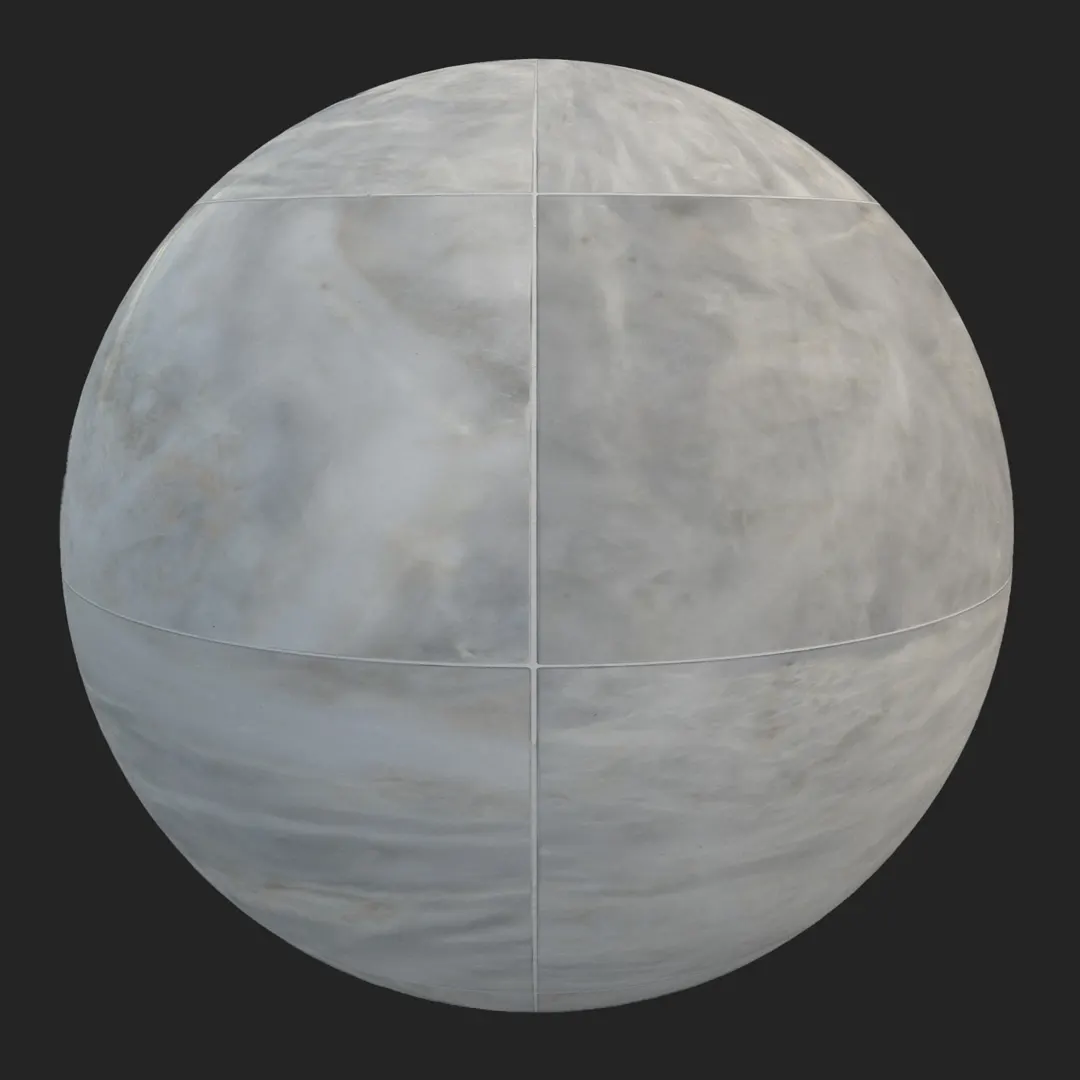
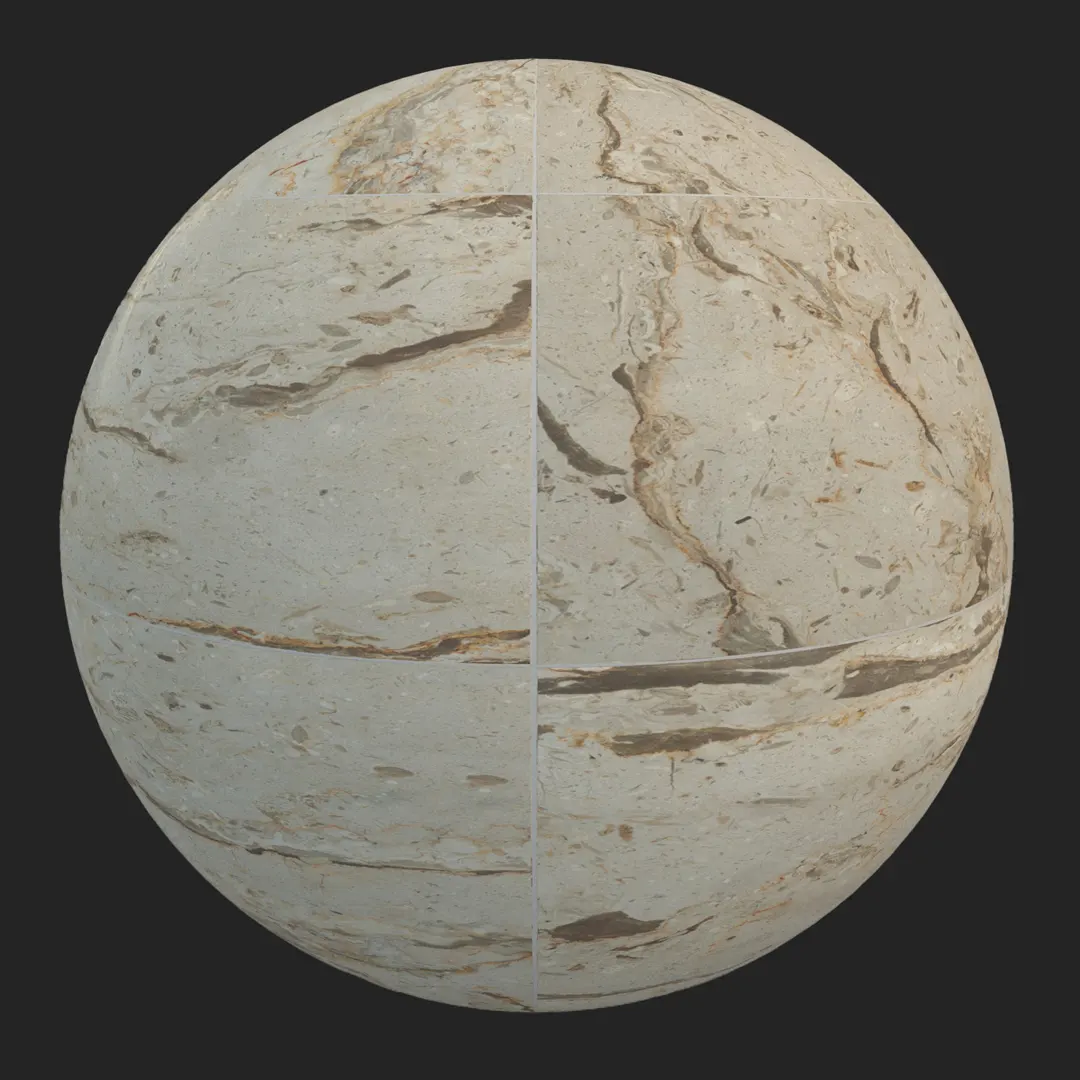

Introduction and Material Overview
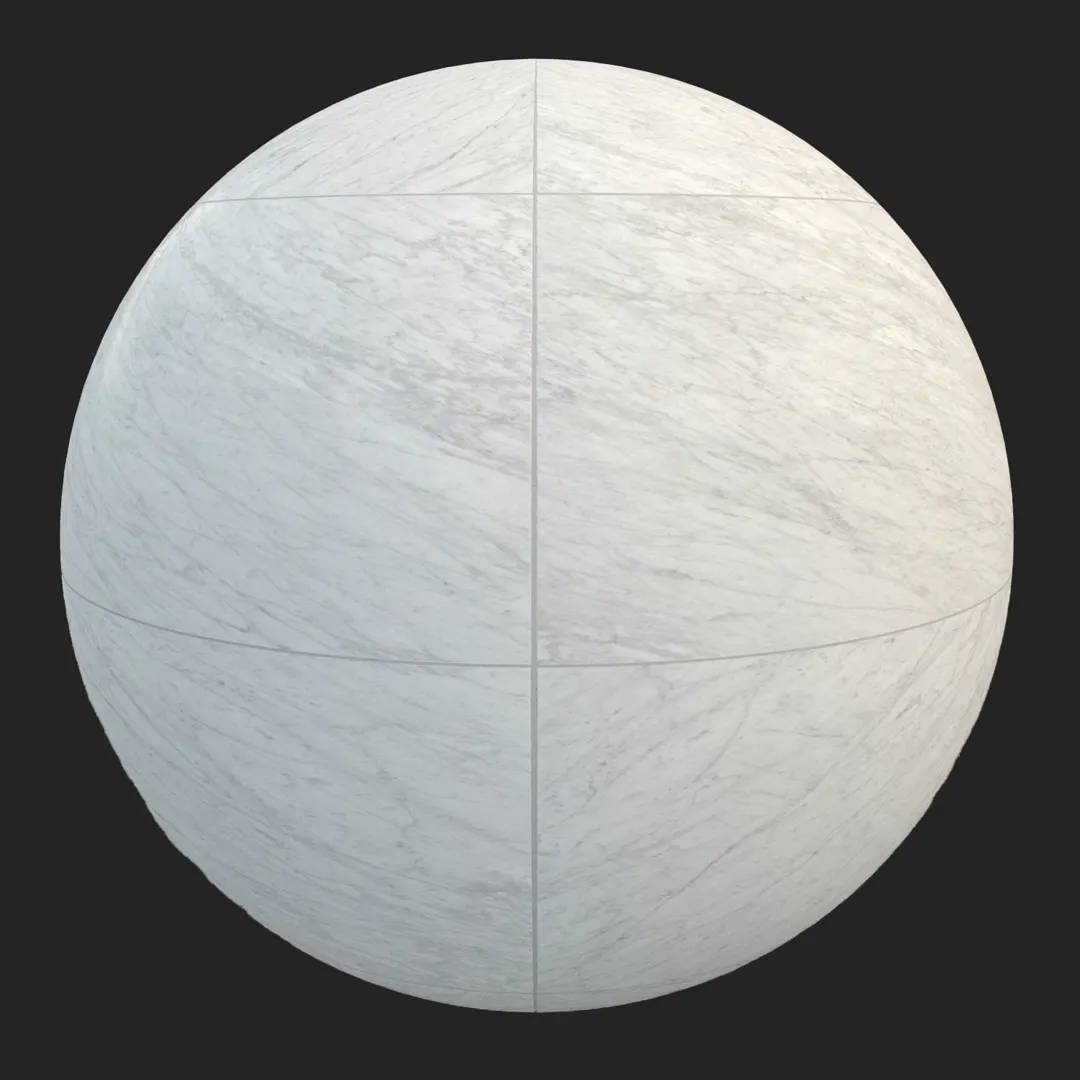
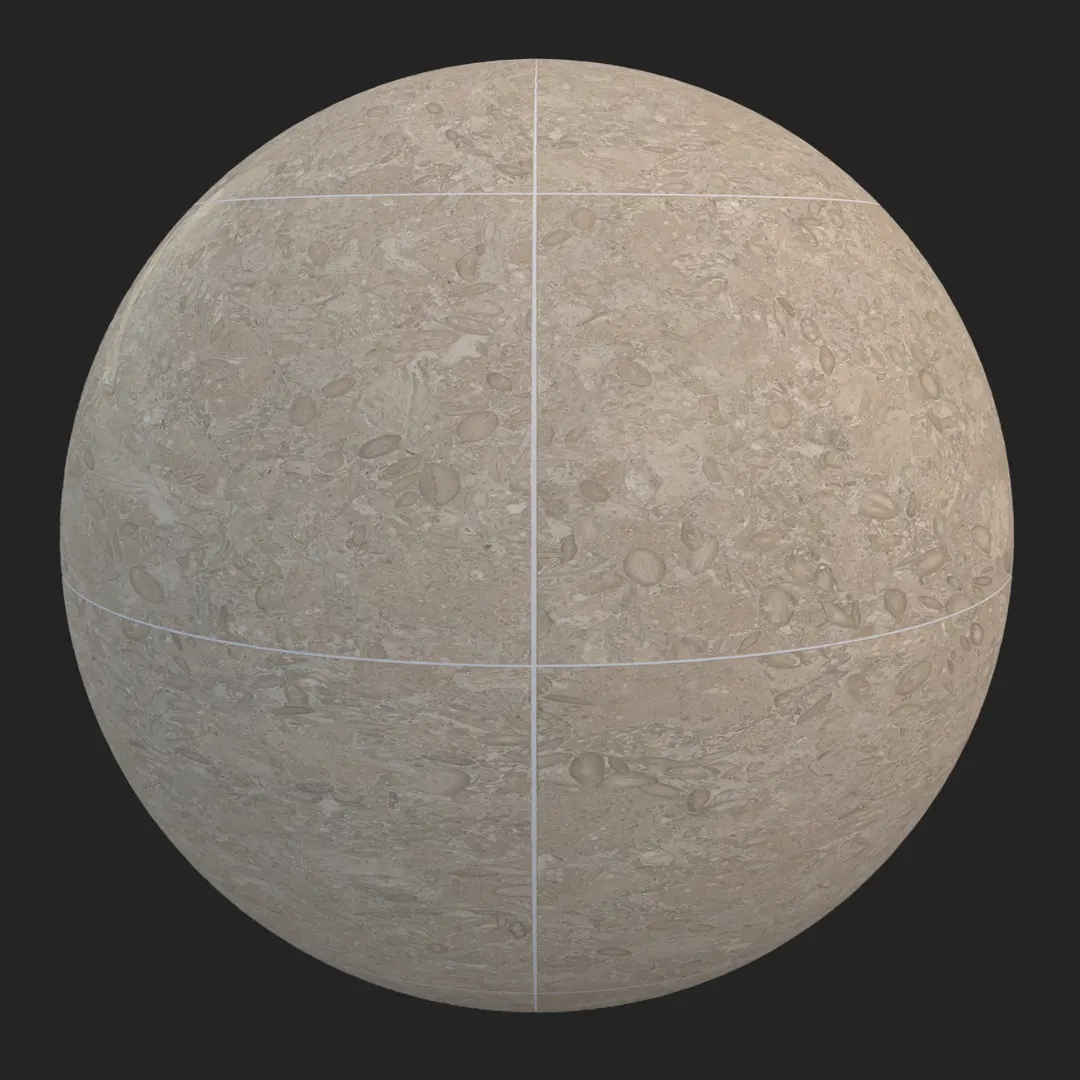
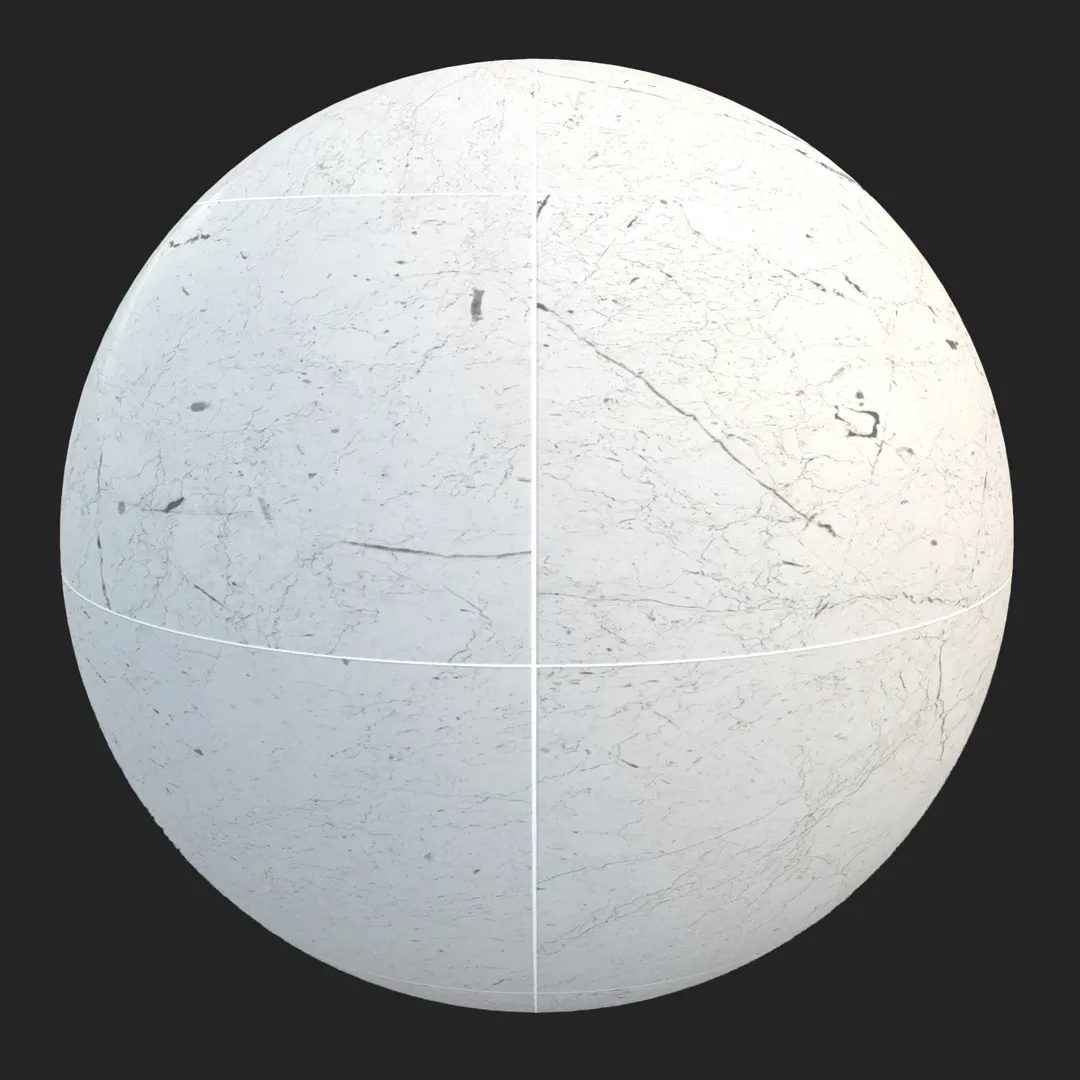
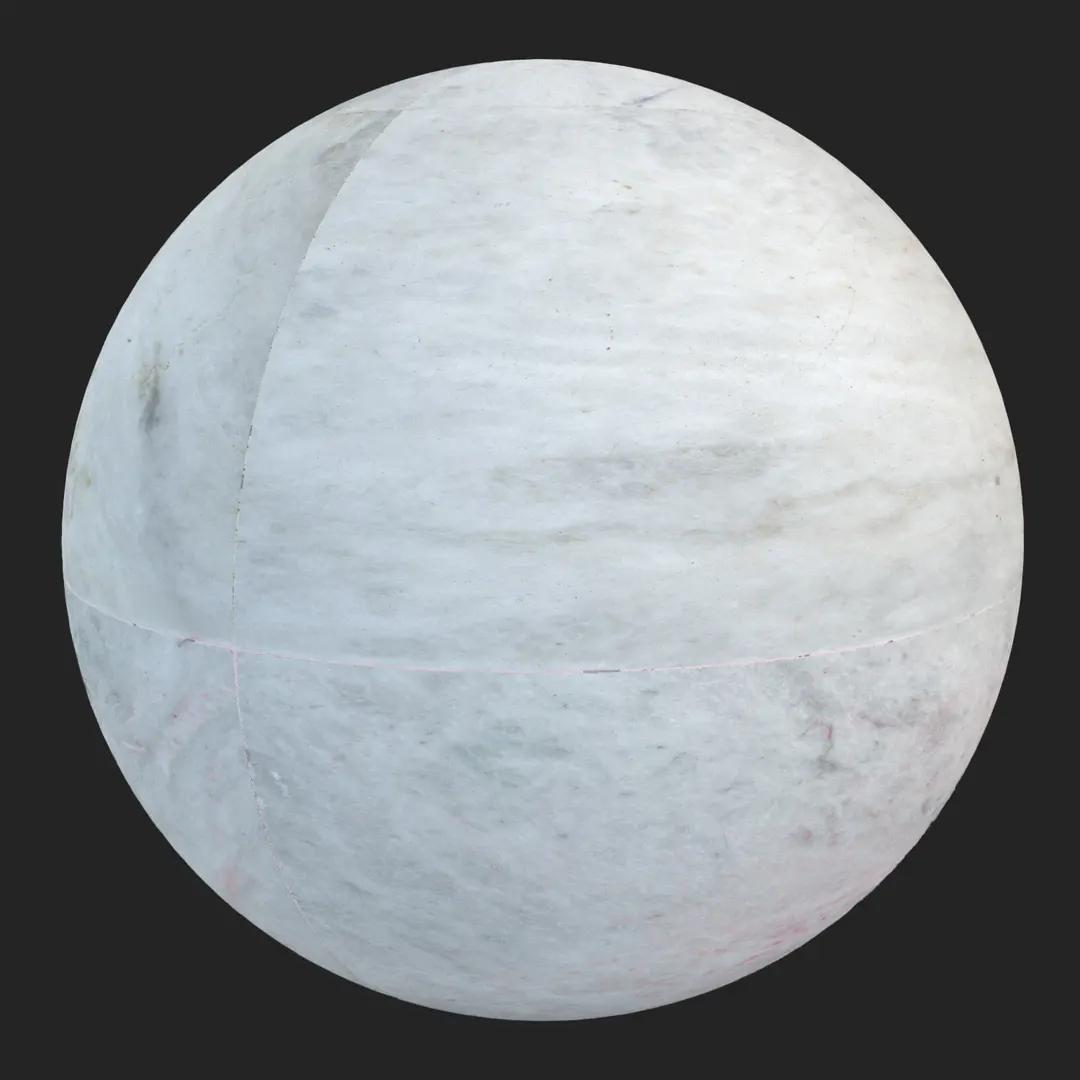
This polished white marble slab tile brings a sophisticated, high-end finish to architectural visualizations. Characterized by a cool white base and subtle, organic grey veining, it captures the crystalline graining of natural stone. Because of its large-format aesthetic and reflective surface, this polished white marble tile is an essential asset for projects requiring a clean, luxury appearance. Whether you are rendering a sprawling hotel lobby or a high-end master bathroom, this material provides the necessary balance of subtle detail and seamless visual flow required for professional-grade archviz.
Best Uses in Real Projects
This material thrives in environments where light and luxury are the primary design objectives. For interior projects, it serves as an excellent flooring or wall cladding choice in master bathrooms, modern kitchens, and corporate reception areas. Its large-format nature helps minimize visible grout lines, creating a monolithic, expansive feeling in smaller rooms.
In exterior applications, the material is best suited for sheltered areas, such as luxury building entryways or high-end retail facades. Game environment artists can utilize this marble for futuristic interiors or sterile, minimalist gallery spaces where the reflective quality of the surface helps bounce global illumination. For high-end residential visualizations, it pairs perfectly with accent lighting to highlight the soft veining and smooth finish.
Design Pairing and Style Fit
This tile is a hallmark of minimalist and contemporary luxury styles. It acts as a neutral canvas, allowing furniture and lighting fixtures to take center stage. To balance the cool temperature of the marble, pair it with warmer, organic textures such as dark walnut cabinetry or brushed gold hardware. Matte black plumbing fixtures provide a high-contrast, modern aesthetic that frames the white surface beautifully.
While versatile, the material may feel out of place in rustic or heavily weathered farmhouse settings, where the refined, polished aesthetic would contrast too sharply with raw, reclaimed wood or unfinished stone. If you are aiming for a cozy, rustic look, consider using this marble only as an accent rather than a primary surface.
Rendering and Technical Notes
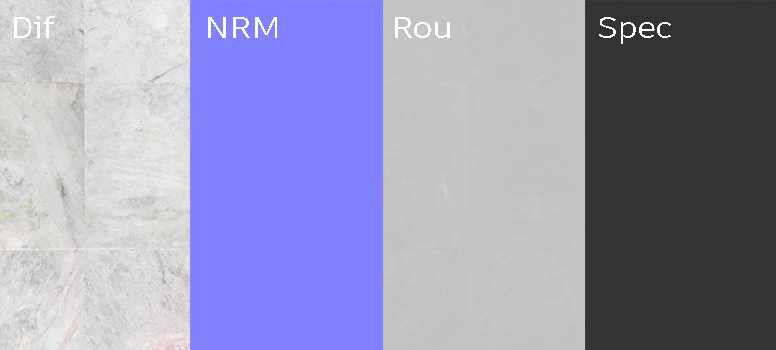
The PBR maps provided ensure a natural surface response to both artificial and natural lighting. The roughness map is tuned to replicate the subtle crystalline scattering found in natural stone, preventing the material from looking like a flat plastic. The normal map handles the delicate surface indentations, ensuring that when light hits the slab at an angle, the organic texture of the marble becomes visible.
For Unreal Engine artists, the reflection capture actors will interact effectively with the specular map, producing realistic highlights. Be mindful of tiling; because of the unique veining, you may need to rotate the UVs or adjust the offset if the pattern repeats over a massive floor area. For close-up shots, the 4K resolution provides enough fidelity to hold up to scrutiny without losing the subtle natural grain.
Save Time with AfterBox
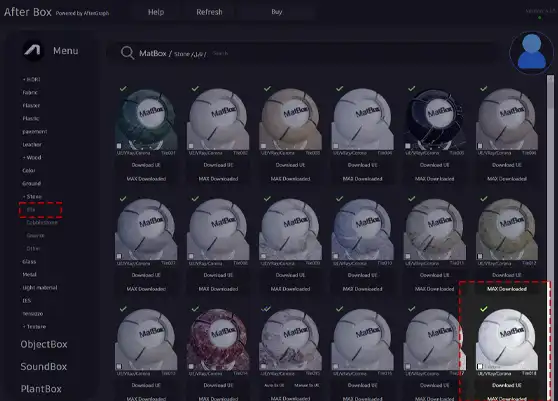
Browse, download and apply materials directly in Unreal Engine, V-Ray and Corona.
Dirt, Dust, and Weathering Options
Even the cleanest, most luxurious marble can benefit from subtle imperfections to ground it in a real-world setting. In interior visualizations, light dust accumulation near baseboards or faint water streaking near vanity sinks adds a layer of believability that pure, perfect marble lacks.
For exterior applications, consider adding a light “grime” pass to the grout lines to break up the sterile look of the tile grid. However, for high-end retail or museum environments, keep the surface polished and clear to maintain the intended “pristine” architectural intent. Use a subtle blend mask to control where the dust collects, keeping the center of the tiles relatively clean while focusing aging in the recesses.




Ready Material Workflow
Efficiency in a production pipeline is critical. Instead of spending hours adjusting gloss maps and normal intensities, you can leverage the ready-made materials for Unreal Engine, V-Ray, and Corona. These assets are pre-configured to ensure the reflection, bump, and albedo values align correctly with standard rendering engine environments. This allows you to drag and drop the material into your scene, significantly reducing setup and testing time while maintaining consistent, high-quality results across your project.

Download and AfterBox Workflow
Managing a large library of assets can be cumbersome. To simplify your process, this material is available through the lightweight AfterBox application. This tool allows for a direct drag-and-drop workflow into your host software, ensuring that your materials are assigned correctly without the manual overhead of manual texture slotting. This integration streamlines your daily production routine, allowing you to focus on design decisions rather than file management. For full access to our asset library and integration tools, visit https://after-box.com/pricing/
Save time on material setup
Instead of downloading this texture, use the optimized ready-made material for VRay , Corona Renderer (3ds Max) and Unreal Engine available in AfterBox.
No manual setup


