

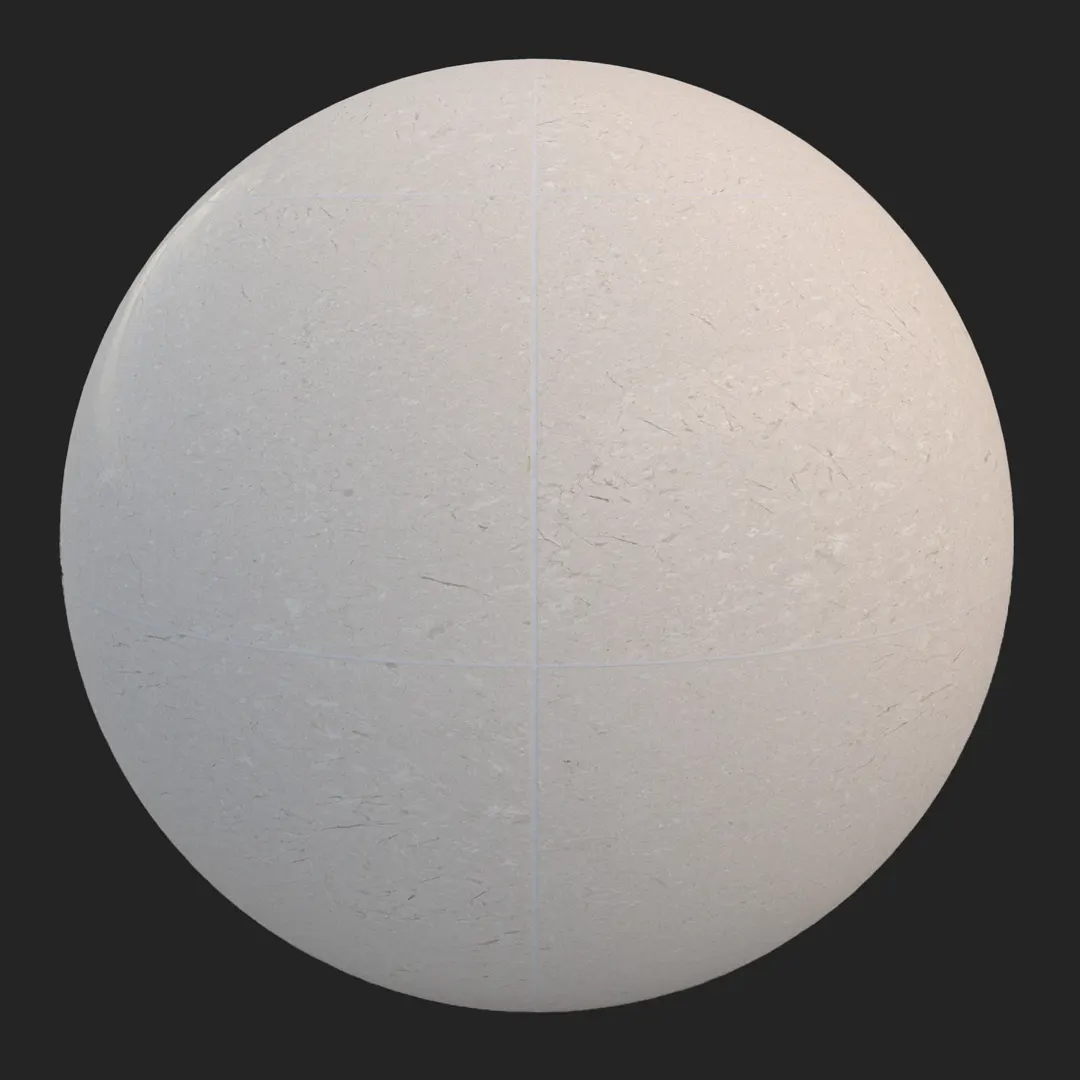

A) Introduction and Material Overview
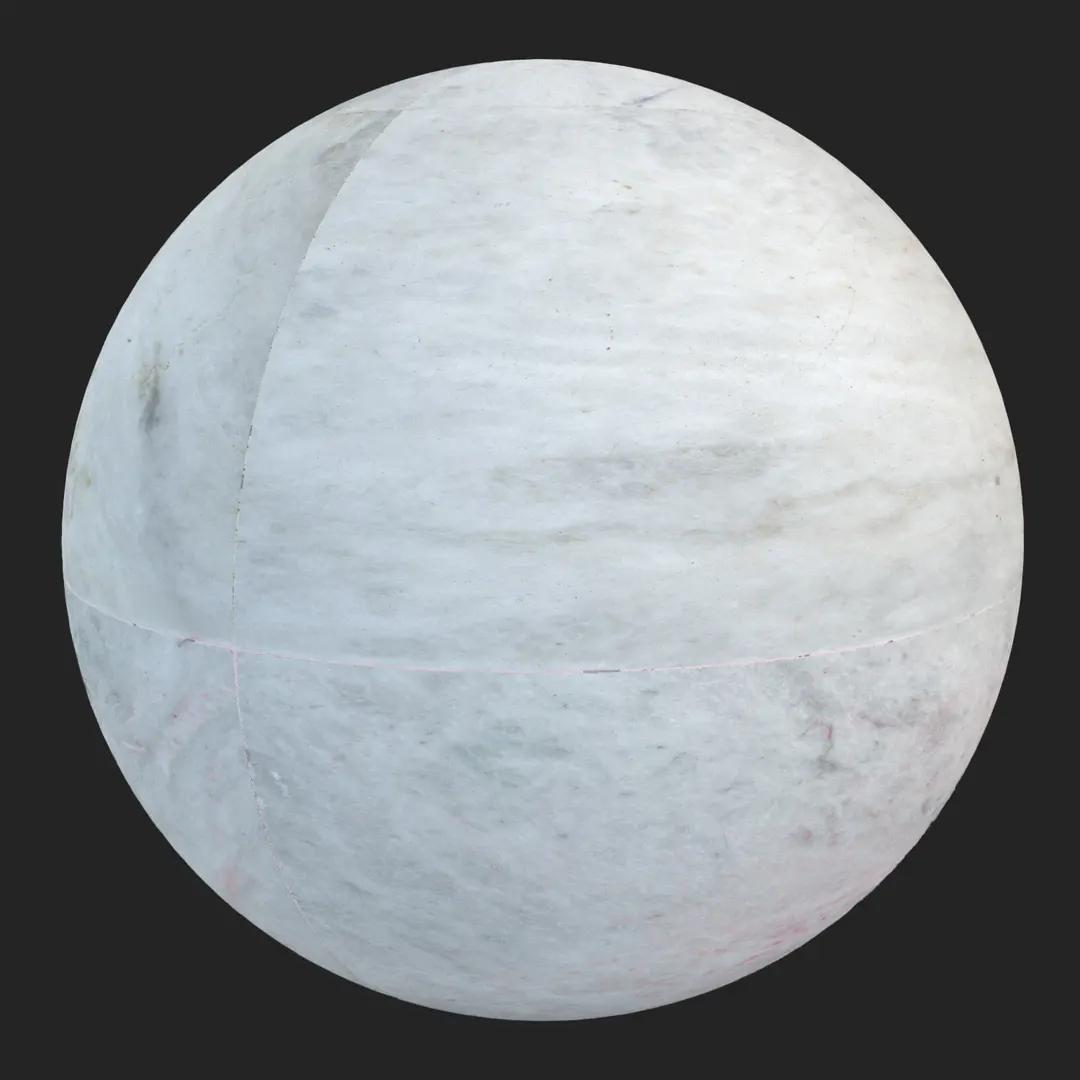
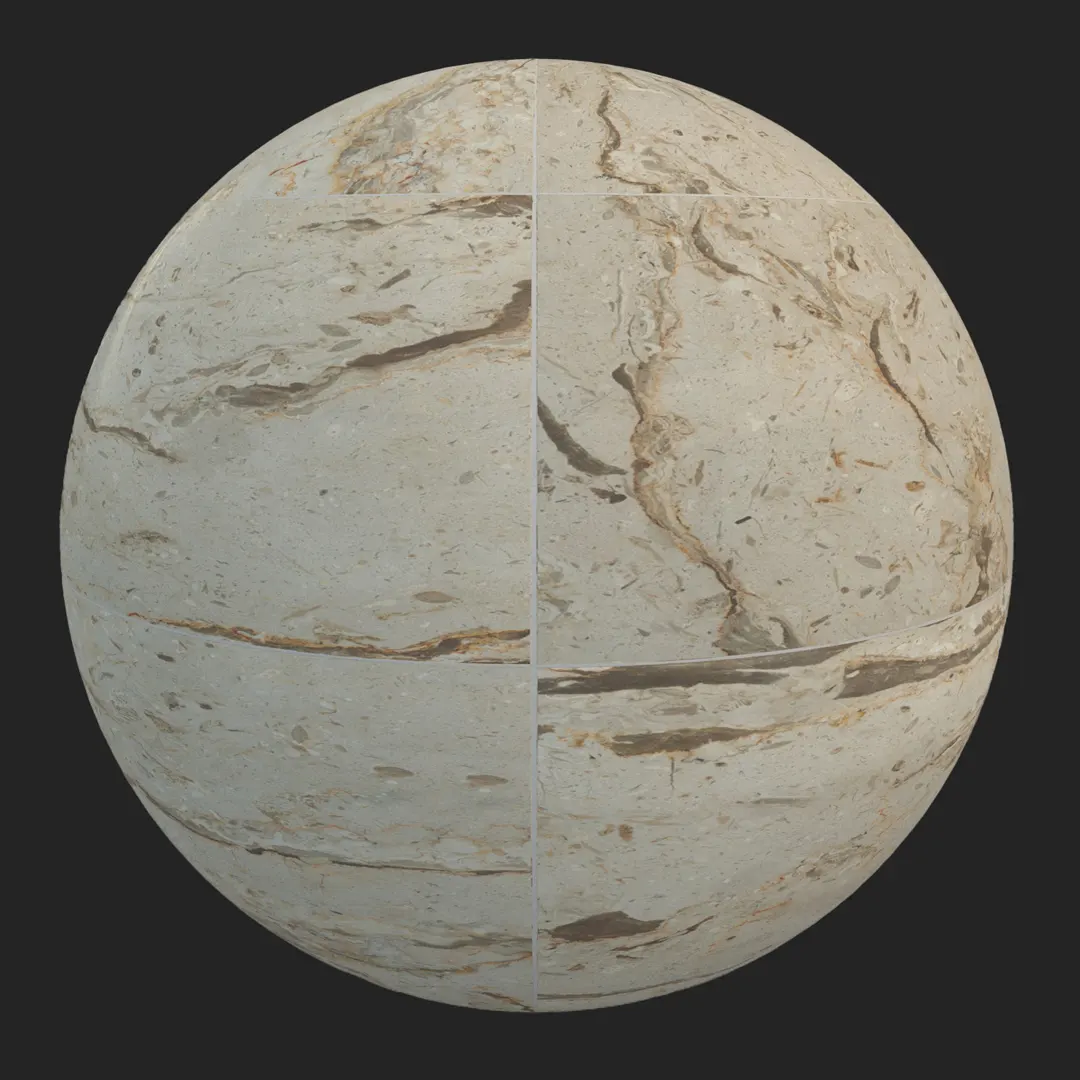
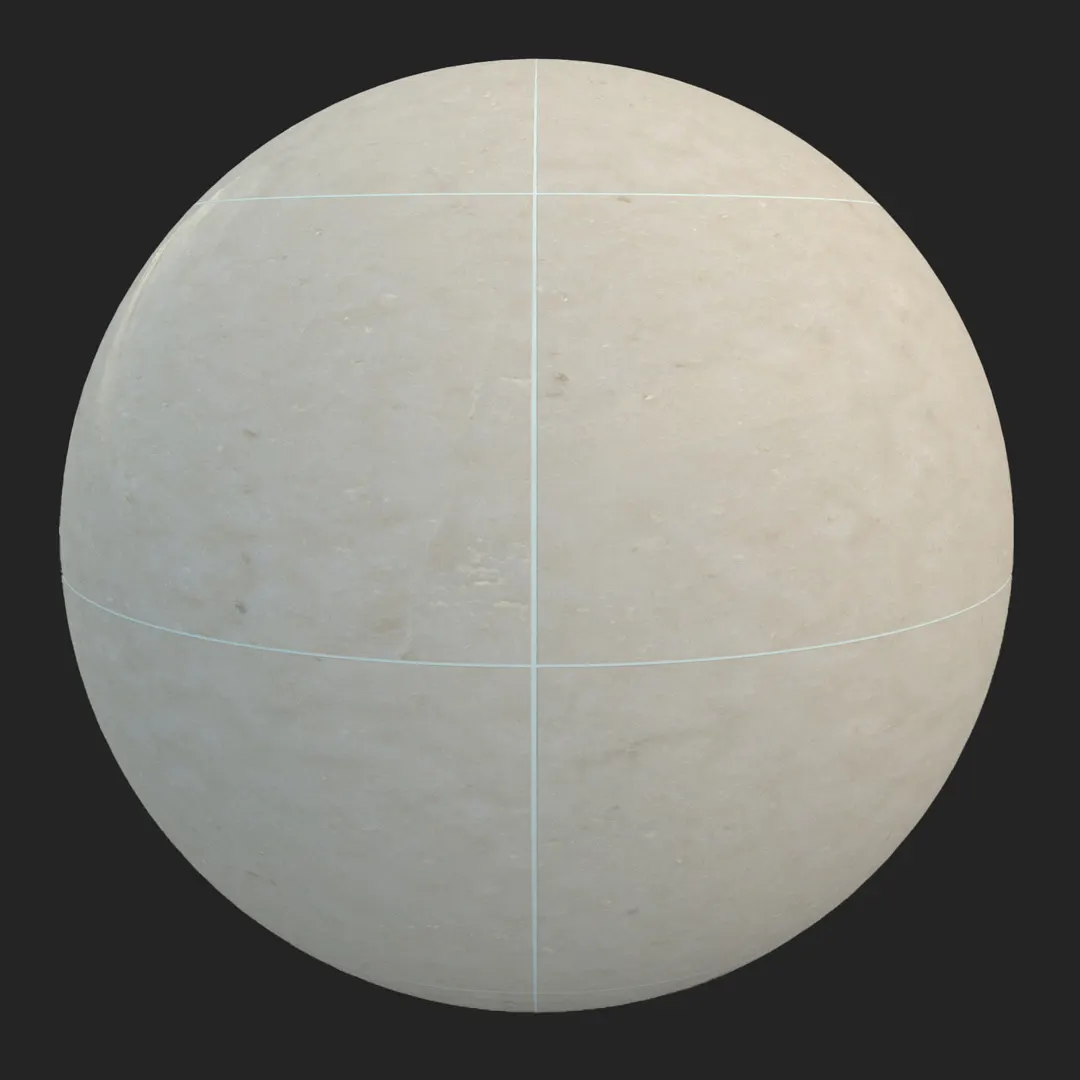
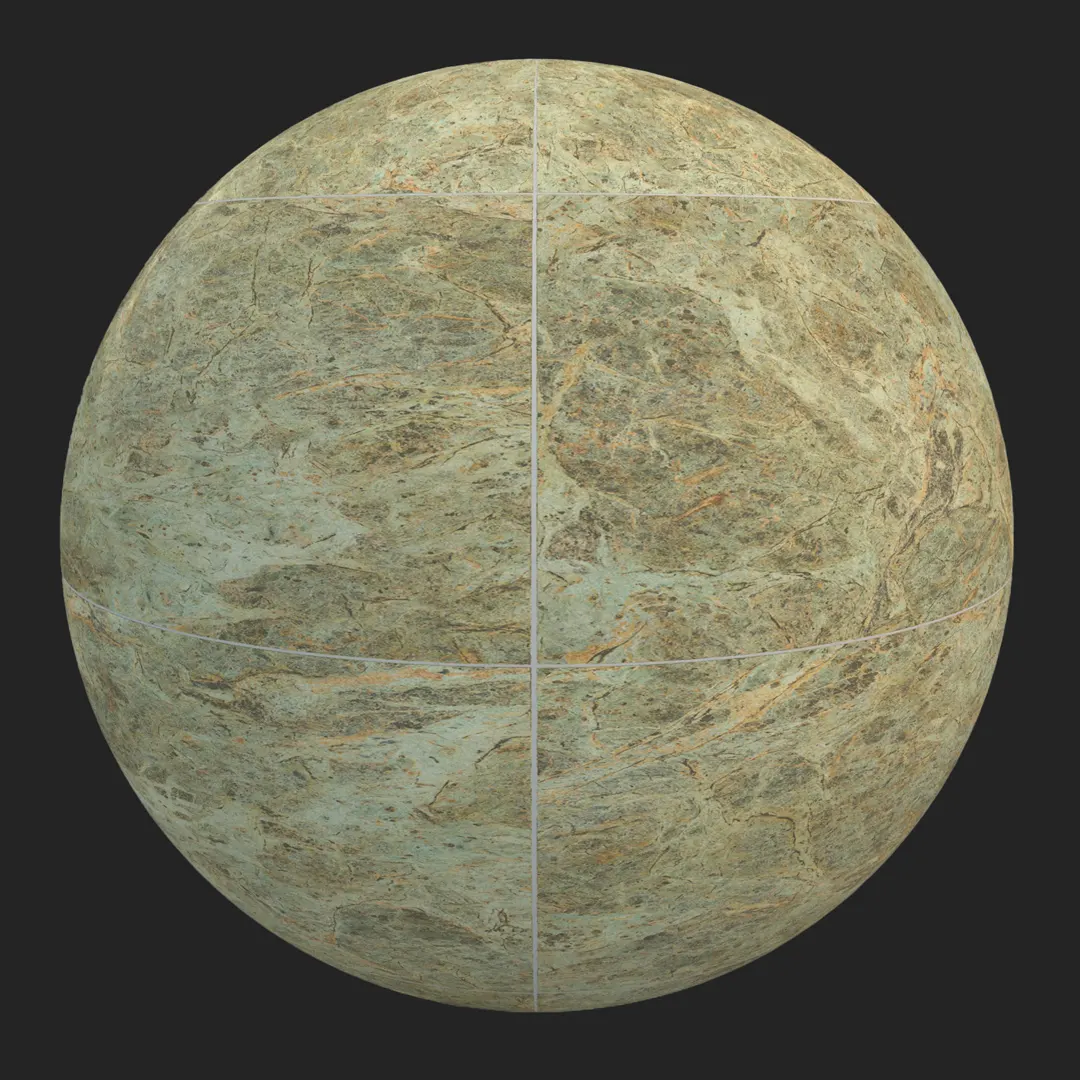
This premium polished green marble tile offers a sophisticated, high-contrast aesthetic characterized by deep forest green tones and intricate light-grey mineral veining. As a core asset for architectural visualization, this high-resolution material provides the depth and weight necessary for luxury interior surfaces. Whether you are aiming for the opulence of a boutique hotel lobby or the refined atmosphere of a contemporary master bathroom, this green marble tile delivers a realistic, non-porous finish that reacts naturally to light. Its professional-grade resolution ensures that fine details remain crisp even in close-up hero shots, making it a reliable choice for high-end archviz and detailed game environment design.
B) Best Uses in Real Projects
The versatility of this marble allows it to anchor various high-end projects. In residential design, it is ideal for floor-to-ceiling bathroom tiling or as a striking, seamless kitchen backsplash. Commercially, it works exceptionally well in luxury retail interiors or executive office reception areas where a sense of permanence and quality is required. For game environment artists, this texture provides an excellent foundation for palace, manor, or high-end apartment levels, especially when contrasted with metallic hardware. While primarily an interior asset, it can also be utilized for sheltered exterior feature walls where direct sunlight is managed to avoid flattening the surface depth.
C) Design Pairing and Style Fit
This marble thrives in contemporary luxury and neoclassical environments, where the natural, high-variation veining breaks up sterile, minimalist geometry. It pairs beautifully with warm, organic materials like walnut or oak, providing a sophisticated contrast. For a modern opulent look, combine this green stone with brushed brass or matte gold fixtures, which pull out the subtle golden or earthy undertones often hidden in the veining. If you are leaning toward mid-century modern, it serves as a bold focal point when balanced with neutral, matte white plaster walls. It is generally less effective in industrial or rustic settings, where the highly polished, refined nature of the stone may feel out of place.
D) Rendering and Technical Notes
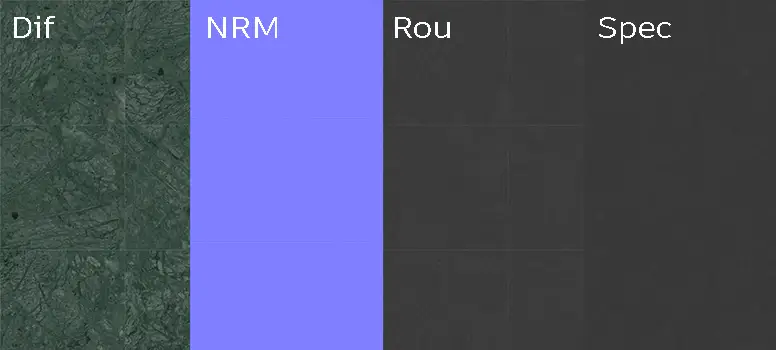
Achieving a realistic result with this material requires careful attention to the reflection environment. Because it is a high-gloss polished marble, its appearance is heavily dictated by your scene’s HDRI or light sources. The included normal map is essential for maintaining the integrity of the butt-joint grid, but be aware that in large-scale flooring layouts, the visible grid lines may require custom tiling masks or subtle offset adjustments to prevent visible repetition. For Unreal Engine, ensure the roughness map is properly calibrated in your material instance to maintain that crisp, wet-look reflection without looking like plastic.
Save Time with AfterBox
Browse, download and apply materials directly in Unreal Engine, V-Ray and Corona.
E) Dirt, Dust, and Weathering Options
To elevate the realism of this marble, consider adding a subtle layer of surface interest. In a residential bathroom, a light, thin layer of water-spotting or subtle soap scum roughness variation can ground the material in reality. In commercial or lobby scenes, adding minor, barely perceptible surface dust—concentrated away from high-traffic areas—can prevent the render from looking overly sterile. Keep the surface clean for luxury residential shots, but do not be afraid to break the perfect reflection with subtle imperfections, as marble is a porous natural material that naturally collects microscopic debris.




F) Ready Material Workflow
We provide pre-configured materials for Unreal Engine, V-Ray for 3ds Max, and Corona Renderer for 3ds Max, which significantly accelerates your production timeline. By utilizing these ready-to-use setups, you eliminate the repetitive process of mapping PBR channels and calibrating reflection parameters. These assets are optimized to look correct straight out of the box, ensuring consistency across your scene while allowing you more time to focus on lighting and composition. If you are working in a different render engine, the provided 8K PBR map set serves as a high-quality foundation for custom shader creation.

G) Download and AfterBox Workflow
Managing your material library should not be a bottleneck in your creative process. This asset is fully compatible with the AfterBox application, allowing you to drag and drop ready-made materials directly into your workspace. This streamlined workflow reduces the time spent on manual file organization and shader setup. For those looking to optimize their studio’s production pipeline, you can find more information on our integration tools at https://after-box.com/pricing/ to ensure your team remains efficient during tight production deadlines.

Save time on material setup
Instead of downloading this texture, use the optimized ready-made material for VRay , Corona Renderer (3ds Max) and Unreal Engine available in AfterBox.
No manual setup


