
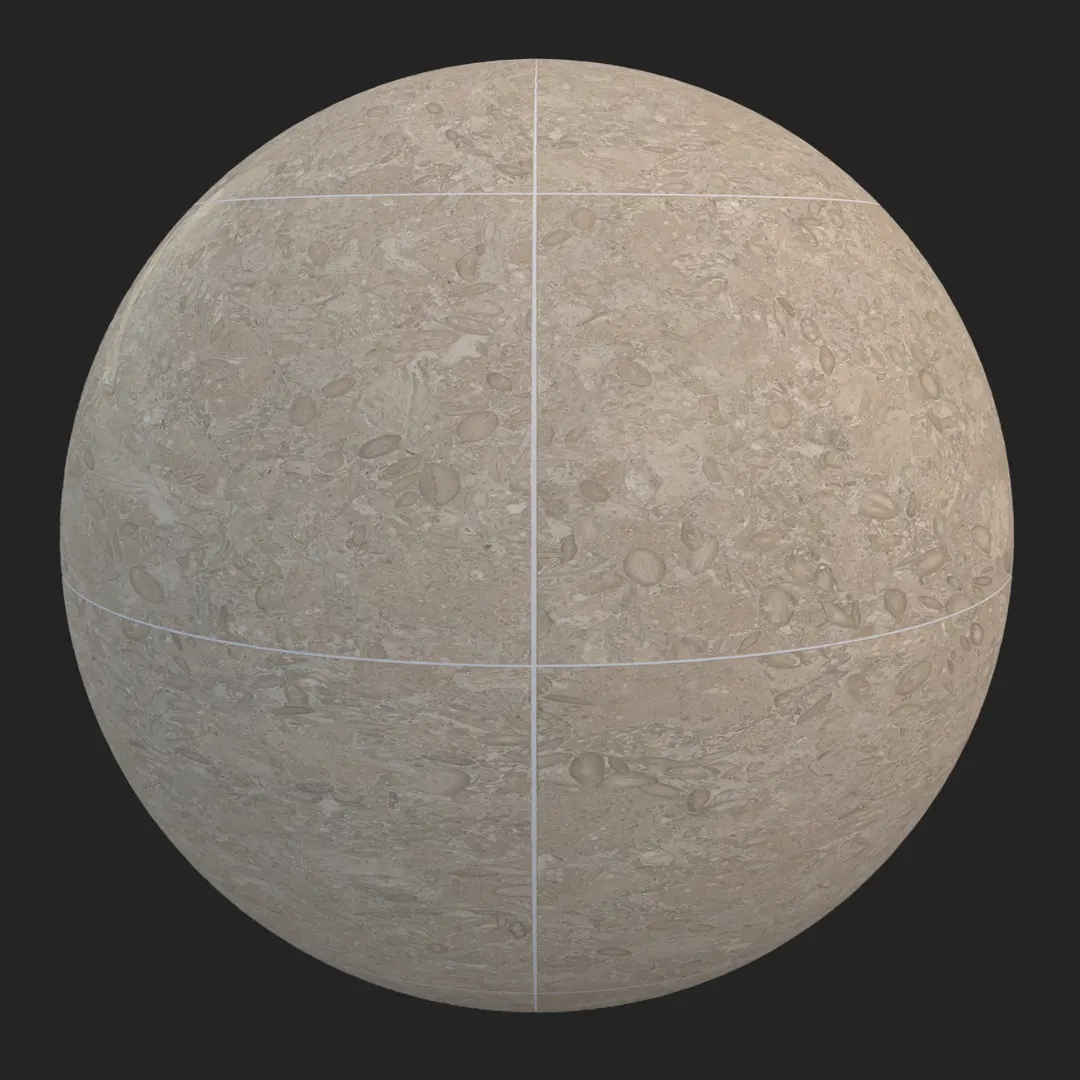


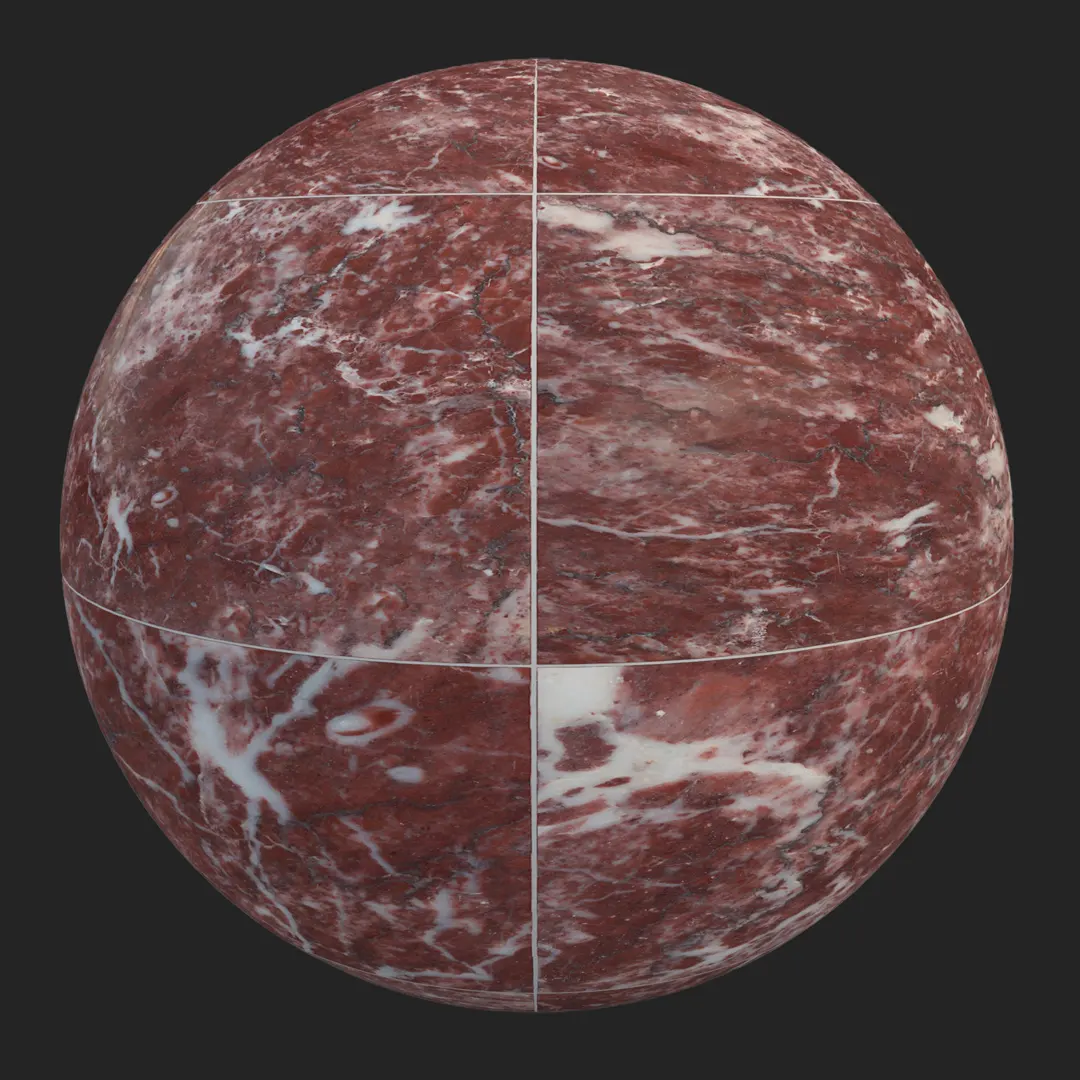
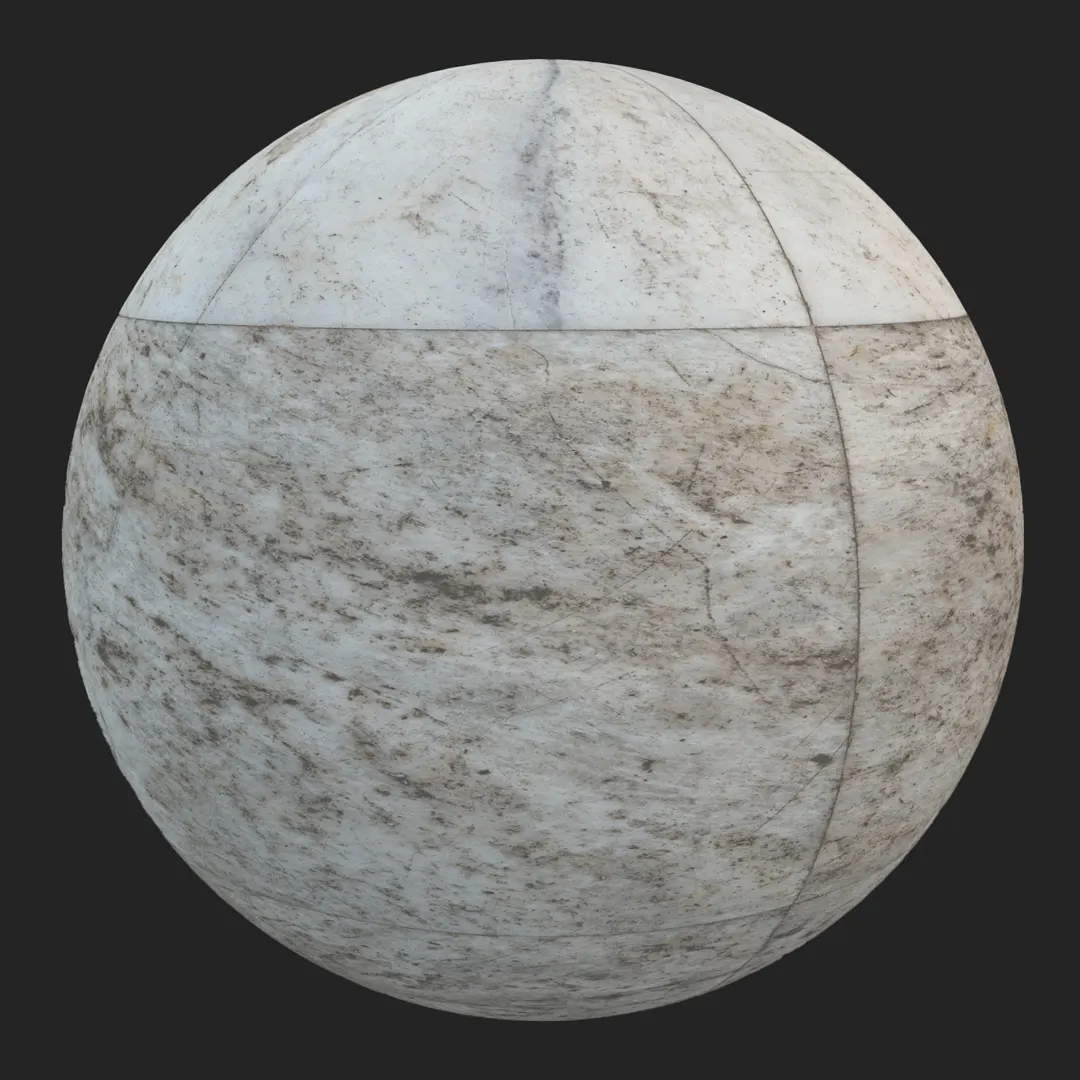


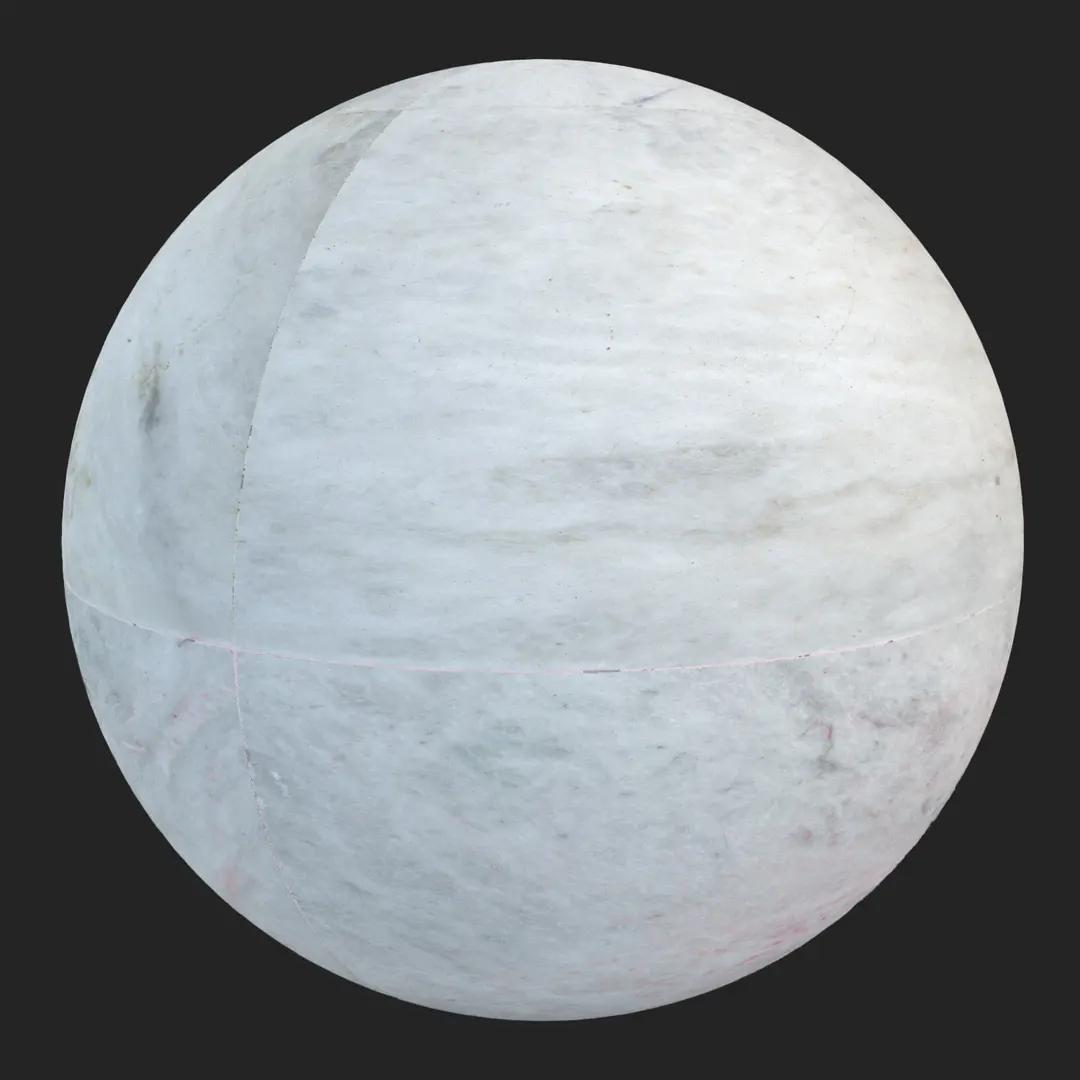
Introduction and Material Overview
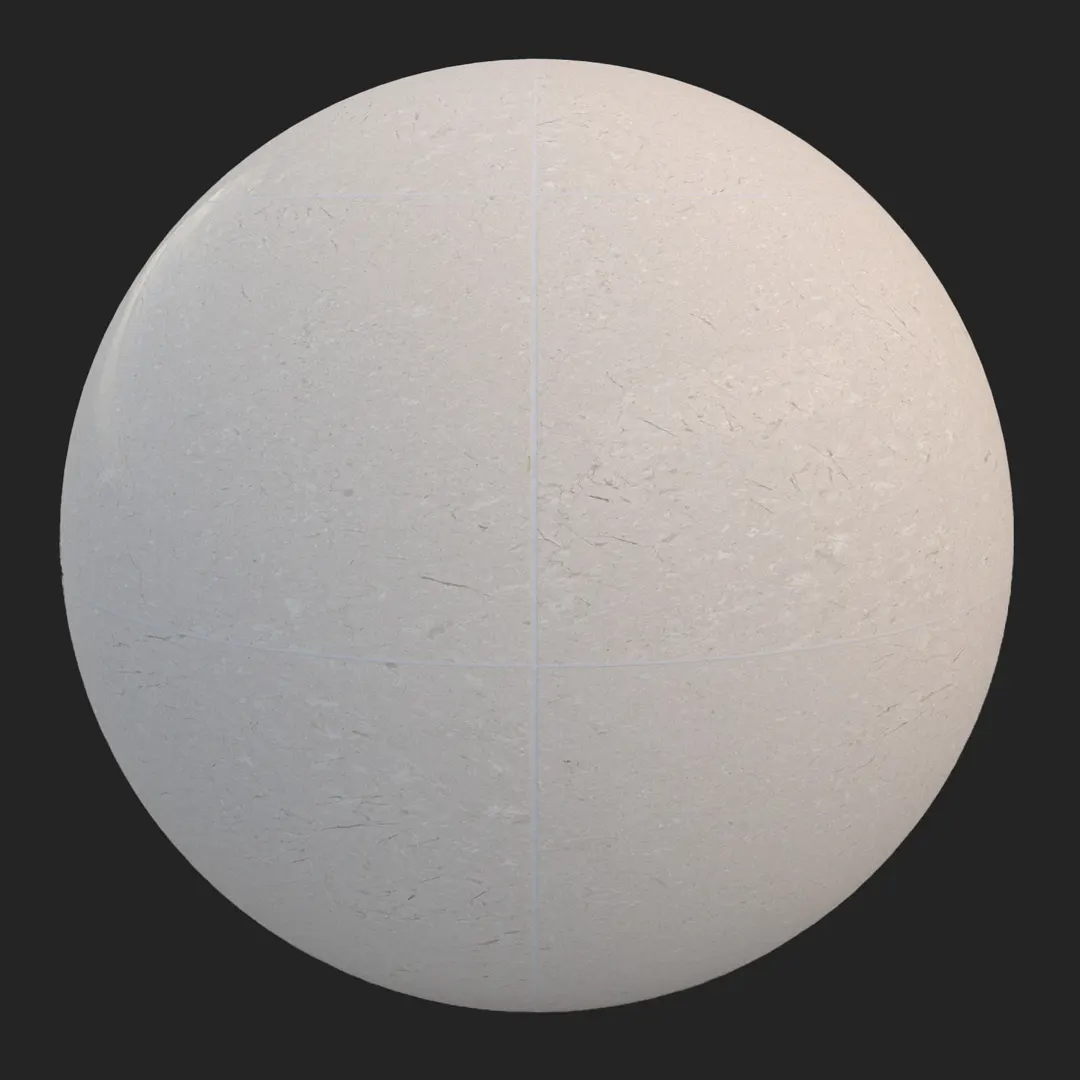
Achieving a clean, high-end look in architectural visualization often relies on the quality of natural stone surfaces. This large format white marble tile offers a versatile solution for designers aiming to bridge the gap between classic luxury and modern minimalism. Featuring a crisp, off-white base with subtle, fine grey veining, this material provides a sophisticated foundation for high-end interior spaces. The integration of thin, sharp grout lines within a grid layout ensures that the surface maintains architectural realism without the need for manual alignment tweaking. Whether you are working on a boutique hotel lobby or a contemporary private residence, this high-resolution white marble tile delivers the necessary precision for close-up shots while maintaining a seamless look across expansive surfaces.
Best Uses in Real Projects
This material is a workhorse for projects demanding a polished, upscale aesthetic. For interior designers, it functions exceptionally well as flooring in modern living areas or as a primary cladding material for bathroom showers and kitchen backsplashes. Its neutral color temperature allows it to sit comfortably alongside warmer materials without clashing. In commercial settings, it serves as an excellent choice for luxury retail wall panels or reception desk facades.
Architectural visualizers will find this texture particularly effective for wide-angle shots of open-plan interiors where the grid pattern helps define the scale of the room. Game environment artists can utilize this marble for posh, high-end interior levels, such as museum galleries, luxury penthouses, or sterile sci-fi medical environments where clean lines and light-reflecting surfaces are paramount.
Design Pairing and Style Fit
The beauty of this white marble lies in its adaptability. It pairs naturally with modern, minimalist, and contemporary design styles. To ground the space, consider pairing this tile with dark walnut wood cabinetry, which provides a rich, warm contrast to the cool, light-toned stone. If you are leaning toward a more industrial or high-end look, matte black metal accents or fixtures create a sharp, intentional silhouette against the grey veining. While this tile excels in luxury environments, it is generally less suited for rustic, farmhouse, or cottage-style designs where the stone’s inherent “polished” quality might conflict with more weathered or reclaimed materials.
Rendering and Technical Notes
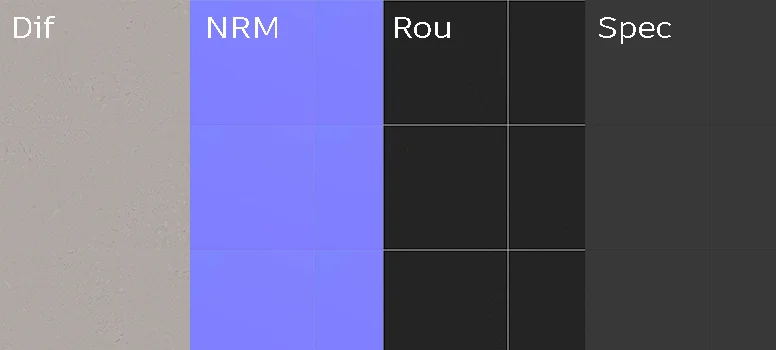
This 4K PBR material is designed to react accurately to diverse lighting conditions. The satin finish provides a controlled specular response, avoiding the “plastic” look that often plagues low-quality stone textures. Because the surface is relatively flat, the included normal map is essential for capturing the subtle mineral inclusions and the slight depth of the grout lines.
– For best results, use the normal map to accentuate the grout transitions.
– In Unreal Engine, adjust the roughness intensity based on your lighting setup to ensure the light catches the stone grain correctly.
– If you are tiling this over a massive area, vary your light sources to prevent the pattern from looking overly uniform, which is the primary risk with high-quality, seamless tiles.
Save Time with AfterBox
Browse, download and apply materials directly in Unreal Engine, V-Ray and Corona.
Dirt, Dust, and Weathering Options
While this marble is intended to look pristine, realism is often found in the imperfections. In architectural renders, adding a subtle layer of dust or light water streaks—particularly in bathroom or entryway renders—prevents the material from looking too digital. For exterior applications like covered entryways, a faint variation in the roughness map to simulate light foot-traffic wear can significantly enhance the perceived scale. However, keep the surface clean for most interior showcase shots, as the high-resolution detail is best appreciated when the natural marble grain is clear and unobstructed.




Ready Material Workflow
Time is a finite resource in production. Instead of manually building shaders, this material is provided as a ready-to-use asset for V-Ray for 3ds Max, Corona Renderer, and Unreal Engine. These ready materials come pre-configured, meaning the displacement, roughness, and reflection values are already balanced for physically accurate rendering. This setup drastically reduces the testing phase, allowing you to focus on composition and lighting rather than troubleshooting texture mapping.

Download and AfterBox Workflow
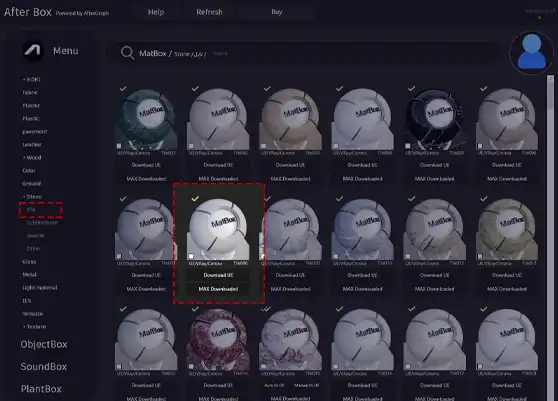
Managing a library of materials is made efficient through the AfterBox application. Instead of searching through folders, you can drag and drop these ready-to-use materials directly into your active project. This workflow is specifically designed to eliminate the repetitive tasks of material creation and map assignment. To explore how this can streamline your pipeline and to see our full library, visit https://after-box.com/pricing/ for more information.
Save time on material setup
Instead of downloading this texture, use the optimized ready-made material for V-Ray , Corona Renderer (3ds Max) and Unreal Engine available in AfterBox.
No manual setup


