




Introduction and Material Overview
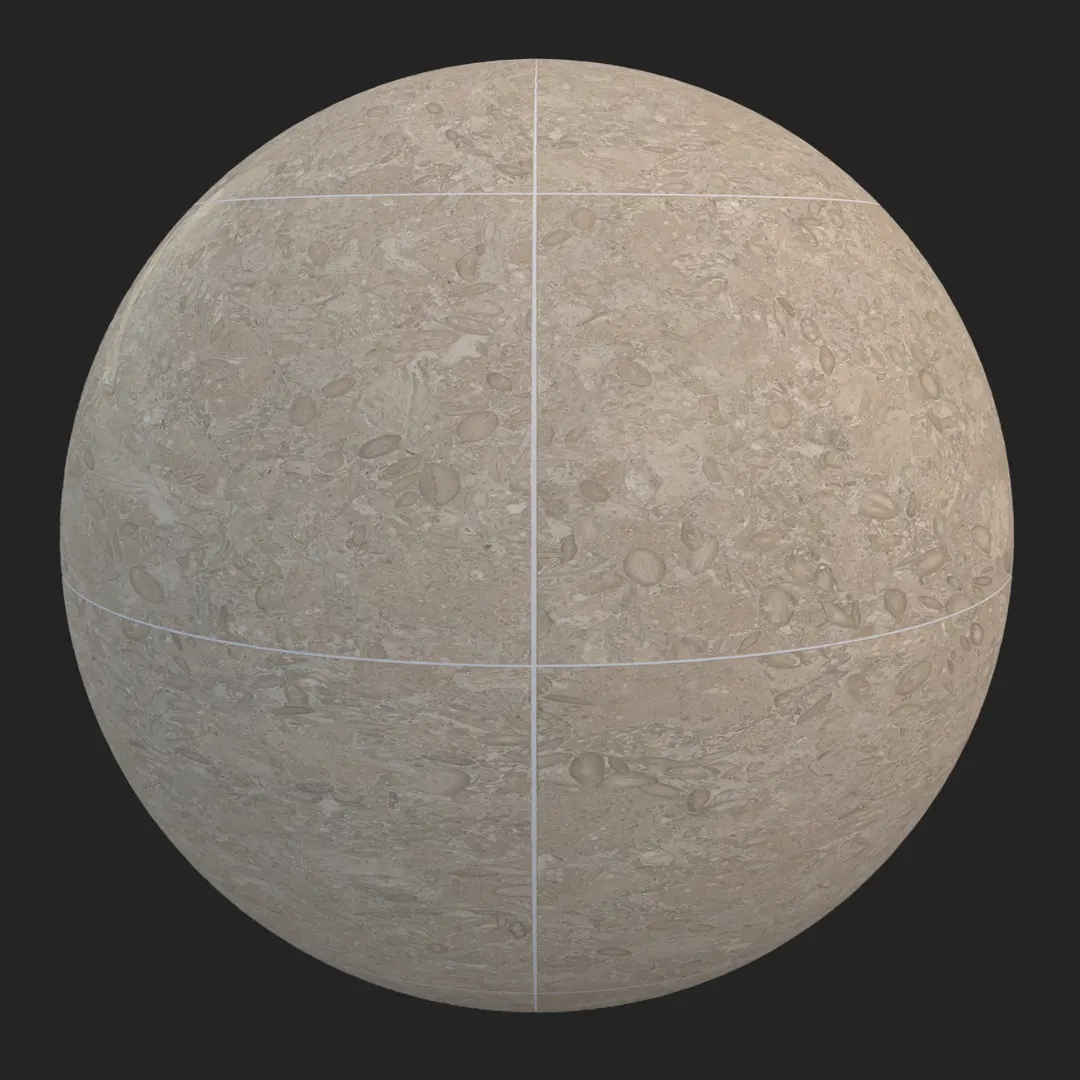
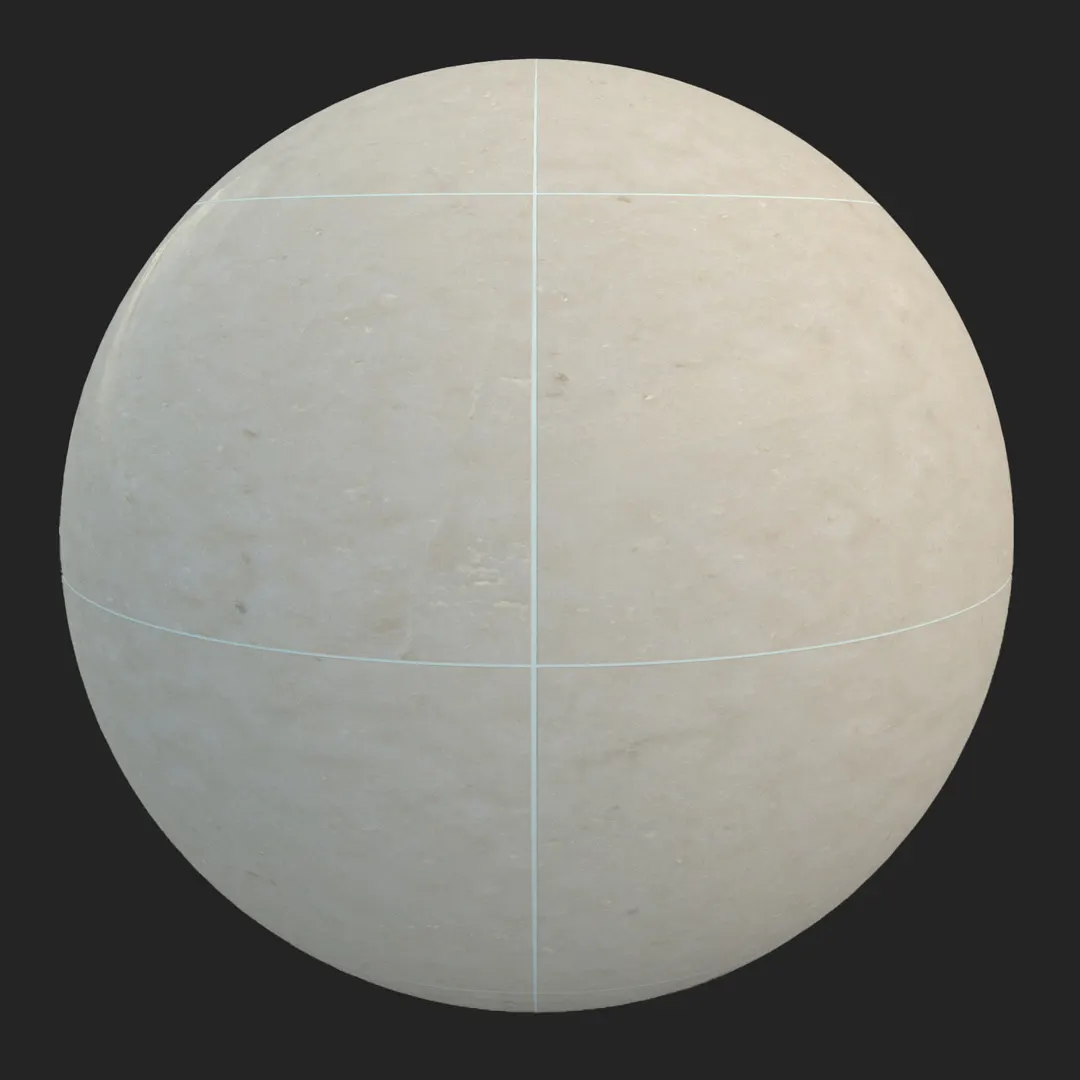
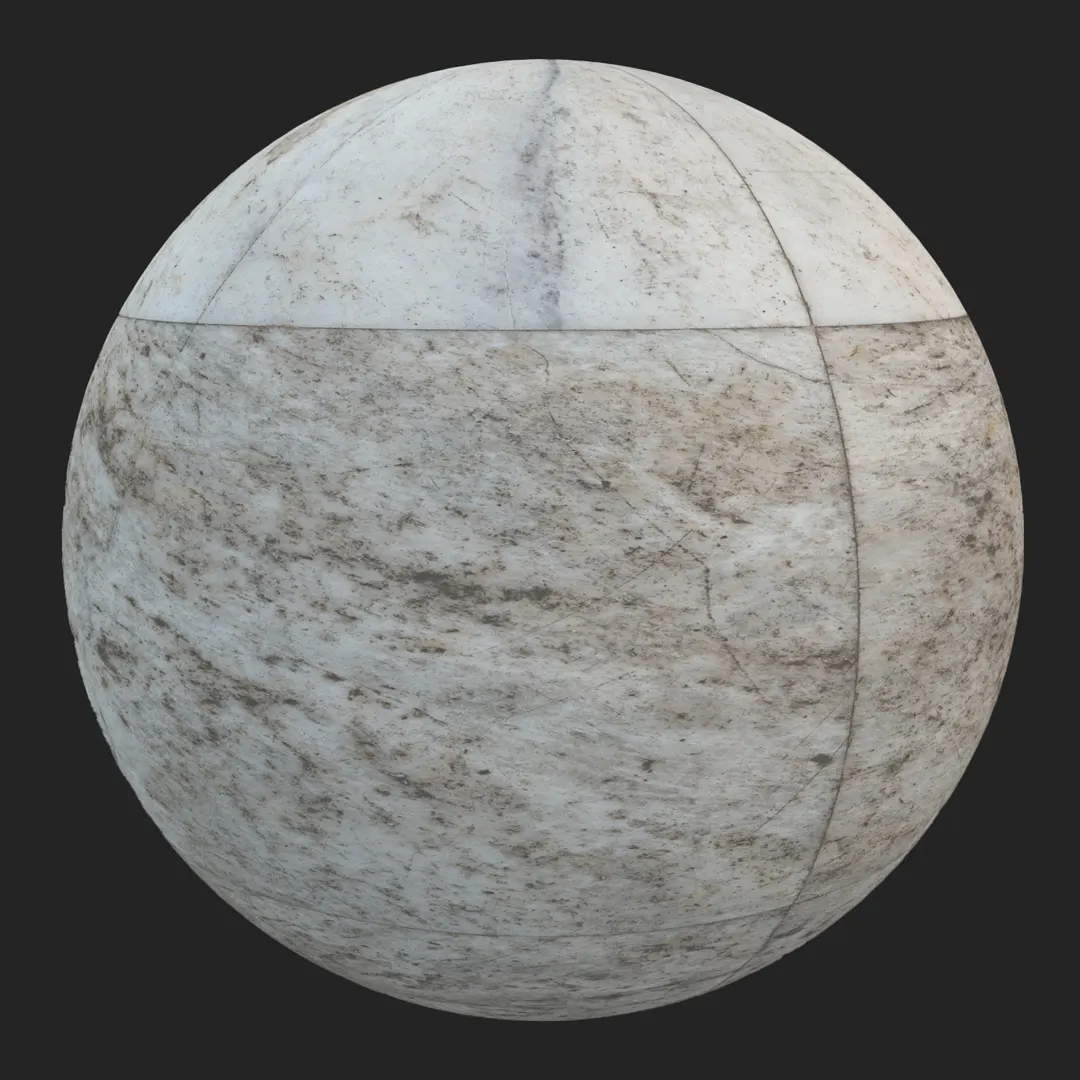
This premium weathered travertine stone tile provides a sophisticated foundation for high-end architectural visualization. Featuring a refined honed finish, the texture balances natural mineral veining with subtle surface pitting, capturing the authentic character of quarried travertine. As a high-resolution 4K asset, it is engineered to maintain crisp detail even in close-up camera angles, making it a reliable choice for professional rendering workflows. By integrating this honed beige travertine floor tile texture into your scene, you introduce a neutral, timeless aesthetic that grounds modern interior spaces. Its natural tonal shifts in off-white, beige, and soft gray provide enough visual complexity to avoid looking flat, while the rectified, thin grout lines ensure a contemporary, high-precision finish suitable for luxury environments.

Best Uses in Real Projects
The versatility of this travertine allows it to anchor various environments. In residential projects, it excels in open-concept living rooms or master bathrooms, where its organic warmth complements high-end fixtures. For commercial design, consider this tile for hotel lobbies, boutique retail storefronts, or executive office reception areas where a sense of permanence is required. Game environment artists often favor this material for classical architecture, upscale apartment interiors, or museum floors where high-fidelity stone surfaces are necessary to ground the lighting. While it performs well in covered patios, it is not recommended for high-traffic industrial zones or areas prone to heavy moisture, as the porous nature of real-world travertine typically demands maintenance in such settings.
Design Pairing and Style Fit
This tile is highly effective within minimalist, mediterranean, and transitional design schemes. Its neutral color palette pairs exceptionally well with contrasting materials like dark walnut wood, brushed brass hardware, or sharp, black powder-coated steel elements. When designing, consider using it alongside white marble to create a layered, monochromatic stone palette. Avoid using this tile in settings where you require extreme industrial grit, as its inherent elegance can feel out of place in derelict or heavy-duty environments.
Rendering and Technical Notes
Achieving a realistic stone surface requires careful attention to the material’s interaction with light. The included PBR maps—Base Color, Specular, Roughness, and Normal—allow for precise control over the stone’s honed sheen. In Unreal Engine, utilize the Normal map to emphasize the shallow surface scratches and micro-fissures, which helps define the depth of the tile under grazing light angles. When tiling large areas, keep an eye on the distinctive veining pattern; to break up potential repetition, use vertex painting or secondary normal maps to introduce subtle variety in the reflection and surface finish. Because of its large-format nature, this material is well-suited for close-up shots of flooring or wall details.

Save Time with AfterBox
Browse, download and apply materials directly in Unreal Engine, V-Ray and Corona.
Dirt, Dust, and Weathering Options
To elevate the realism of your renders, consider layering subtle weathering over the tile. In interior spaces, light, matte dust accumulation in the grout joints can ground the floor, making it feel “lived-in” rather than sterile. For exterior applications like covered walkways, you can introduce mild organic staining or subtle color shifts to mimic natural environmental exposure. For clean, high-end archviz shots, keep the surface relatively pristine to highlight the natural beauty of the stone’s porosity, as heavy grime can often obscure the intricate details you have worked to render.




Ready Material Workflow
Efficiency is critical in high-pressure visualization pipelines. This asset includes pre-configured materials for Unreal Engine, V-Ray for 3ds Max, and Corona Renderer for 3ds Max. By using these ready-to-use setups, you bypass the time-consuming process of manually connecting maps and dialing in reflectivity values. The PBR structure is also standardized, making it straightforward to adapt the textures for other engines like Octane, Redshift, or Cycles, ensuring a consistent look across your various project requirements.

Download and AfterBox Workflow
To manage and deploy this material, we utilize the AfterBox application. This lightweight tool allows you to drag and drop ready-made materials directly into your scene, significantly cutting down on file management time and manual asset setup. Whether you are working on a single luxury villa or a large-scale commercial project, this workflow streamlines your library management. Explore our options to optimize your studio pipeline at https://after-box.com/pricing/
Save time on material setup
Instead of downloading this texture, use the optimized ready-made material for VRay , Corona Renderer (3ds Max) and Unreal Engine available in AfterBox.
No manual setup


