

A) Introduction and Material Overview
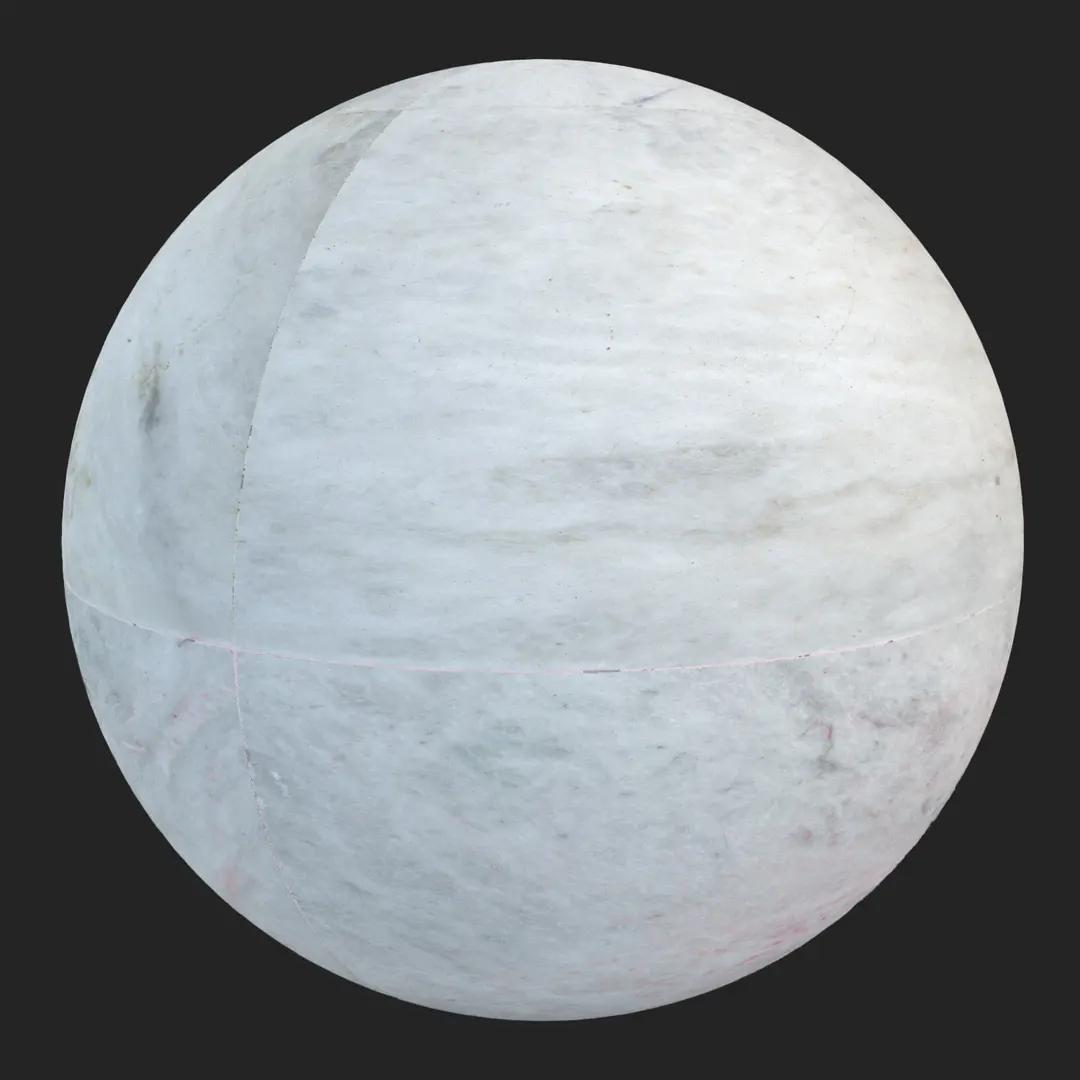
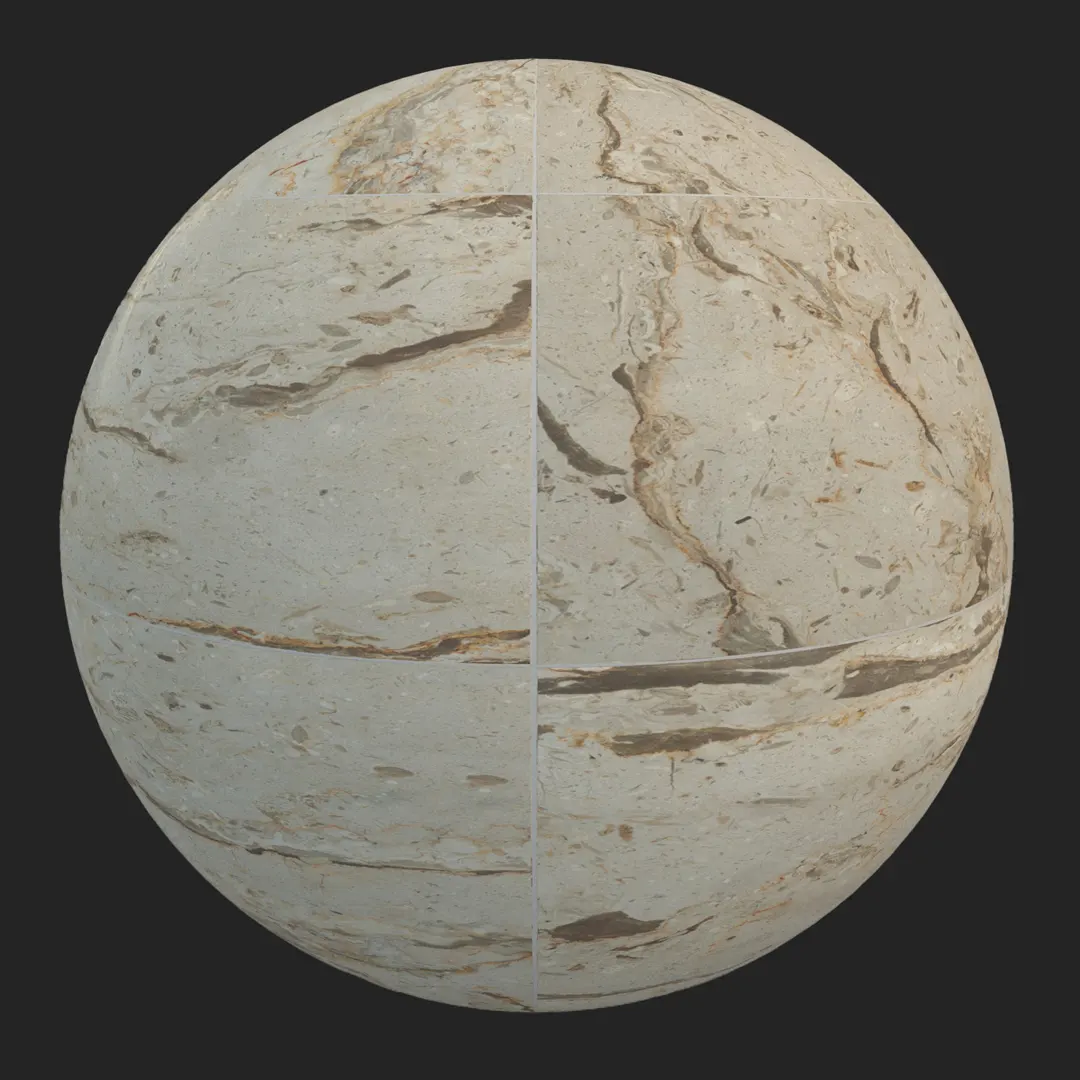
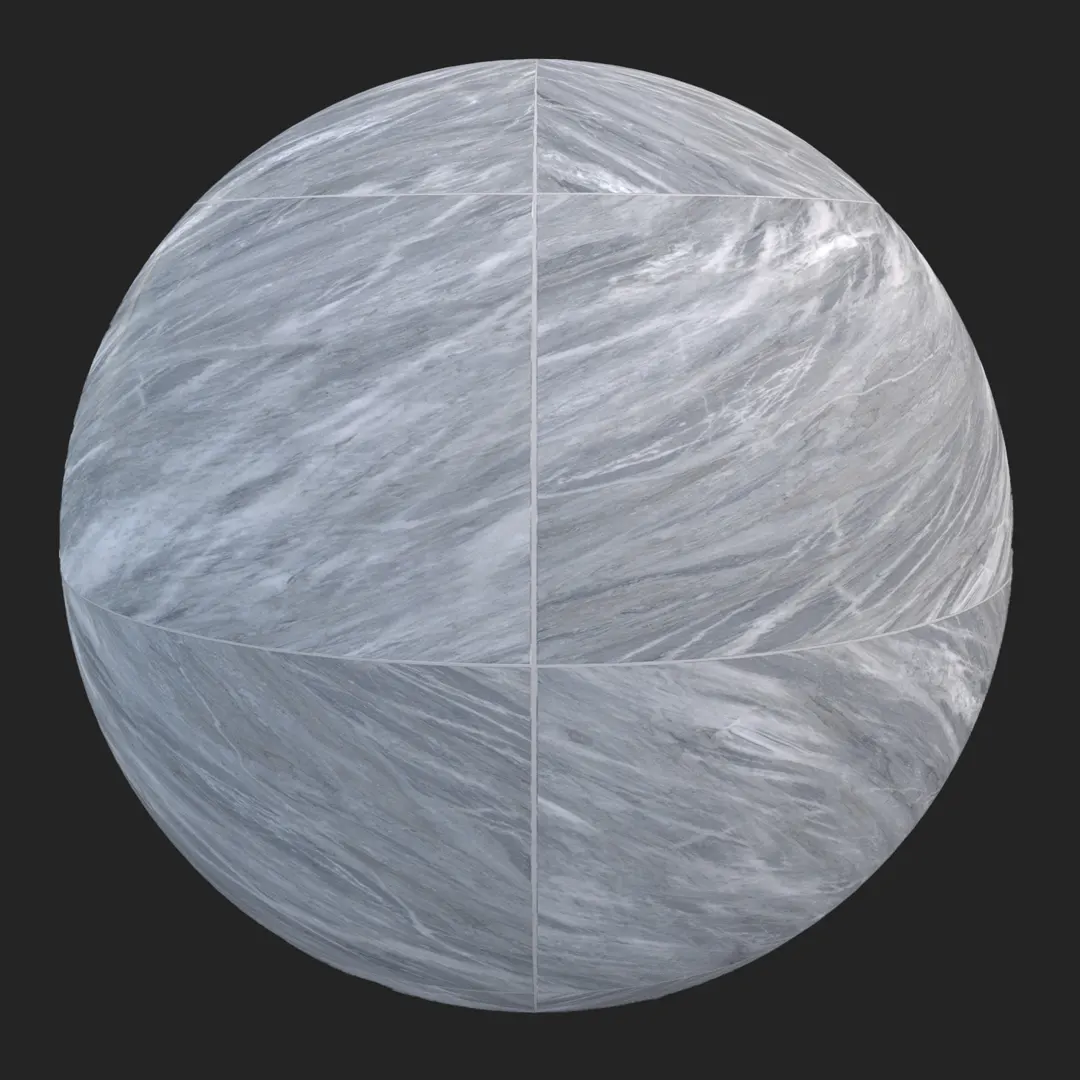
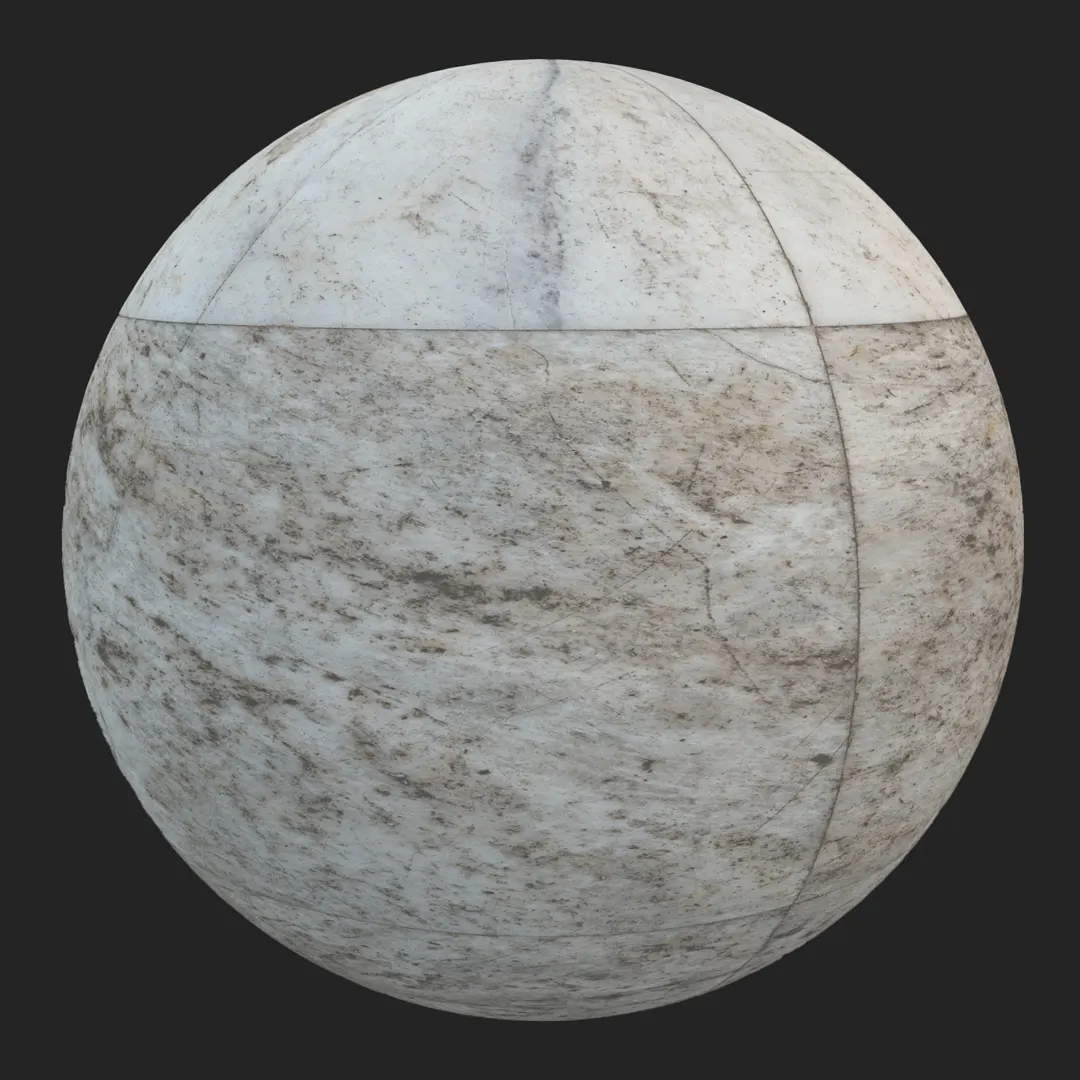
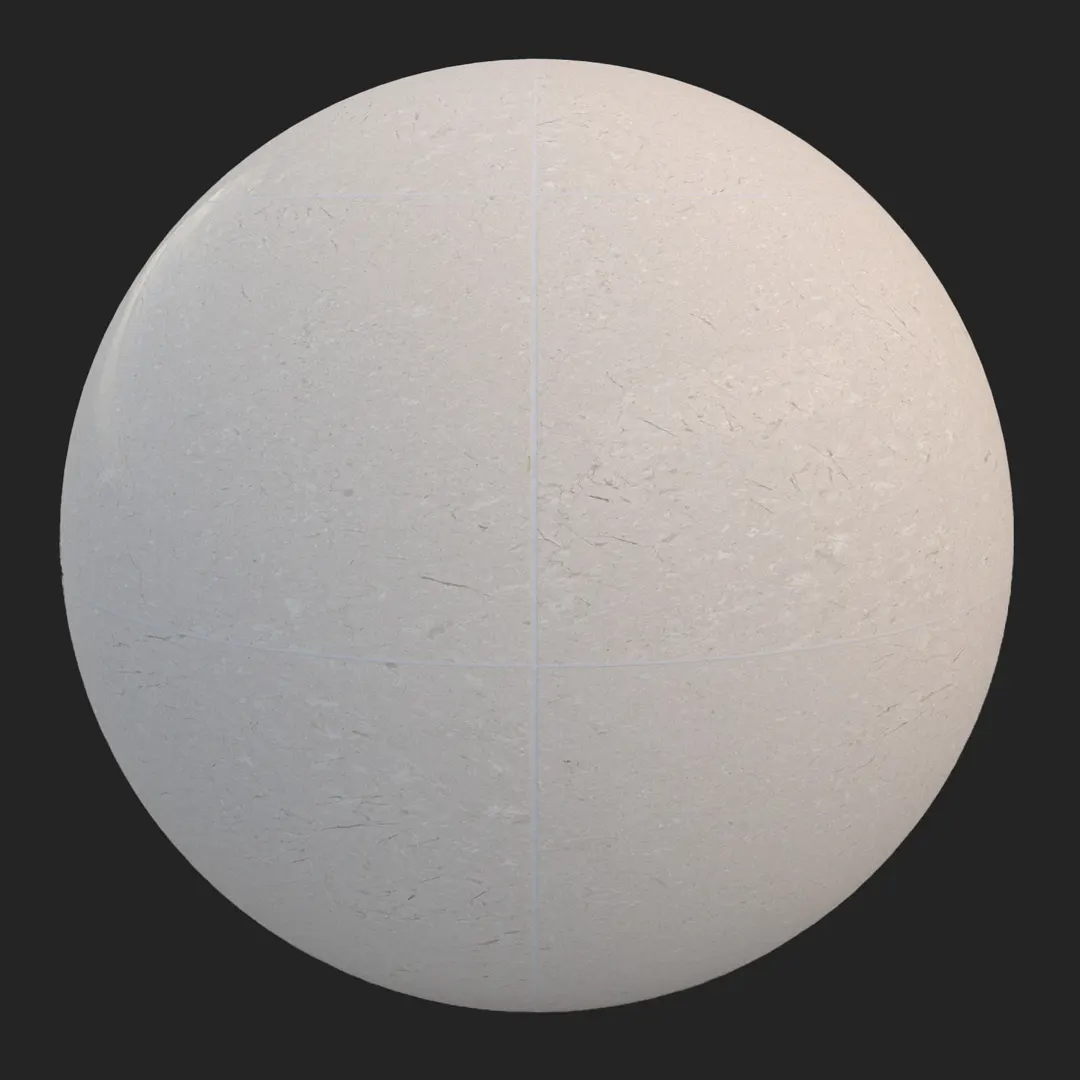
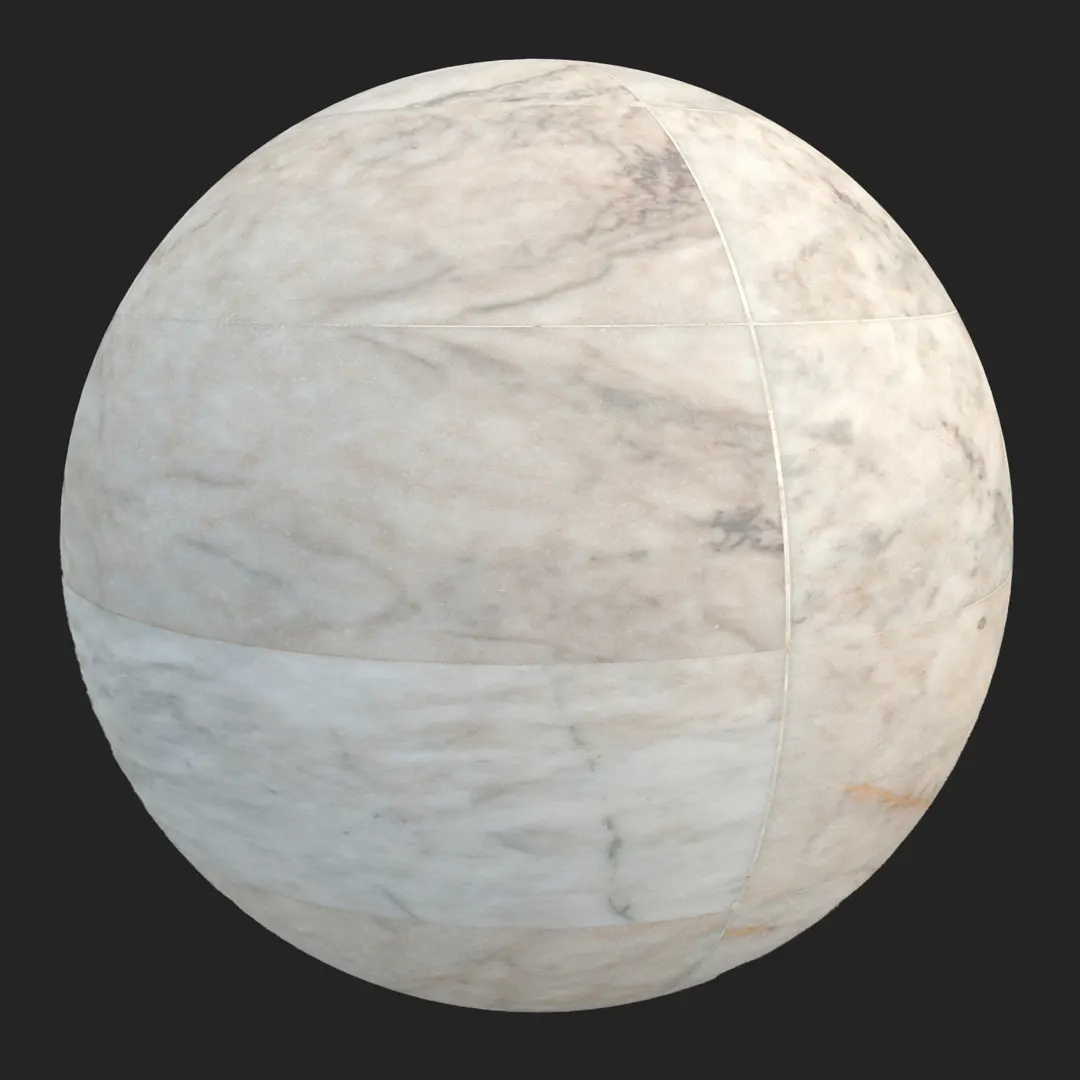
Finding the right high-end polished white marble tile for flooring or wall cladding is a frequent challenge in architectural visualization. This material features a sophisticated off-white base with subtle, natural grey veining that avoids the common pitfall of being overly repetitive. Designed for artists who prioritize realism, the surface finish captures the crisp, reflective quality of processed stone without sacrificing the organic feel of crystalline inclusions. It serves as a versatile foundation for projects ranging from minimalist interior design to luxury commercial environments, providing a clean, high-resolution aesthetic that remains sharp even in close-up camera angles.

B) Best Uses in Real Projects
This marble tile is an ideal choice for high-end interior spaces where a sense of permanence and refinement is required. In residential projects, it excels in master bathrooms and entry foyers, where the polished finish reflects natural light to expand the perceived volume of the room. For commercial visualization, it is a staple for luxury hotel lobbies, upscale retail showrooms, and spa interiors where a neutral, high-quality stone texture is essential.
Game environment artists will find this material particularly effective for high-end apartment assets or stylized palace interiors. Its balanced scale ensures it integrates well into interior modular kits, providing a clean surface that doesn’t distract from other architectural details. Architects and interior designers should consider this tile for feature walls or backsplashes where the objective is to create a seamless, elegant transition between surfaces.
C) Design Pairing and Style Fit
The neutral color palette of this stone makes it highly adaptable to various modern design languages. It complements the minimalist and neoclassical styles exceptionally well, grounding the space without introducing competing patterns. When selecting complementary finishes, consider pairing this marble with brushed gold hardware, dark stained oak cabinetry, or matte black fixtures to create a strong material contrast.
While this material is excellent for luxury settings, it is less suitable for rustic or farmhouse-inspired interiors, where the polished, refined nature of the stone may feel out of place. Similarly, avoid using this for high-traffic industrial zones or exterior pathways exposed to heavy grit and moisture, as the high-gloss polish requires controlled environments to maintain its aesthetic integrity.
D) Rendering and Technical Notes
In a rendering workflow, this material behaves predictably under both biased and unbiased lighting engines. The provided roughness map ensures that reflections on the polished surface are physically accurate, capturing the subtle variations of the stone without appearing like a perfect mirror. The normal map effectively defines the thin, tight mortar joints, providing necessary depth cues without requiring heavy displacement geometry.
When working in Unreal Engine, ensure the specular values are calibrated to account for the natural sheen of the marble. Because the pattern is a well-balanced grid, it is highly resistant to tiling artifacts even when covering large floor areas. For close-up shots, the 4K resolution provides enough fidelity to showcase the faint crystalline inclusions, maintaining realism without breaking the illusion of a solid stone surface.

Save Time with AfterBox
Browse, download and apply materials directly in Unreal Engine, V-Ray and Corona.
E) Dirt, Dust, and Weathering Options
To elevate the realism of this marble, consider adding faint, localized weathering. In a residential bathroom or kitchen, subtle grout discoloration or very light water spots near baseboards can break the “perfect” look of a new build, adding a lived-in feel.
For interior archviz, keep the surface mostly clean to maintain the intended luxury aesthetic. However, if rendering a commercial lobby or a game environment requiring a sense of history, use a decal or a secondary mask to introduce thin layers of dust or light scuffing. These small imperfections help ground the material within the scene and prevent it from appearing too sterile or synthetic.




F) Ready Material Workflow
You can integrate this asset immediately into your production pipeline using our ready-made materials. These are pre-configured for V-Ray for 3ds Max, Corona Renderer for 3ds Max, and Unreal Engine, significantly reducing the time spent on shader calibration. By utilizing these files, you can bypass the manual work of connecting PBR maps and adjusting reflective parameters, ensuring consistent look-development across your project.

G) Download and AfterBox Workflow
This material is available through the AfterBox application, a streamlined tool designed to integrate directly into your favorite 3D software. By using the drag-and-drop workflow, you can quickly populate your scenes with high-quality textures without the burden of repetitive material setup. Explore our library and view options at https://after-box.com/pricing/ to optimize your rendering workflow.

Save time on material setup
Instead of downloading this texture, use the optimized ready-made material for VRay , Corona Renderer (3ds Max) and Unreal Engine available in AfterBox.
No manual setup


