


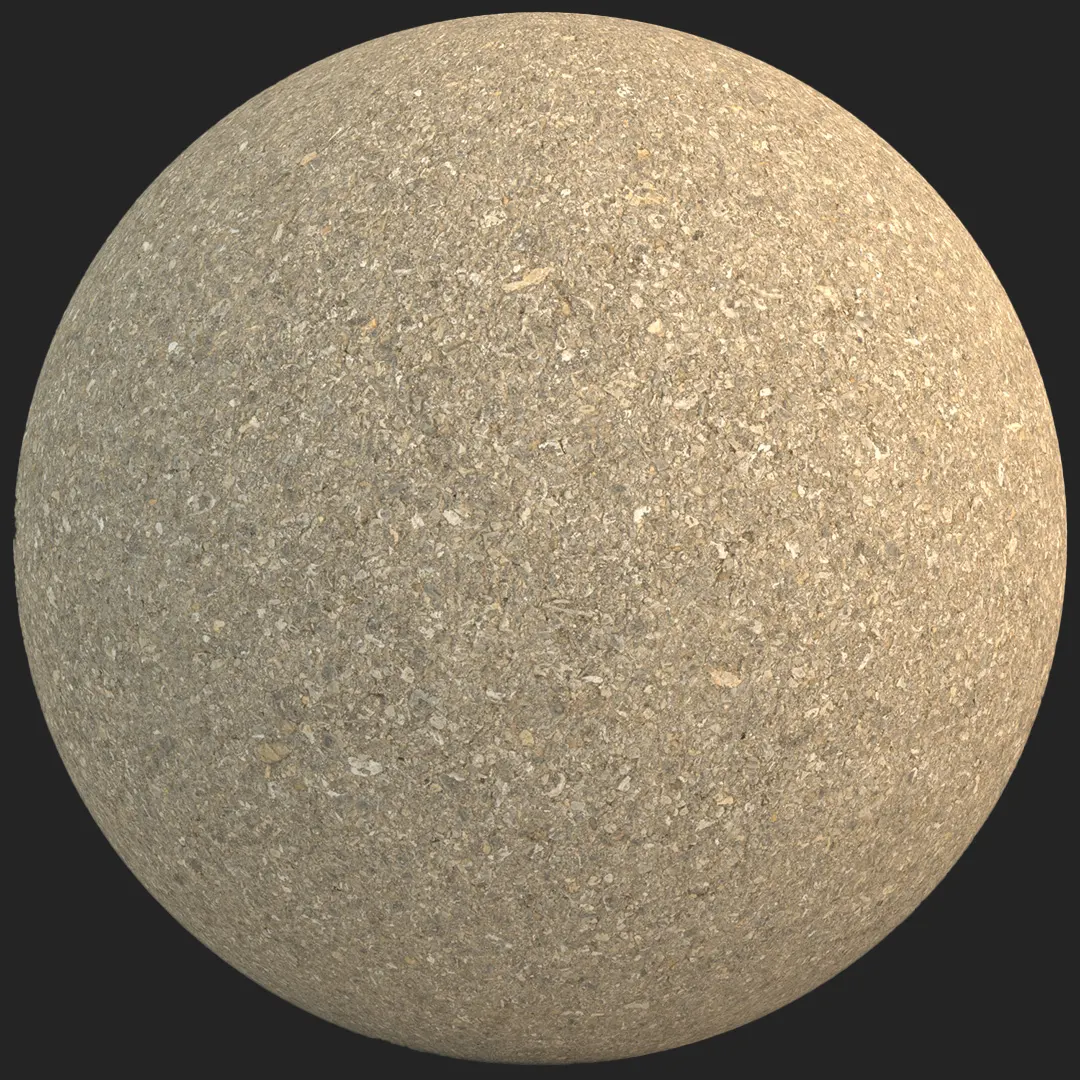

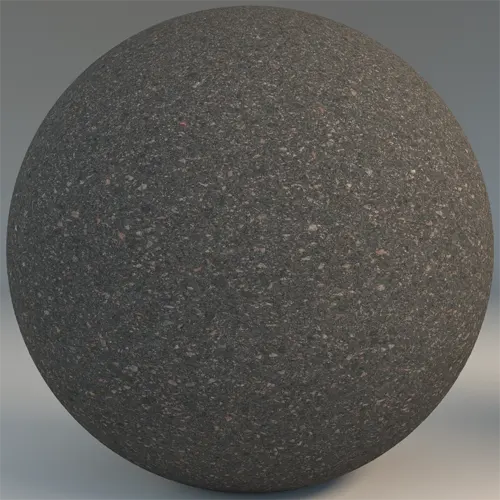
## Achieving Realism with Fine-Grained Dark Gray Asphalt
For visualizers and environment artists, sourcing a consistent, high-quality fine-grained dark gray asphalt is essential for grounding exterior scenes. This material provides a neutral, matte charcoal base that serves as a versatile foundation for urban environments, parking lots, and residential driveways. Its tight, granular structure avoids the repetitive, distracting patterns found in lower-quality textures, making it an ideal choice for wide-angle site plans or ground-level streetscapes where surface fidelity is paramount.
## Versatile Applications for Architectural Projects
Beyond standard road surfaces, this material excels in scenarios requiring a modern, industrial aesthetic. In exterior architectural visualization, it bridges the gap between structured paving and raw nature.
* Public plaza surfacing and retail frontage.
* Modern residential garage driveways and backyard pathways.
* Industrial zones and urban park walkways for game environments.
* Basement flooring or industrial-style showrooms in interior design.
## Style Integration and Design Pairings
The neutral tone of this asphalt complements contemporary and brutalist architecture. It works exceptionally well when paired with materials that have strong contrast, such as clean architectural white concrete, corten steel, or large glass curtain walls. Its matte finish prevents harsh specular highlights, ensuring that it doesn’t distract from the primary architectural focal points in your scene.
## Technical Depth for Rendering Workflows
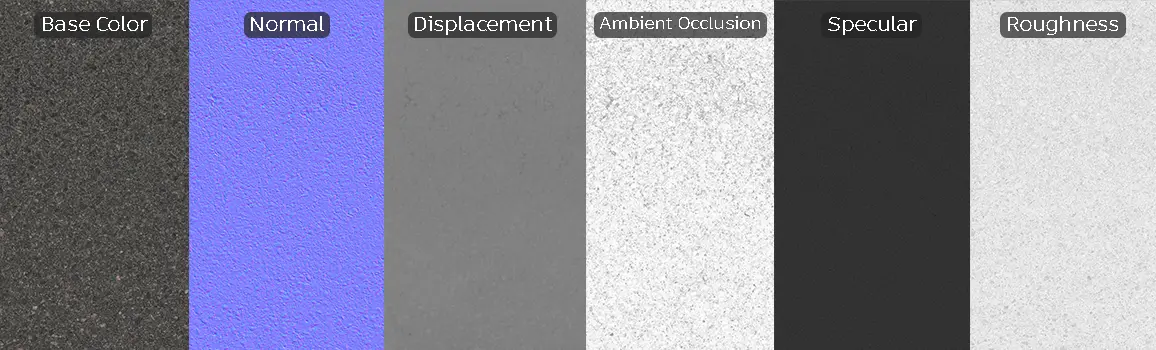
The asset is provided as a full 8K PBR material, ensuring crisp detail even in close-up shots. The inclusion of height and displacement maps allows for subtle relief, highlighting the microscopic pits between aggregate particles, which is vital for achieving realistic micro-shadowing. While the material is highly detailed, note that it is best used for flat or low-gradient surfaces. On extremely steep slopes, you may need to adjust the displacement intensity to avoid unnatural mesh stretching at the edges.
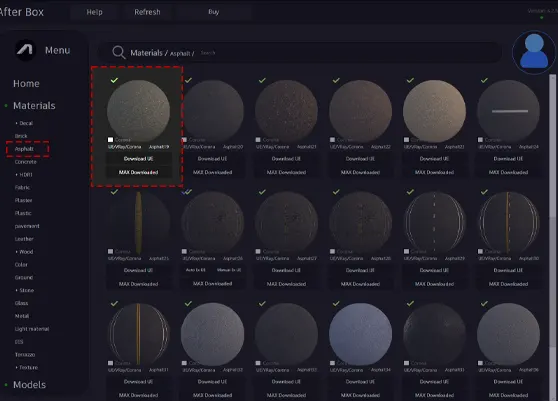
Save Time with AfterBox
Browse, download and apply materials directly in Unreal Engine, V-Ray and Corona.
## Adding Character through Surface Details
To move beyond a pristine, newly laid appearance, consider layering this asphalt with decal textures. Introducing minor oil stains, light dust patterns, or surface debris helps anchor the material in a real-world setting. In Unreal Engine or V-Ray, adding a subtle variation in the roughness map through a noise-based blend can further enhance the look of age and wear.




## Streamlined Ready Material Workflows
This material is designed to be plug-and-play for busy professionals. Because it is a ready-to-use PBR material, it integrates seamlessly into V-Ray for 3ds Max, Corona Renderer, and Unreal Engine without requiring manual shader reconstruction. You can apply the provided settings immediately, ensuring that your ground plane is physically accurate and optimized for global illumination calculations from the start.

## Accelerate Your Production Pipeline
By utilizing this ready-made version, you bypass the tedious process of material setup and calibration. Whether you are dragging the asset into a UE5 environment or assigning it via a standard material library in 3ds Max, the consistency remains professional-grade. Access the full library and more workflow-enhancing assets via our subscription plans at https://after-box.com/pricing/.


Save time on material setup
Instead of downloading this texture, use the optimized ready-made material for VRay , Corona Renderer (3ds Max) and Unreal Engine available in AfterBox.
No manual setup


