


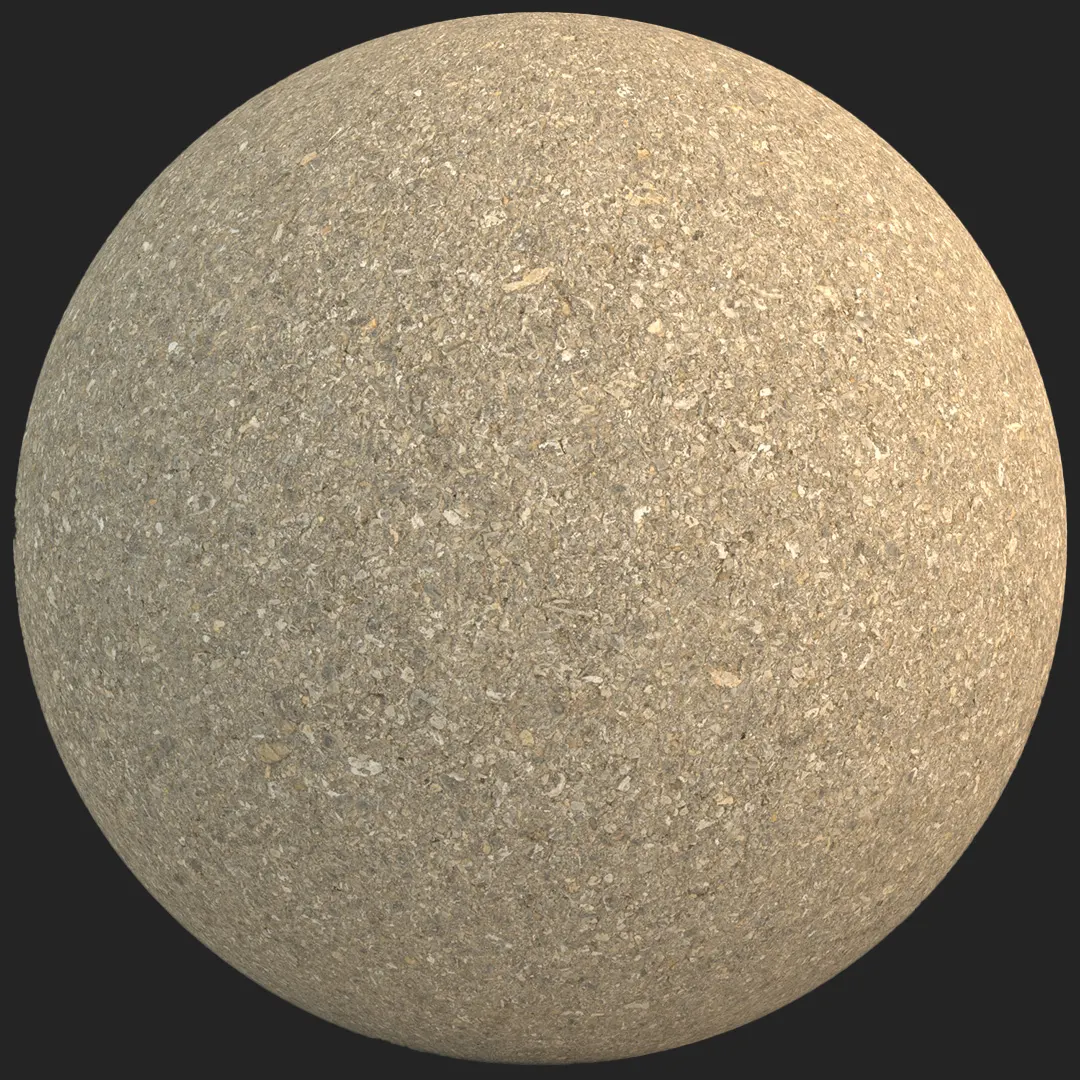


Achieving Realism with Weathered Fine-Aggregate Brown Asphalt
For architectural visualizers, finding a reliable, high-fidelity asphalt texture for rendering can be challenging, especially when the project requires a non-standard, warmer aesthetic. This fine-aggregate brown asphalt provides a sophisticated, granular surface that avoids the monotonous look of standard dark grey road materials. With its dense, earthy composition and natural tonal variations, it offers a distinct, weathered character that sits perfectly in both contemporary landscape designs and raw industrial environments. The high-frequency detail ensures it maintains visual integrity even at close range, preventing the blurring often seen in lower-resolution alternatives.
Versatile Applications for Modern Environments
This material is exceptionally well-suited for exterior visualization where ground textures define the scene’s mood. Its warm, taupe-leaning palette complements modern brutalist concrete, weathered corten steel, and dark stone. You will find it most effective for creating realistic residential driveways, pedestrian pathways in urban plazas, and courtyard designs. Beyond architectural stills, it is an excellent asset for game environment artists building gritty, post-apocalyptic settings or construction site terrain where a highly detailed, non-uniform ground surface is essential for immersion.Material Synergy and Aesthetic Direction
The character of this asphalt pairs seamlessly with industrial and minimalist design styles. When placing it in a scene, consider layering it alongside elements like brushed aluminum benches or rusted metal planters. Its matte finish prevents over-specular highlights, allowing it to anchor the composition without competing with focal architectural elements. Note that while this material is highly effective for aged exterior surfaces, it is generally less suited for high-end, polished interior applications where a more refined, smooth floor finish is expected.
Save Time with AfterBox
Browse, download and apply materials directly in Unreal Engine, V-Ray and Corona.
Enhancing Surface Authenticity
To elevate the visual impact of your ground plane, you can supplement the base PBR maps with secondary overlays. Adding subtle localized dirt patches, tire tracks, or organic moss growth using a simple vertex paint or decal shader in Unreal Engine can break up the tiling repetition. Because the underlying texture features such a rich, high-relief aggregate structure, these decals will blend naturally with the existing surface geometry, providing a convincing, lived-in feel to your exterior architectural scenes.



Optimized Workflow for Rendering Engines
The inclusion of comprehensive PBR maps—specifically displacement, ambient occlusion, and roughness—means this material responds accurately to physical light sources. Whether you are working in V-Ray, Corona, or a real-time environment like Unreal Engine, the setup is straightforward. By utilizing the ready-made material assets, you eliminate the repetitive work of individual map assignment, allowing for a faster transition from viewport preview to final production render.
Seamless Integration into Your Scene
Streamline your production pipeline by dragging and dropping these PBR assets directly into your 3D application. The ready-made material configuration saves significant time, ensuring consistent results across multiple shots without manual calibration. For professional teams needing consistent, high-fidelity assets for daily project cycles, our subscription options provide full access to this library. For more details on integrating these materials into your professional workflow, please visit https://after-box.com/pricing/.
Save time on material setup
Instead of downloading this texture, use the optimized ready-made material for V-Ray , Corona Renderer (3ds Max) and Unreal Engine available in AfterBox.
No manual setup


