

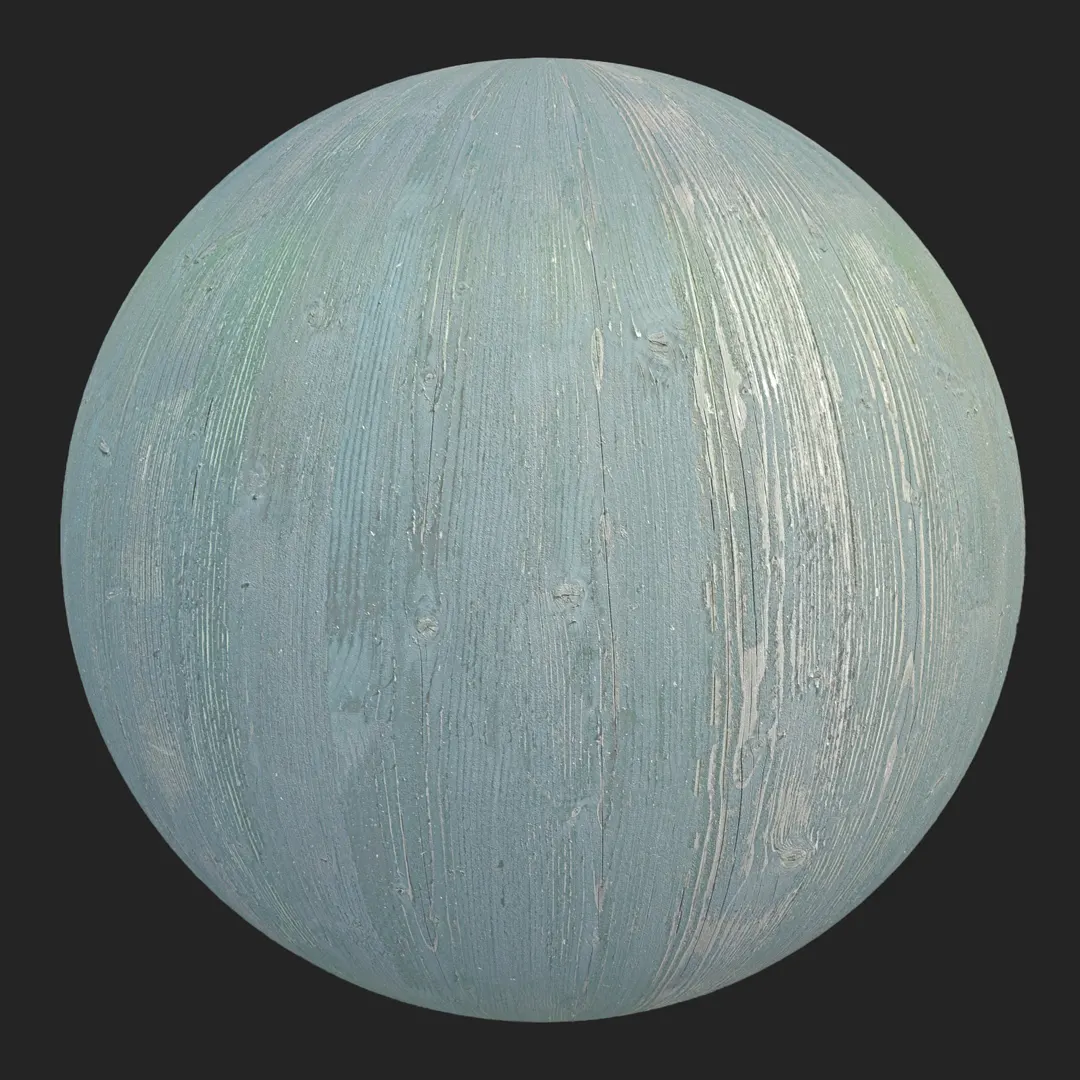


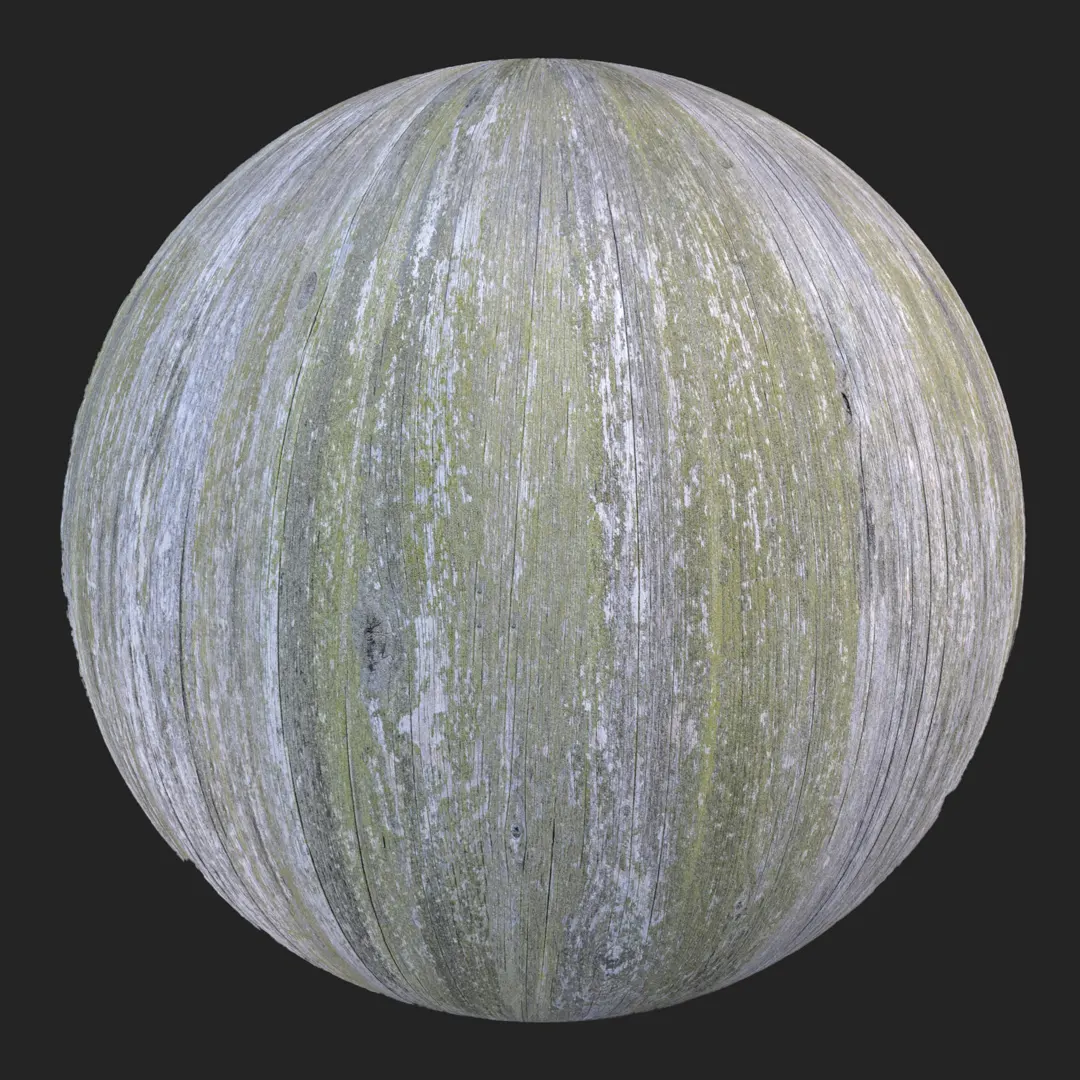


Context & Visual Identity – Rustic Knotty Wood Texture
This rustic knotty wood texture reflects the kind of timber often specified in farmhouse interiors, alpine lodges, and heritage-inspired renovations across Europe.
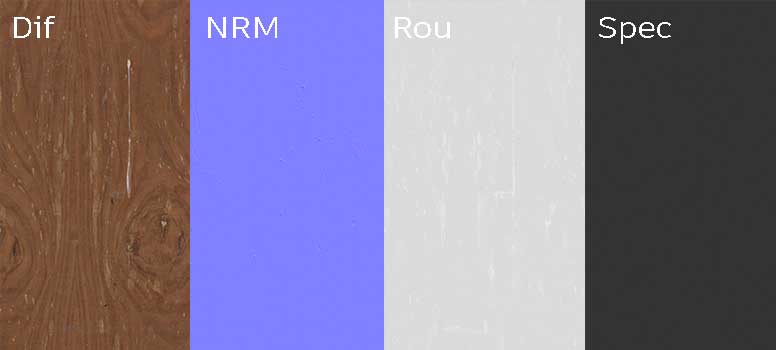
The surface features pronounced knots, subtle cracks, and an organic wave pattern arranged in a near bookmatch structure. As a result, the material carries visual weight and immediately communicates realism.
The dominant warm reddish-brown tone enhances the sense of depth, especially in spaces where natural light hits the grain at an angle.
Unlike uniform wood surfaces used in minimal interiors, this seamless wood texture embraces variation. The mirrored grain pattern creates rhythm across large surfaces, while still maintaining enough irregularity to avoid looking artificial.
In built projects, similar timber is often seen on feature walls, heavy dining tables, or handcrafted cabinetry. Therefore, this material works best where wood is meant to be seen and felt, not treated as a neutral background element.
Typical Problems This Knotty Wood PBR Solves
In visualization workflows, rustic interiors are often compromised by flat or repetitive wood shaders. Many assets lack proper depth in knot areas, which makes close-up renders feel synthetic. This 8K wood PBR resolves that issue through high-resolution detail in the knots and subtle height variation across the surface.
Another common challenge appears when scaling materials for large surfaces. If the grain is too chaotic, tiling artifacts become obvious. However, because this texture is seamless and organized with a controlled bookmatch layout, it maintains continuity across extended wall panels or flooring areas.
Additionally, rustic wood often looks either too glossy or unrealistically dry in renders.
With balanced roughness and natural specular response, this material allows designers to achieve a believable semi-matte finish suitable for untreated or lightly processed timber.
Practical Use Cases – Seamless Rustic Wood in Projects
This rustic wood texture is particularly effective in:
Wooden feature walls in farmhouse interiors
Natural timber flooring for cabin-style spaces
Solid wood dining tables and countertops
Classic furniture visualization
Architectural renders of rural houses
Real-time 3D environments with handcrafted aesthetics
In interior visualization, it can define the identity of a space when used on a central wall behind a fireplace or as ceiling cladding with exposed beams. In furniture rendering, the detailed knot structure supports storytelling around craftsmanship and material honesty.
For game environments, especially narrative-driven or countryside scenes, this wood PBR texture introduces visual credibility without excessive shader complexity.
Rendering & Realism Notes – 8K Wood PBR Material
This material is delivered in 8096×4096 resolution.
The 8K detail keeps knots and cracks sharp in close-up shots.
The normal and roughness maps add depth.
However, they avoid heavy displacement that increases render time.
Under warm lighting, the reddish tone becomes stronger.
Under cooler daylight, the grain structure is more visible.
Because of this balance, the material works well in different lighting setups.
Render Engine Compatibility – Wood Texture for Unreal, V-Ray, Corona
This seamless wood texture is optimized for Unreal Engine, V-Ray, and Corona Renderer.
In Unreal Engine, it integrates directly into standard PBR material inputs for real-time applications.
In V-Ray and Corona for 3ds Max, reflection and roughness values are balanced for physically accurate rendering.
Furthermore, the texture maps can be used in any PBR-based workflow across different rendering platforms.
Workflow Advantage with AfterBox
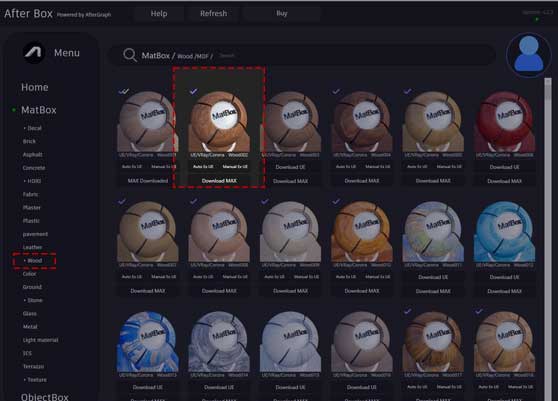
All materials are accessible through the lightweight AfterBox application (approximately 16MB). Within the software, users can drag and drop this rustic knotty wood material directly into Unreal Engine or into V-Ray and Corona inside 3ds Max.
This reduces setup time.
It also keeps parameters consistent between engines.
Additional details about access and plans are available at:
https://after-box.com/pricing/
Advanced Material Controls for Rustic Wood
Inside AfterBox, this wood PBR material includes adjustable production controls:
Scalable texture size for accurate plank or panel proportions
Integrated color correction to fine-tune reddish tones
Direct roughness, specular, and normal intensity control
One-click variation for tiling and subtle dirt addition
Free tutorials explaining implementation in Unreal Engine, V-Ray, and Corona
These controls make it easier to adapt the material to different project contexts without rebuilding the shader from scratch.
Access a comprehensive library of wood materials with an AfterBox subscription.

Save time on material setup
Instead of downloading this texture, use the optimized ready-made material for V-Ray, Corona Renderer (3ds Max) and Unreal Engine available in AfterBox.No manual setup


