




Characterizing Coarse Aggregate Asphalt Pavement
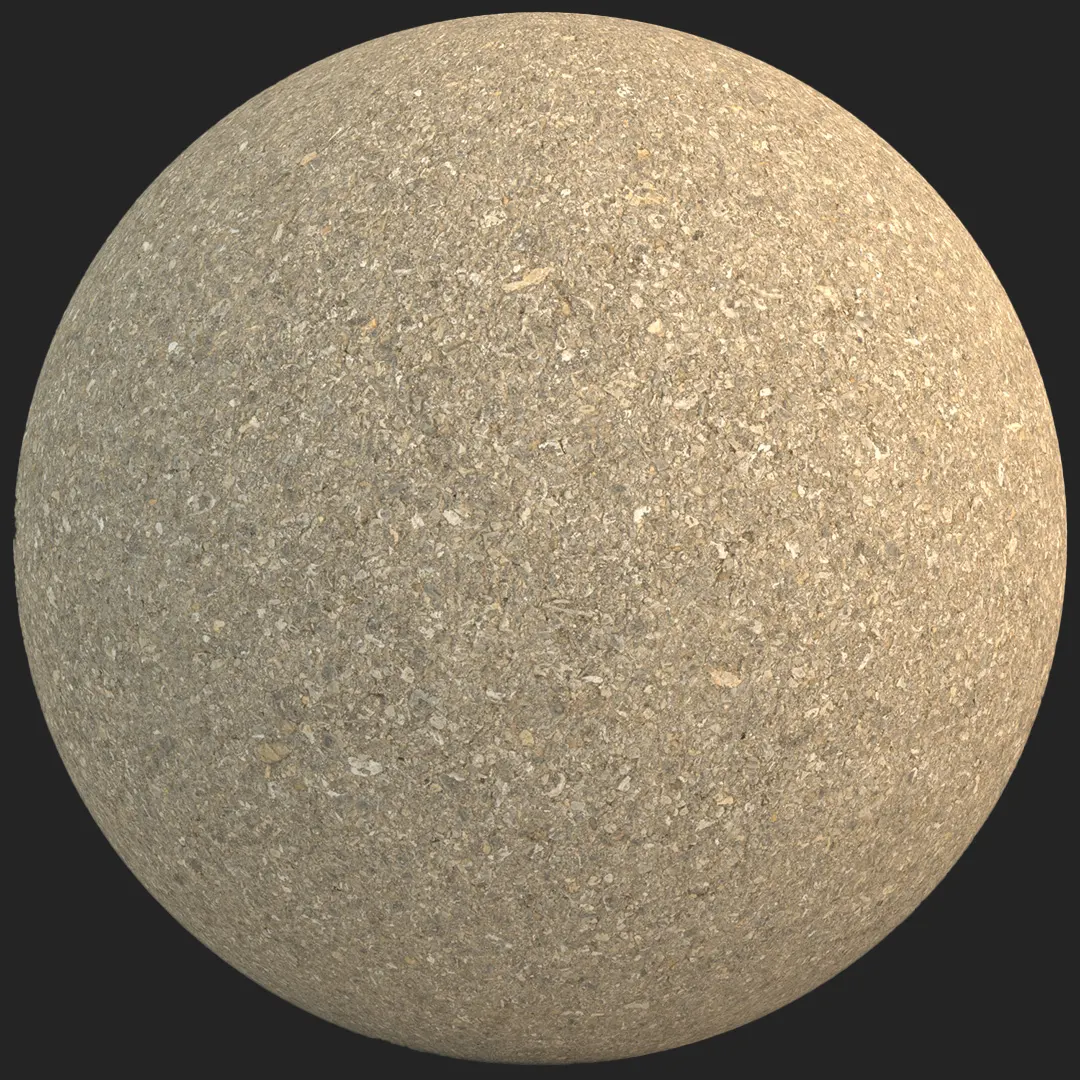
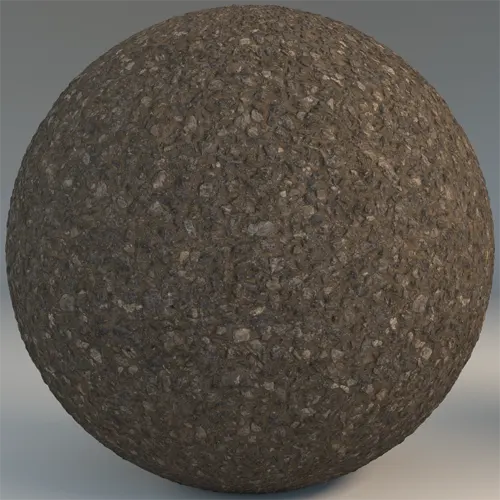
This professional-grade coarse aggregate asphalt pavement offers a highly detailed, granular surface essential for authentic urban and industrial environments. Unlike smoother finishes, this material features a pronounced mix of sharp, irregular stone chips set into a dusty, recessed bitumen binder. This creates a distinct visual depth that catches light across the varying elevations of the stones. Architects and 3D artists will find that the high-contrast relief provides excellent results when utilizing displacement maps, ensuring that the ground plane feels physically tactile rather than flat.
Implementation in Architectural Visualization
The material’s rugged aesthetic is perfect for grounding exterior scenes, such as expansive parking lots, heavy-duty loading docks, or worn urban pathways. In residential projects, it serves as a robust choice for driveways that require a natural, weathered look. Game environment artists can leverage this texture to build convincing ground layers for street scenes or areas depicting construction debris, where a high-fidelity, industrial feel is required.Styling and Design Integration
This asphalt surface excels in industrial, modern brutalist, and urban contemporary design schemes. It pairs exceptionally well with raw materials like brushed concrete, weathered corten steel, or structural black metal frames. For projects involving infrastructure, the coarse texture provides the perfect base for adding high-visibility yellow or white traffic paint markings. It is generally less suited for high-end, luxury residential interiors where a polished or refined aesthetic is prioritized over industrial utility.Rendering and Technical Specifications
Delivered at an 8K resolution, this PBR texture includes all necessary maps—Base Color, Specular, Roughness, Normal, Displacement, and Ambient Occlusion. The seamless tiling allows for infinite expansion over large site plans without visible repeating patterns, which is critical for wide-angle aerial shots or sweeping cinematic walkthroughs. When rendering, ensure your displacement settings are adjusted to capture the sharp edges of the aggregate; otherwise, the surface may appear too soft for a realistic road material.
Save Time with AfterBox
Browse, download and apply materials directly in Unreal Engine, V-Ray and Corona.
Enhancing Realism Through Layering
To push this material beyond a generic look, integrate procedural dirt or decals. Small additions like oil spills, light salt efflorescence, or fine sand deposits accumulating in the recesses between the stones can instantly elevate the realism of a scene. In damp environments, layering a subtle wetness effect over the binder while keeping the aggregate chips slightly drier can mimic the natural drainage properties of real-world asphalt.



Streamlined Material Implementation
The provided ready-made material settings are optimized for immediate use in Unreal Engine, V-Ray, and Corona Renderer. These setups are pre-configured to handle the physical properties of bitumen and stone aggregate, allowing you to bypass manual material node adjustments. By utilizing the ready-made assets, you ensure consistent behavior across different lighting conditions and rendering engines, which significantly speeds up your project workflow during the final staging process.
Workflow Benefits for Pro Artists
By dragging these pre-configured materials directly into your viewport, you eliminate repetitive setup tasks. This ready-made version is built to handle the complexities of PBR workflows, giving you more time to focus on lighting and composition. For those who need consistent, high-quality assets, these materials are fully compatible with professional pipelines. Access more professional-grade resources at our subscription portal: https://after-box.com/pricing/
Save time on material setup
Instead of downloading this texture, use the optimized ready-made material for V-Ray , Corona Renderer (3ds Max) and Unreal Engine available in AfterBox.
No manual setup


