

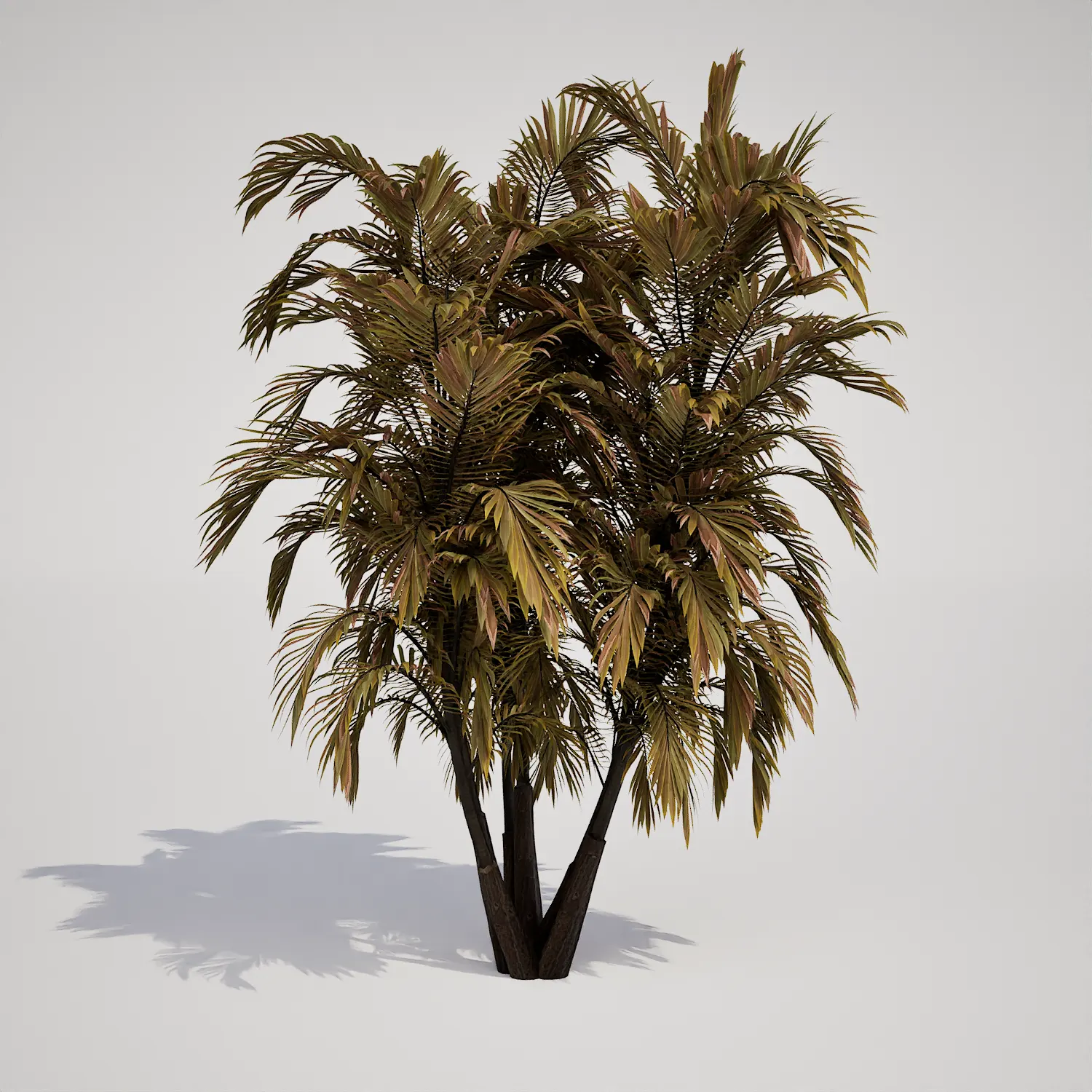

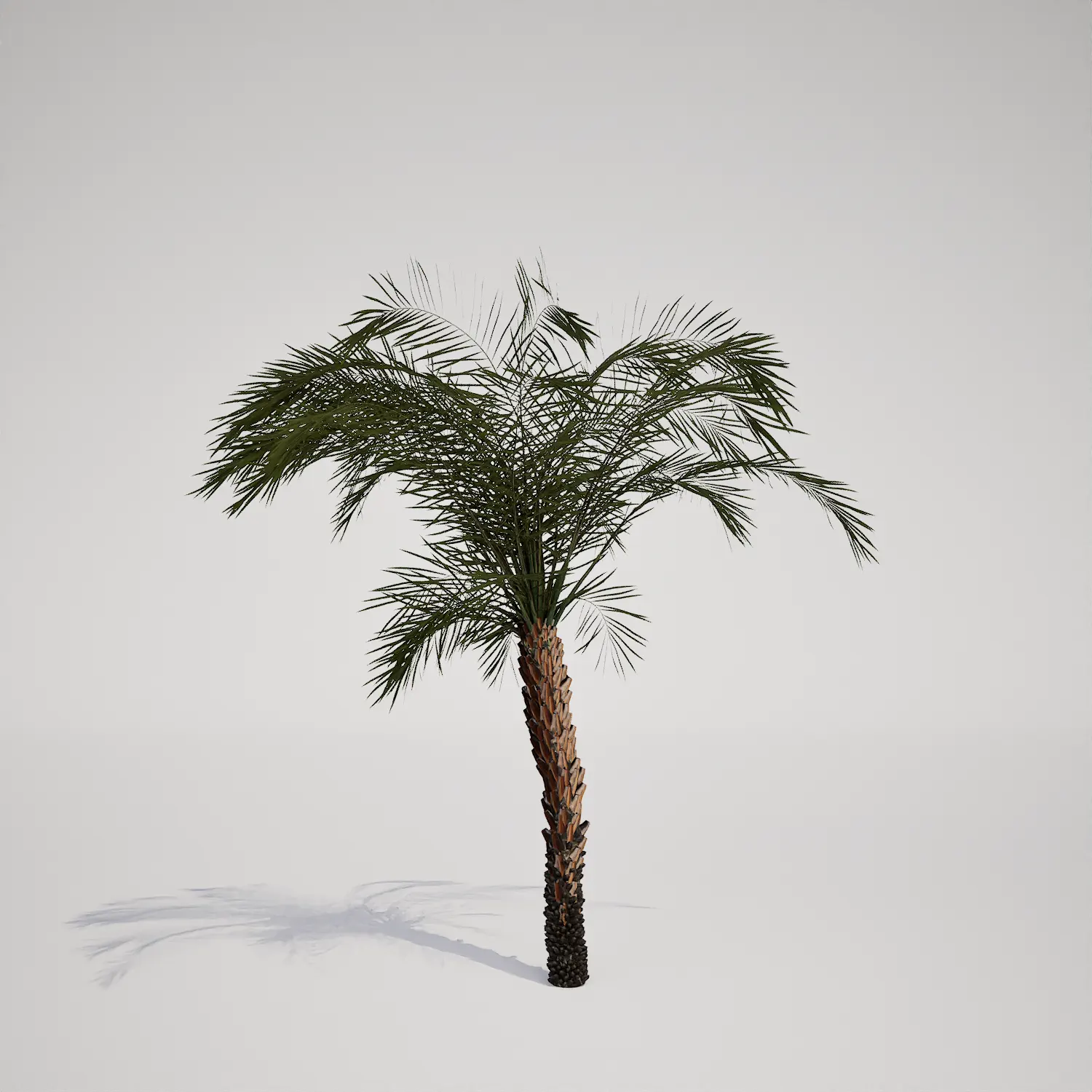


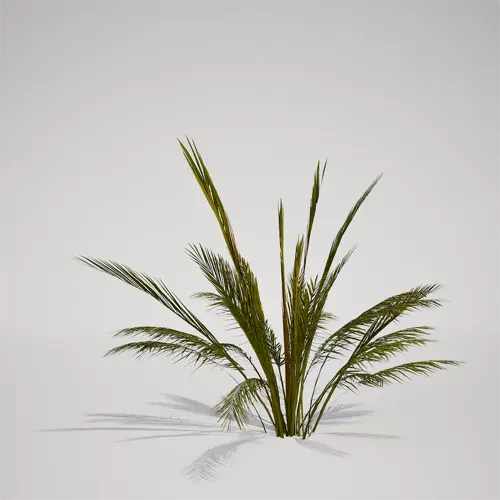
Introducing the Juvenile Tropical Palm Asset
This free young tropical palm sapling provides a versatile, clumping 3D asset perfect for filling lower-level gaps in your Unreal Engine scenes. With its vibrant yellow-green and olive foliage, this plant—which shares a visual resemblance to a juvenile Phoenix species—brings a fresh, natural touch to any environment. Its compact stature, typically ranging from 1 to 1.5 meters, makes it an ideal choice for filling understory space without overwhelming your primary focal points. By integrating this model, you can quickly add depth to your exterior environments or interior atrium designs, ensuring your foliage remains consistent with a lush, realistic tropical landscape aesthetic.
# Strategic Project Integration
Whether you are designing a high-end resort for an architectural visualization or creating realistic forest undergrowth in an open-world game, this asset adapts to various scales. Landscape architects often utilize this clumping palm as a container plant for modern patios or as a soft accent for pool decks. For interior designers, it serves as an excellent filler for lobby corners or office waiting areas where a touch of nature is required. If you are layering vegetation, you might pair this model with large-leafed tropical plants to achieve a more complex, dense ecosystem feel.
# Environmental and Design Versatility
This palm thrives in a range of styles, from modern minimalist exteriors to lush, tropical xeriscapes. It pairs exceptionally well with ground covers like river stones or decorative gravel, which helps highlight the fibrous stalks and pinnate frond detail. While it is highly adaptable, it is less suitable for high-latitude temperate formal gardens where the aesthetic mismatch might feel jarring. Its evergreen nature ensures that, regardless of the seasonal settings in your project, the foliage retains its characteristic color and structure.
# Technical Performance and Optimization
Engineered with 1,690 triangles, this asset balances high-quality leaf structure with performance efficiency. Since it is fully Nanite-compatible, you can drop this model into your Unreal Engine 5 projects without the need for manual LOD setup. This streamlines your workflow significantly, allowing you to focus on lighting and atmosphere. While the current texture resolution is optimized for mid-range viewing, artists seeking extreme macro detail might consider layering it with slightly more complex models or placing it near camera-facing surfaces to maximize its visual impact.

# Best Practices for Foliage Scattering
To avoid the “copy-paste” look common in procedural rendering, utilize the foliage tool’s random rotation and scale settings. Because this palm has a unique clumping form, even slight rotations on the Z-axis will make instances appear as distinct, unique plants. When scattering, mix this palm with other slender palm 3d assets to create a more realistic, non-uniform distribution. Varying the base scale by 10% to 15% will help prevent the foliage from looking like a uniform carpet, especially in wide-angle architectural shots.
# Modern Foliage Workflow
This plant asset is designed for seamless integration into the Unreal Engine 5 ecosystem. Because the pivot points and collision meshes are pre-configured, you can drag and drop this item into your scene immediately. By eliminating the time-consuming process of importing, scaling, and LOD generation, this asset allows creators to maintain momentum in their production pipeline.
# Downloading and Licensing
You can download this free 3D model and begin populating your environments today. The asset is compatible with all standard Unreal Engine 5 workflows, ensuring it fits into your existing library without technical friction. For access to our full library of curated, high-fidelity vegetation and foliage assets for professional projects, you can find more information about subscription: https://after-box.com/pricing/


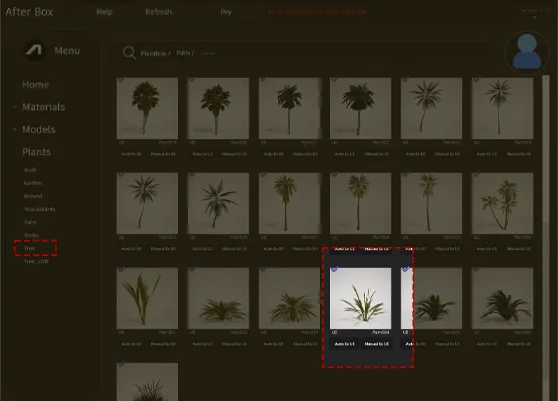
Save time importing objects
Download this object and hundreds of others from Afterbox software right now and import it into your Unreal Engine project with one click.
